Pinterest Ads: The Complete Beginner’s Guide (2026)
Pinterest ads are just your Pins, paid to reach more people — at the exact moment they’re planning to buy. Here’s how they work, what they cost, and how to run your first one without wasting money.

Pinterest ads sound intimidating until you realize what they actually are: your regular Pins, paid to show up in front of more people. That’s it. There’s no separate scary “ad format” to master — a promoted Pin looks almost exactly like an organic one, it just reaches an audience you choose instead of waiting for the algorithm to find them. And because Pinterest is a place people go to plan and buy, those extra eyeballs tend to be unusually valuable. Let me walk you through the whole thing in plain English: how ads work, what they cost, how to set your first one up, and — importantly — when paid is actually worth it versus just doing the free stuff well.
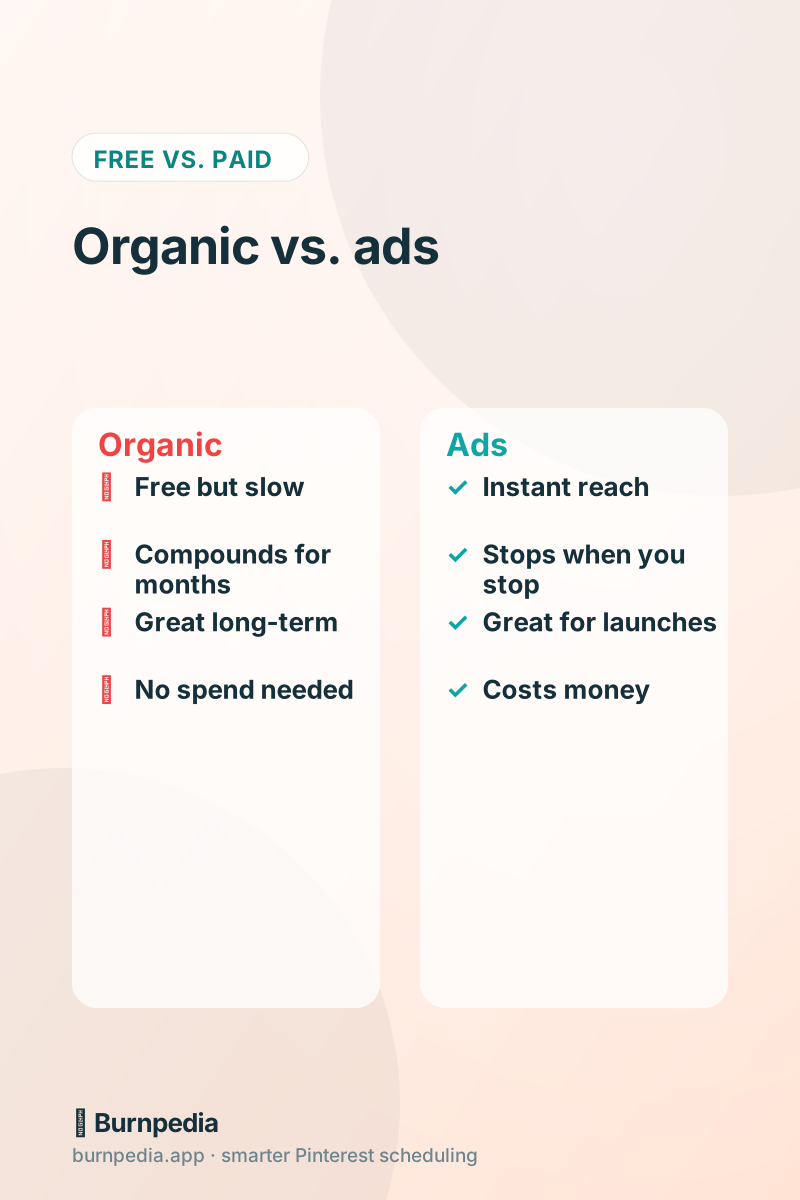
Before we go further, one honest framing: ads are an amplifier, not a magic wand. They make a good Pin reach more people faster; they can’t rescue a bad offer or a broken landing page. The businesses that win with Pinterest ads almost always have their organic house in order first, which is exactly the case I make in Pinterest ads vs. organic. Think of ads as the accelerator you press once the engine already runs.

How Pinterest ads actually work
When you “promote” a Pin, you’re paying to have Pinterest show it to people who match your targeting — in search results, in the home feed, and in related Pins. You pick a goal (like website traffic or conversions), choose who should see it (keywords, interests, demographics), set a budget, and Pinterest runs an auction to place your Pin in front of the right people. You’re typically charged per click or per thousand impressions depending on your objective. The mechanics feel a lot like other ad platforms, but the context is gentler: people aren’t interrupted mid-scroll on a social feed, they’re actively looking for ideas to act on.
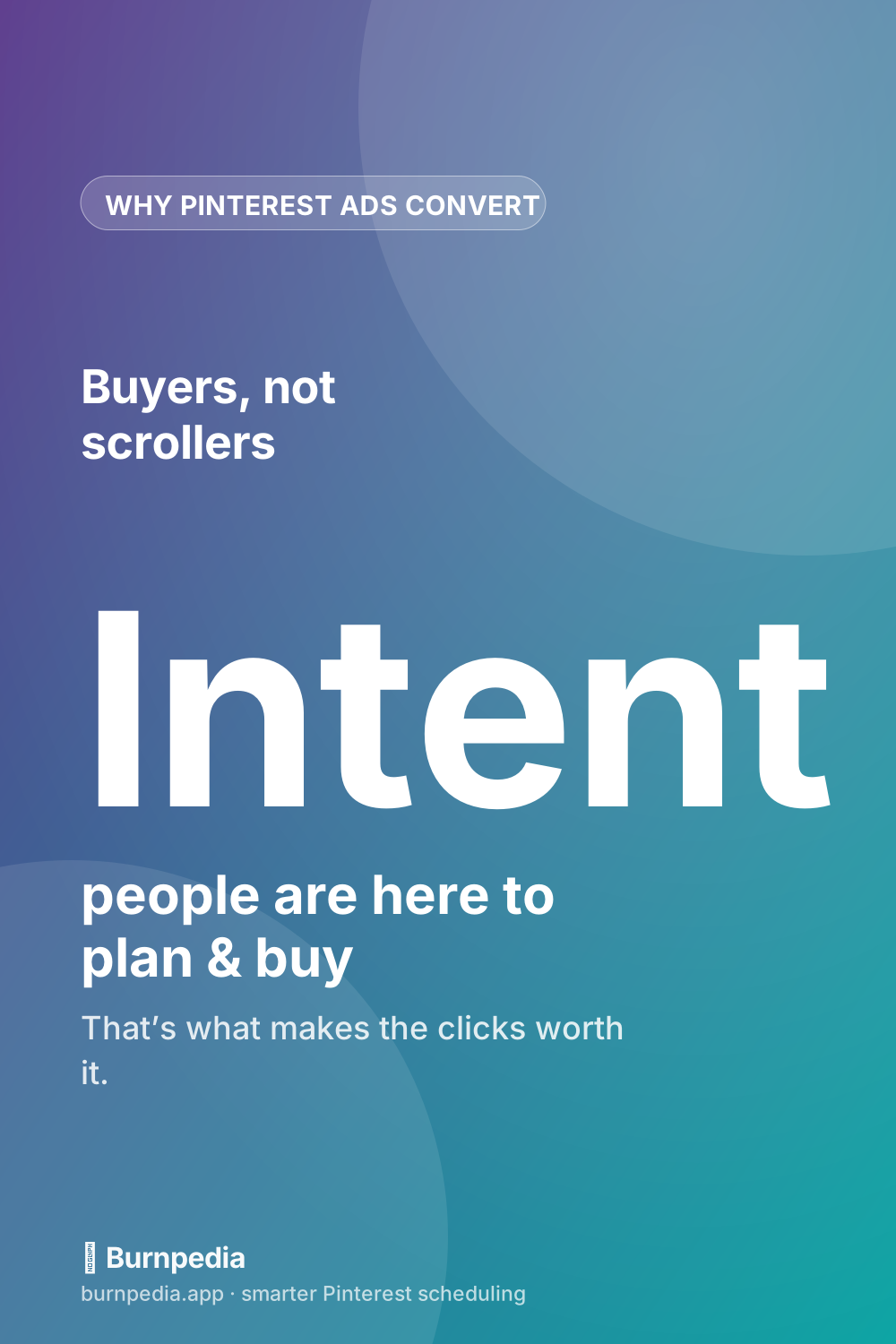
The single biggest reason Pinterest ads can pay off is intent. Someone searching “small kitchen storage ideas” or “fall capsule wardrobe” is planning a purchase, not killing time. Putting your product in that moment is fundamentally different from shouting at a passive audience. That intent is why a well-run Pinterest ad can quietly outperform flashier channels for the right business.
The campaign types, simply
Pinterest organizes ads by objective, and you should pick the one that matches what you actually want. If you want people to visit your site or blog, choose a traffic/consideration objective. If you want purchases and you’ve got conversion tracking set up, choose a conversions objective so Pinterest optimizes toward actual sales. There are also awareness objectives (cheap, broad reach) and shopping/catalog ads for e-commerce, which turn your product feed into promotable Pins automatically. Don’t overthink it as a beginner: most people should start with either traffic or conversions.
If you sell physical products, the shopping side is worth a dedicated look, because catalog ads let you promote your entire product range without building each Pin by hand — I break that down in Pinterest shopping ads. And to make any conversion-focused campaign work, you’ll need the Pinterest tag installed so it can measure sales, which is exactly what conversion tracking covers.
Setting up your first ad
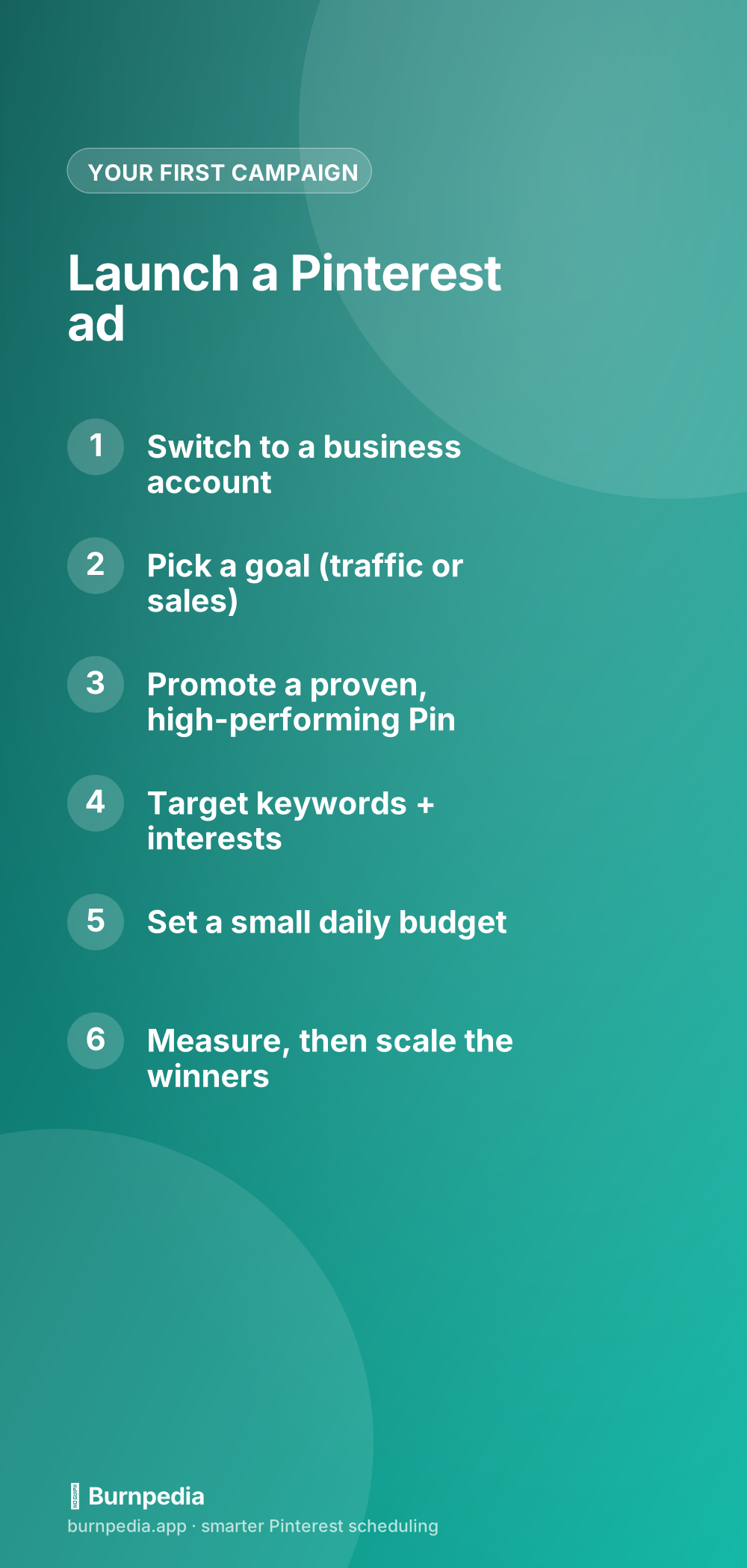
Here’s the beginner-friendly path. First, make sure you’re on a Pinterest business account (it’s free and unlocks the ads manager). Then, instead of creating a brand-new Pin to promote, pick one that’s already performing organically — a Pin people are genuinely saving and clicking. Promoting a proven winner is the single best way to avoid wasting money, because you already know the creative works. Choose your objective, add a tight set of relevant keywords and interests, set a modest daily budget you’re comfortable losing while you learn, and launch.
Then — and this is where most beginners go wrong — give it a little time and actually read the results before fiddling. Ads need a few days and some data before their performance means anything. Once you’ve got numbers, kill what’s not working, put more budget behind what is, and iterate. Slow and measured beats frantic tweaking every hour.
What Pinterest ads cost (the short version)
You can start genuinely small — a few dollars a day is enough to learn — and Pinterest’s costs are often lower than the noisier ad platforms, again because of that buying intent. Your real cost depends on your objective, your targeting, and how good your creative is: a great Pin aimed at the right people costs far less per result than a mediocre one blasted broadly. I put real numbers and budgeting advice in how much Pinterest ads cost, and a dedicated plan for tiny budgets in Pinterest ads on a small budget.
When ads are worth it — and when they’re not
Ads shine in specific situations: launching a new product, promoting a seasonal offer, scaling a Pin that’s already converting, or getting fast data when you don’t have months to wait for organic to compound. They’re a poor fit if your offer isn’t dialed in, your landing page leaks visitors, or you’re hoping paid reach will compensate for not doing the free fundamentals. If you’re still unsure whether Pinterest is even right for your business at all, start with is Pinterest worth it for business before you spend a cent.
My honest recommendation for most small businesses: build a solid organic foundation first, find the Pins and offers that genuinely resonate, and then use ads to pour fuel on those specific fires. That order — prove it free, then amplify with paid — is how you avoid the classic trap of buying reach for something that was never going to convert anyway.
What makes a promoted Pin actually convert
Since your creative is doing most of the heavy lifting, it’s worth knowing what separates a promoted Pin that earns cheap clicks from one that burns money. The best-performing ad Pins are visually crisp and vertical, with a clear focal point that reads instantly even at thumbnail size. They usually carry a short, benefit-led text overlay — “Plan a week of dinners in 20 minutes,” not just a pretty photo — because that overlay tells a scrolling planner exactly why they should stop. And they look native: a promoted Pin that feels like a helpful piece of content, rather than a shouty banner ad, gets engaged with far more warmly on a platform people visit to plan, not to be sold to.
Just as important is that the Pin makes an honest promise your landing page keeps. If your ad implies a free checklist, the page had better lead with that checklist. Mismatch between the Pin and the destination is one of the quietest ways to waste ad spend, because you pay for the click and then lose the person in the first three seconds. Think of the Pin and its landing page as a single unit: the Pin earns the click, the page has to instantly deliver what the Pin promised, and only then does the money you spent have a chance to turn into a result.
This is also why creating three or four variations of your winning Pin is smart once you start advertising. Different images, hooks, and text overlays let you see which angle resonates most with a paid audience, and you can quietly retire the weaker ones and put budget behind the standout. You’re not reinventing the wheel each time — you’re taking a proven idea and finding its sharpest expression, which steadily drives your cost per result down as the campaign matures.
So that’s Pinterest ads without the intimidation: promoted Pins that put your best content in front of people already planning to buy. Get on a business account, promote a proven Pin, target it tightly, start with a small budget, and read the data before you react. Do that, and ads stop being a scary money pit and become a controllable dial you can turn up on the things already working. Start small, learn fast, and scale what earns. — Sadie
The prices and budgets here are examples, not financial advice. What you pay depends on your audience, your bids and the season.
Written by Sadie Brooks
Hey — I’m Sadie. I grew up in a small town outside Columbus, Ohio, moved to Austin for a job I quit within a year, and somewhere in between I started a scrappy little food blog to keep myself sane.
These days I help creators, bloggers, and small U.S. business owners grow on Pinterest without turning it into a second full-time job. I write the Burnpedia blog because I genuinely love this stuff, and because I wish someone had explained it to me in plain English years ago. Pour a coffee, pull up a chair.
Try Burnpedia freeWant Pinterest to run itself?
Every tip on this blog gets easier when your Pins publish on schedule. Burnpedia batches, times, and posts them for you — start free, no credit card.
Try Burnpedia free