How Much Do Pinterest Ads Cost? (Real 2026 Numbers)
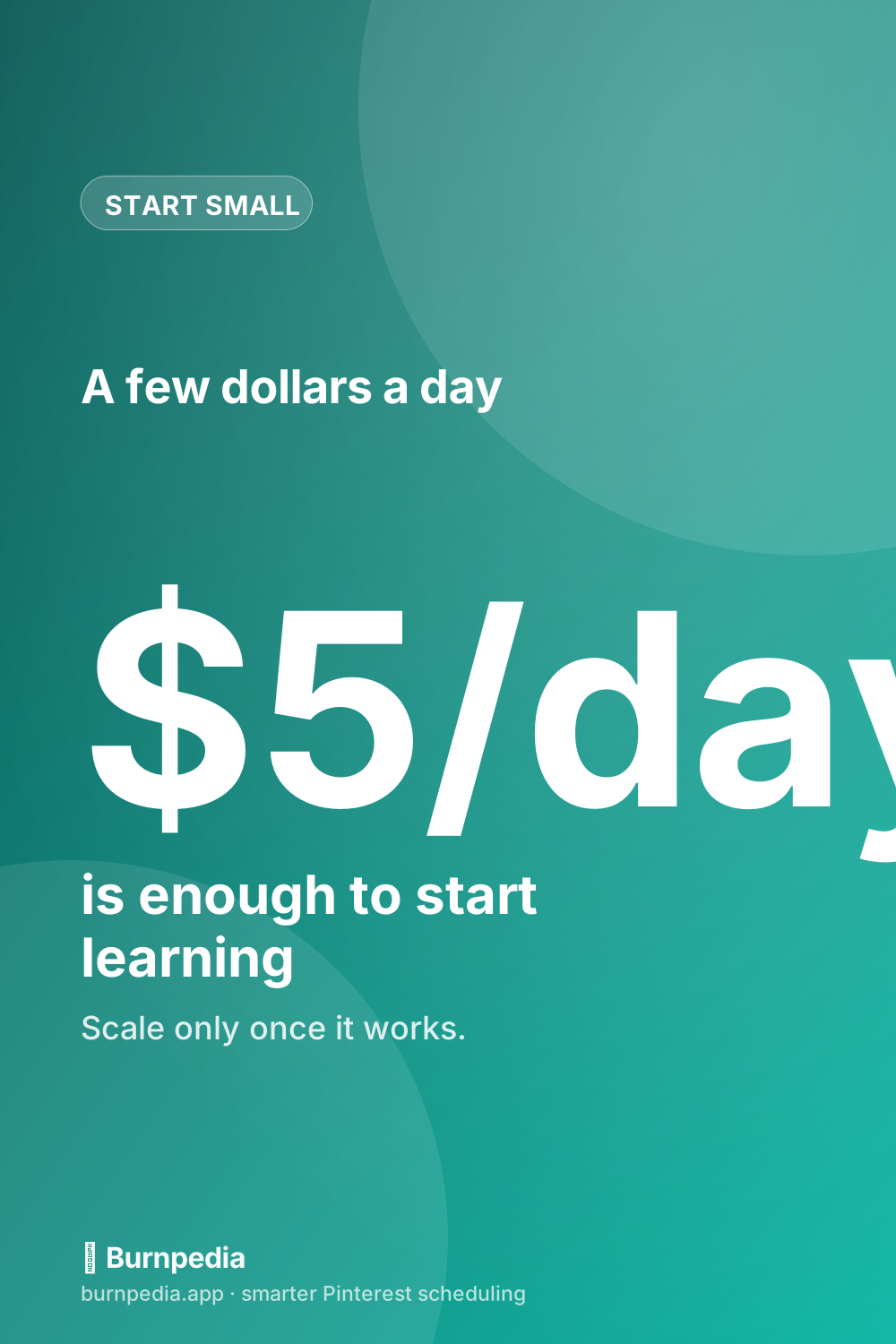
Pinterest ads can start at a few dollars a day — but the real cost depends on your goal, your targeting, and your creative. Here’s an honest look at the numbers and how to budget smartly.


The honest answer to “how much do Pinterest ads cost?” is the one nobody likes: it depends. But that’s a cop-out unless I tell you what it depends on, so let me actually do that. The good news up front is that Pinterest ads are among the more affordable places to advertise, you can start with just a few dollars a day, and — crucially — you are always in complete control of the spend. Pinterest never charges you more than the budget you set. So the real question isn’t “what do they cost,” it’s “how do I spend a small amount wisely and only scale up what’s working.” Let me break down the numbers and the levers.
If you haven’t yet, it’s worth reading the complete Pinterest ads guide first for how campaigns actually work — this post zooms in specifically on the money side. And if your budget is genuinely tiny, I wrote a whole plan for stretching five or ten dollars a day in Pinterest ads on a small budget.
The two ways you pay
Most Pinterest advertising is priced one of two ways. With cost-per-click (CPC), you pay when someone actually clicks through to your site — good when your goal is traffic or sales, because you only pay for real interest. With cost-per-thousand-impressions (CPM), you pay for every thousand times your Pin is shown — good for awareness, when you just want lots of eyeballs. Which one you use is mostly determined by the campaign objective you pick. For beginners chasing traffic or conversions, you’ll usually be in CPC-land, paying for clicks rather than mere views.
The actual per-click or per-thousand number varies a lot by niche, season, and competition, so I’m wary of quoting a single figure that’ll be wrong for you. What I’ll say honestly is that Pinterest clicks are frequently cheaper than the loud social platforms, and the traffic tends to convert better because of buying intent — so a slightly higher click cost can still be a bargain if those clicks turn into sales.
What actually drives your cost up or down
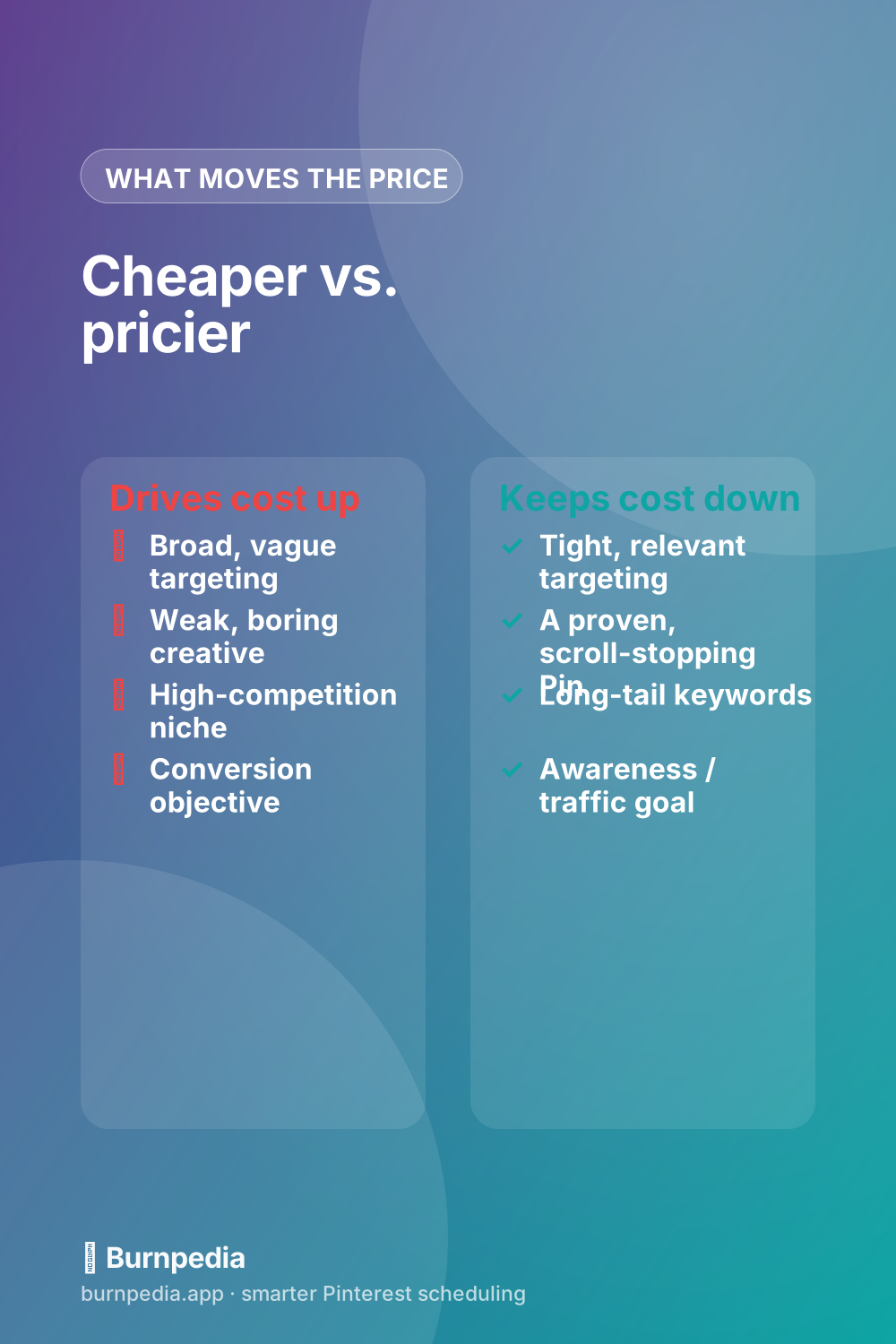
Your cost per result is not fixed — you influence it heavily, and this is where smart advertisers save a fortune. Three levers matter most. First, targeting: broad, vague audiences cost more and waste money, while tight, relevant targeting gets you cheaper, better clicks — which is exactly why I devoted a whole post to Pinterest ad targeting. Second, creative: a genuinely scroll-stopping, proven Pin earns clicks cheaply because Pinterest rewards engaging ads with better placement, while a boring one bleeds money. Third, your objective and competition: awareness is cheap, conversions in a crowded niche cost more. Pull those three levers well and your effective cost can drop dramatically for the exact same product.
This is why I keep hammering the “promote a proven Pin” advice. When you put budget behind a Pin that’s already earning saves and clicks organically, you start with a quality advantage that lowers your costs from day one. Starting with a brand-new, untested Pin is how beginners quietly overpay.
How to set a budget you won’t regret
Here’s the framework I’d give a friend. Decide on a daily amount you would be genuinely okay losing entirely while you learn — for many small businesses that’s five to fifteen dollars a day. Set that as a hard daily cap so there’s zero risk of a runaway bill. Run a single, tightly-targeted campaign promoting one proven Pin, and leave it alone for a few days to gather data. Then judge it on one number that actually matters: your cost per real result (a click that converts, a sale, an email signup) — not vanity impressions.
Once you know your cost per result, the math becomes simple: if a customer is worth more to you than what it costs to acquire them, scale up; if not, fix the targeting or creative before spending more. To even measure “cost per sale,” you’ll need the Pinterest tag firing, which is why conversion tracking is non-negotiable before you spend on conversion campaigns.
A note on the “hidden” cost
There’s one cost people forget: the cost of a bad landing page. You can get the cheapest clicks in the world and still lose money if the page they land on is slow, confusing, or doesn’t match the Pin’s promise. Before you spend anything, make sure the destination loads fast, looks like the Pin, and makes the next step obvious. Fixing that is free and often does more for your effective cost-per-sale than any bidding trick.
Automatic vs. custom bidding
One setting that quietly affects your costs is bidding. Pinterest can set your bid automatically, aiming to get you the most results for your budget, or you can set a custom bid cap that tells it the most you’re willing to pay per result. For beginners, automatic bidding is almost always the right call — it lets Pinterest’s system optimize while you gather data, and it spares you from guessing at numbers you don’t yet have context for. Custom bidding becomes useful later, once you know your target cost per result cold and want tighter control over profitability at scale.
The mistake I see is people setting an aggressively low custom bid out of caution, then wondering why their ad barely spends or reaches anyone. A bid that’s too low simply loses the auction, so your Pin doesn’t get shown and you learn nothing. If you’re just starting, let the algorithm bid for you, focus your energy on the levers that matter more — targeting and creative — and revisit bidding only once you have a proven, profitable campaign you want to squeeze.
It’s also worth understanding daily versus lifetime budgets. A daily budget caps what you spend each day, which is the simplest way to keep a steady, controlled test running. A lifetime budget caps total spend across a campaign’s run and lets Pinterest pace it for you, which suits time-boxed promotions like a seasonal sale. Neither is “cheaper” inherently — they’re just different ways to keep your total spend exactly where you want it. For most people learning the ropes, a modest daily budget is the clearest, safest way to stay in control while you figure out what a result actually costs you.
And remember that “cost” is only ever half the equation — what matters is cost relative to value. A five-dollar click that reliably leads to a fifty-dollar sale is a bargain; a fifty-cent click that never converts is expensive at any price. So resist the temptation to chase the lowest possible cost per click as a goal in itself. The real target is the lowest cost per profitable result, and sometimes paying a bit more to reach a better-qualified buyer is the cheaper choice in the end. Judge your spending by what it earns back, not by how small the per-click number looks.
So, how much do Pinterest ads cost? As little as a few dollars a day to start, with a per-result price you largely control through targeting, creative, and objective. Set a daily cap you can afford, promote a proven Pin to a tight audience, measure cost per real result, and scale only what earns. Do that and Pinterest ads become one of the most controllable, affordable ways to buy attention from people who are actually ready to act. Start small, stay disciplined, and let the numbers tell you when to spend more. — Sadie
The prices and budgets here are examples, not financial advice. What you pay depends on your audience, your bids and the season.
Written by Sadie Brooks
Hey — I’m Sadie. I grew up in a small town outside Columbus, Ohio, moved to Austin for a job I quit within a year, and somewhere in between I started a scrappy little food blog to keep myself sane.
These days I help creators, bloggers, and small U.S. business owners grow on Pinterest without turning it into a second full-time job. I write the Burnpedia blog because I genuinely love this stuff, and because I wish someone had explained it to me in plain English years ago. Pour a coffee, pull up a chair.
Try Burnpedia freeWant Pinterest to run itself?
Every tip on this blog gets easier when your Pins publish on schedule. Burnpedia batches, times, and posts them for you — start free, no credit card.
Try Burnpedia free