Bulk Scheduling Pinterest Pins: Spreadsheet vs. Bulk Upload vs. API
Scheduling one Pin at a time is fine for ten Pins. For a hundred, you need bulk. Here are the three real ways to bulk-schedule Pinterest Pins — and how to pick the right one without looking like a spammer.

Scheduling Pins one at a time is perfectly lovely when you have ten of them. But the second you’re serious about Pinterest — running a store, a busy blog, or client accounts — you hit a wall. You need to schedule dozens or hundreds of Pins, and doing that by hand, one form at a time, is soul-crushing. That’s where bulk scheduling comes in. It’s the difference between Pinterest being sustainable and Pinterest being a grind you eventually abandon.
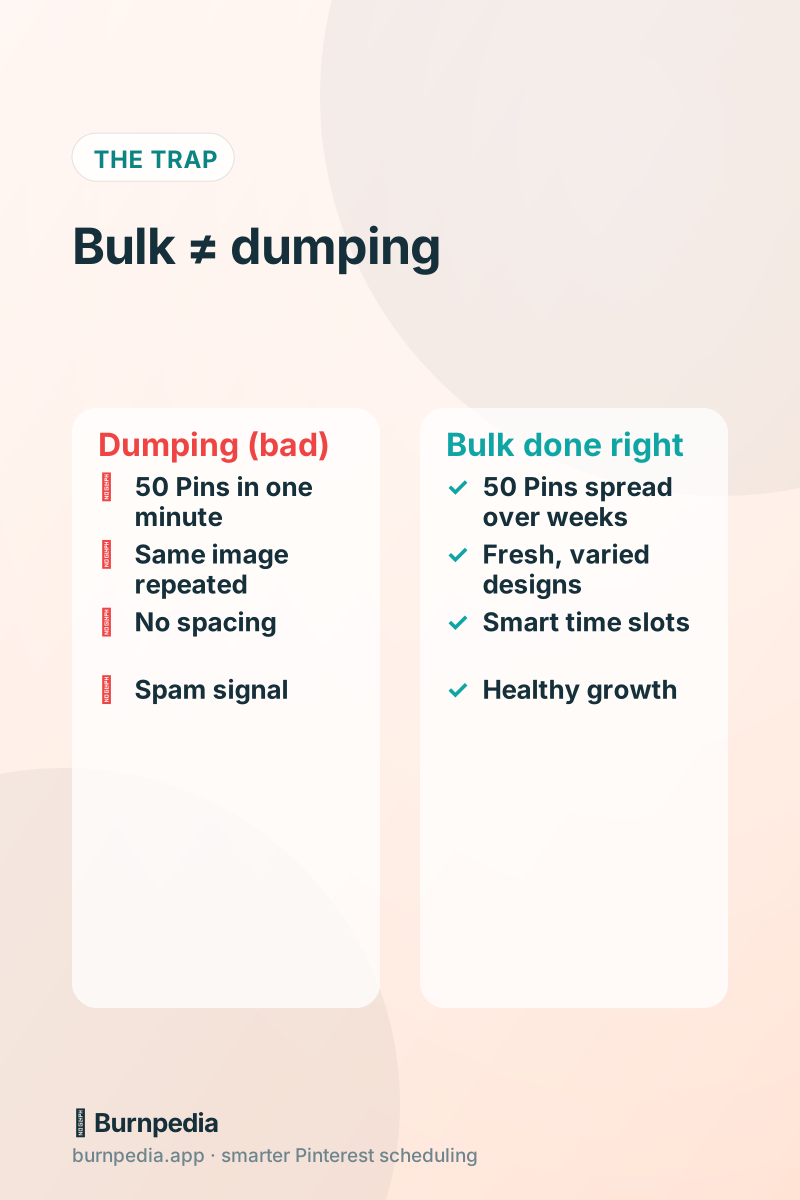
But “bulk” is a word that hides a trap, so let’s name it right up front: bulk scheduling is not the same as dumping. Dumping 50 identical Pins into Pinterest in one minute is a great way to look like a spam bot and get your reach throttled. Real bulk scheduling means preparing a lot of Pins at once and then releasing them at a healthy, spaced-out pace. Keep that distinction in your head through this whole post — it’s the thing that keeps you safe.
If you haven’t nailed down your posting rhythm yet, read how often you should pin first — bulk scheduling only works if you know the pace you’re filling. Then the question becomes: how do you prepare all those Pins efficiently? There are three real answers.
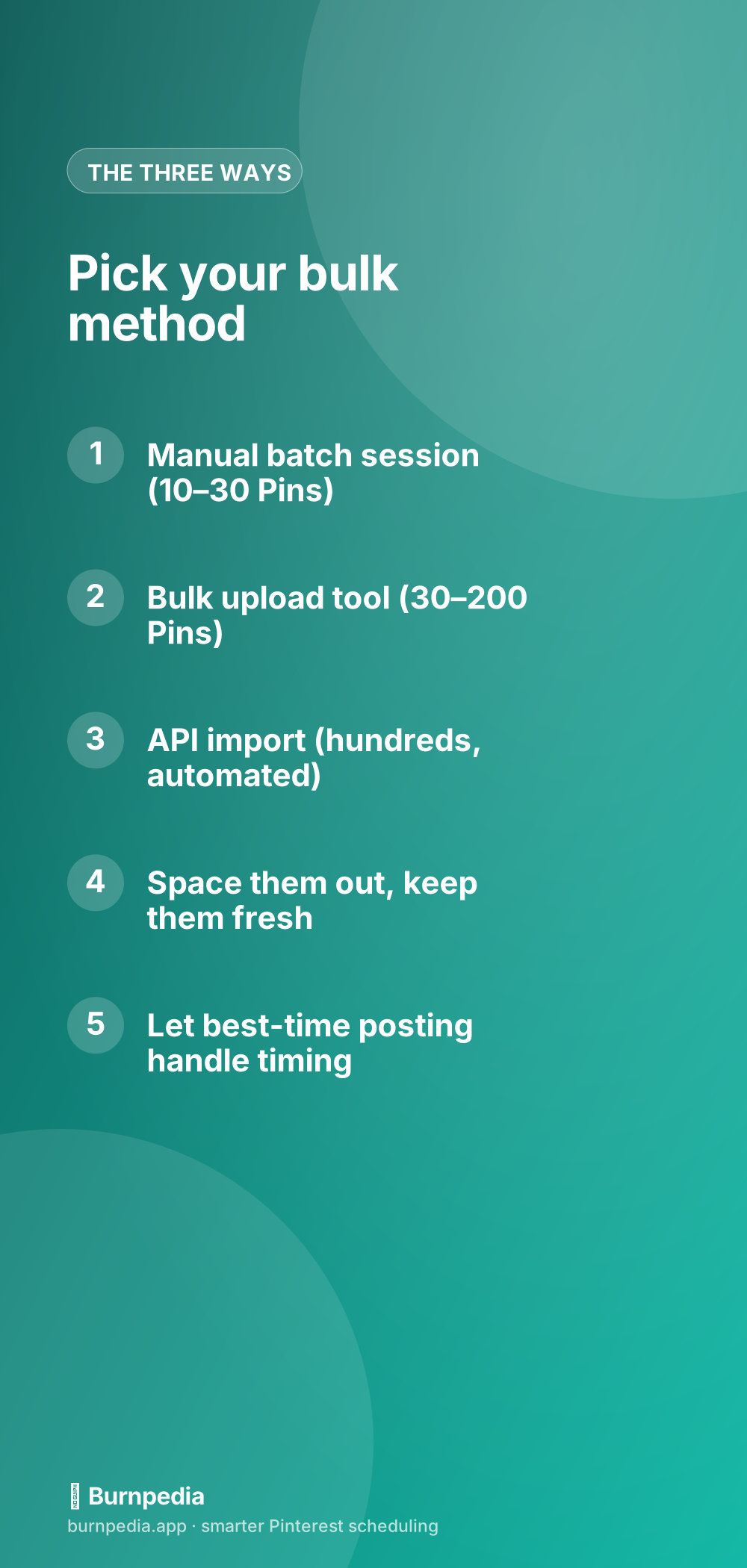
Method 1: the manual batch session (10–30 Pins)
The simplest form of bulk scheduling isn’t a special feature at all — it’s a habit. You block off an hour, put on a podcast, and schedule a batch of Pins in one focused sitting instead of scattering them across the week. You’re still doing them one at a time, but doing them together is far more efficient because you’re in the zone: images ready, captions flowing, boards picked.
This is honestly enough for a lot of creators. Batch a week or two of Pins every Sunday, drop them on the calendar, and let the scheduler publish them. If that’s your scale, you don’t need anything fancier — the smart-scheduling basics cover it completely. The manual batch is the floor, and for many people it’s also the ceiling. No shame in that.
Method 2: the bulk upload tool (30–200 Pins)
When you’re past thirty Pins, the manual session starts to hurt, and that’s where a proper bulk-upload feature earns its keep. You drop in a whole folder of images at once, and the tool spreads them across smart time slots for you — assigning boards, staggering the schedule, filling your queue in minutes instead of hours. This is the sweet spot for busy bloggers and shops with a real content library.
The magic here is the automatic spacing. A good bulk-upload tool won’t let you dump — it distributes your Pins across days and weeks at your audience’s best times, so 100 images become a healthy, natural-looking posting schedule instead of a spammy flood. You get the efficiency of “upload everything at once” with the safety of “release it at a human pace.” That’s the whole game.
Pair bulk upload with a real plan and it’s unstoppable. Map out your themes for the month using a content calendar, batch-create the images, bulk-upload them, and let the tool handle timing. That’s a month of Pinterest in an afternoon — the dream workflow for anyone treating this seriously.
Method 3: the API (hundreds of Pins, fully automated)
The heavy-duty option is the API, and it’s the right call when your Pins are being generated by another system — a store catalog, a spreadsheet, a content pipeline — or when you’re managing so many that even bulk upload feels manual. With the API, you write a small script (or use a no-code tool) that reads your source and creates each Pin programmatically. Two hundred Pins from a spreadsheet? A loop that runs while you get coffee.
I walk through exactly how in the Burnpedia API guide, but the concept is simple: each row of your data becomes one API call that schedules a Pin. And here’s the safety net that makes this the least spammy option of all — the API’s built-in write rate limits pace your import for you. Even if you try to fire 500 Pins at once, the API simply spreads them out for you. You literally cannot dump.
for (const row of pinsFromSpreadsheet) {
  await fetch("https://burnpedia.app/api/v1/pins", {
    method: "POST",
    headers: {
      Authorization: "Bearer bp_live_YOUR_API_KEY",
      "Content-Type": "application/json",
    },
    body: JSON.stringify({
      image_url: row.image,
      title: row.title,
      board_name: row.board,
      scheduled_at: row.date,
    }),
  });
}
That little loop is a superpower for agencies and shops. Onboarding a new client with a backlog of content? Import it all at once. Migrating from another tool? Export to a spreadsheet, run the loop, done. The API turns “hundreds of Pins” from a dreaded chore into a solved problem.
The rules that apply to all three methods
No matter which method you pick, the same three rules keep you healthy. First, space everything out — a good tool does this for you, but never override it into a dump. Second, keep your Pins fresh: bulk-scheduling the same image over and over is the fastest way to look like spam, so vary your designs even at scale. Third, always link to real, valuable destinations, because bulk volume pointing at thin pages erodes trust fast.
Follow those, and bulk scheduling is not just safe — it’s exactly what Pinterest wants from an active, consistent creator. Break them, and no amount of volume will save you. Quality and pacing beat raw quantity every single time.
Prep once: the batch-creation workflow
The dirty secret of bulk scheduling is that the scheduling isn’t the hard part — creating the Pins is. Uploading 100 images is fast; making 100 good images is the actual work. So the real skill of bulk scheduling is batch creation: setting aside dedicated time to produce a big library of Pins at once, in an assembly line, rather than one at a time whenever inspiration strikes. Make all your images in one session, write all your captions in another, and suddenly the “bulk” part is trivial.
Templates are your best friend here. Build a handful of reusable Pin designs — a recipe layout, a quote layout, a product layout — and you can pump out dozens of on-brand Pins by swapping the photo and headline. This is where AI pin creation earns its keep, too: turning a title into a finished, correctly-sized Pin in seconds means a batch of 50 doesn’t require a designer or a full day in Canva. The faster you can create, the more you can bulk-schedule without it becoming a second job.
And keep a running backlog. The most sustainable bulk-schedulers always have a folder of ready-to-go Pins waiting. When you have a productive afternoon, you make more than you need and bank the surplus. Then on a busy week when you have zero creative energy, you just bulk-upload from the backlog and stay consistent anyway. That buffer is what keeps your account alive through the inevitable busy stretches — it’s the difference between a temporary dip and a dead account.
Which method is right for you?
Simple decision tree. Under thirty Pins at a time, and you’re making them by hand? The manual batch session is all you need. Thirty to a couple hundred, from a folder of images? Use a bulk-upload tool and let it spread them out. Hundreds of Pins, or Pins generated by another system? Go straight to the API. And plenty of people use all three at different moments — a weekly batch, a monthly bulk upload, and an API pipeline for their store. Mix and match to fit the job.
Consistency is the whole game on Pinterest, and consistency is really hard to sustain one Pin at a time. Bulk scheduling — done at a human pace, with fresh Pins and real links — is how you make consistency realistic instead of aspirational. Prepare in batches, release steadily, and let the tools carry the boring part. That’s how you keep showing up without burning out. — Sadie
Written by Sadie Brooks
Hey — I’m Sadie. I grew up in a small town outside Columbus, Ohio, moved to Austin for a job I quit within a year, and somewhere in between I started a scrappy little food blog to keep myself sane.
These days I help creators, bloggers, and small U.S. business owners grow on Pinterest without turning it into a second full-time job. I write the Burnpedia blog because I genuinely love this stuff, and because I wish someone had explained it to me in plain English years ago. Pour a coffee, pull up a chair.
Try Burnpedia freeWant Pinterest to run itself?
Every tip on this blog gets easier when your Pins publish on schedule. Burnpedia batches, times, and posts them for you — start free, no credit card.
Try Burnpedia free