The three WordPress Pinterest plugins
They are independent — install one, or all three. One is a WordPress Pin scheduler, one is a Pinterest image maker that runs inside your dashboard, and one is a save button (the “Pin it button” readers expect on a picture) with its own click analytics. Each is on WordPress.org under GPLv2 or later, with no bundled tracker, no build step and no minified blob: what the directory reviews is what runs on your site.
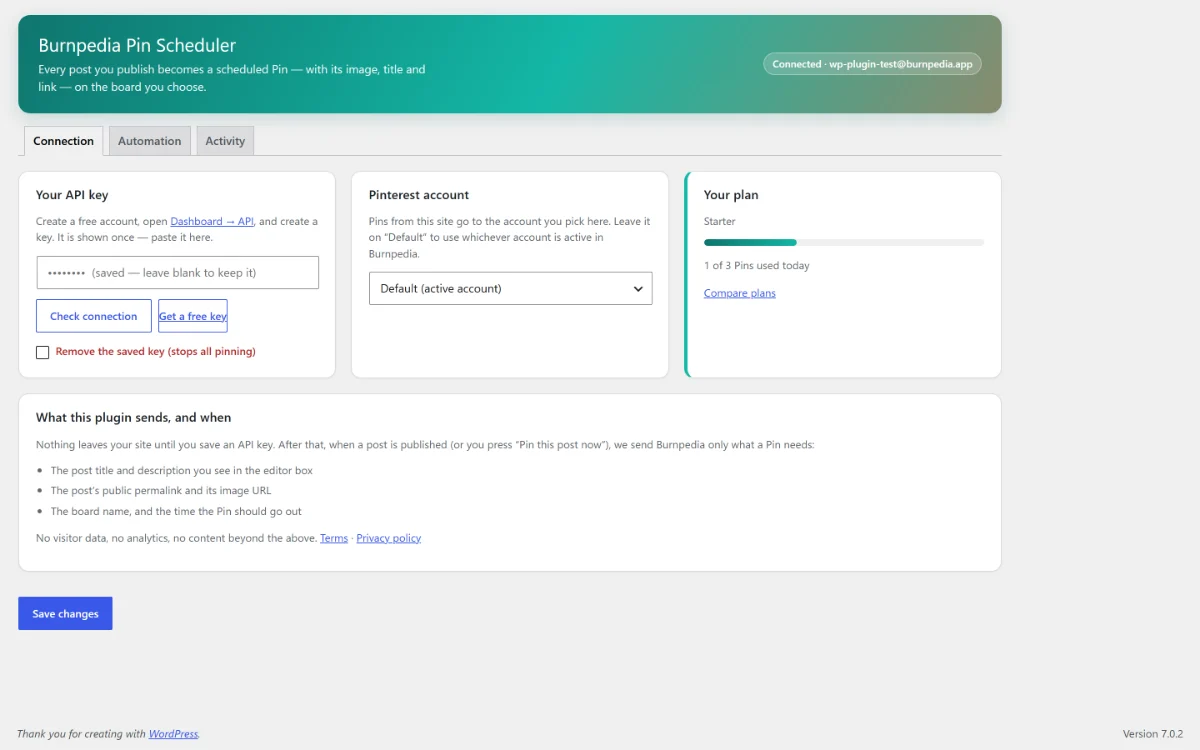
Writing the post is the work. Remembering to pin it, three days later, is the part that quietly stops happening. This plugin closes that gap: when a post goes live it builds a Pin from that post’s image, title and link and hands it to your Burnpedia queue, on the board you picked, at a sensible time — without you opening Pinterest.
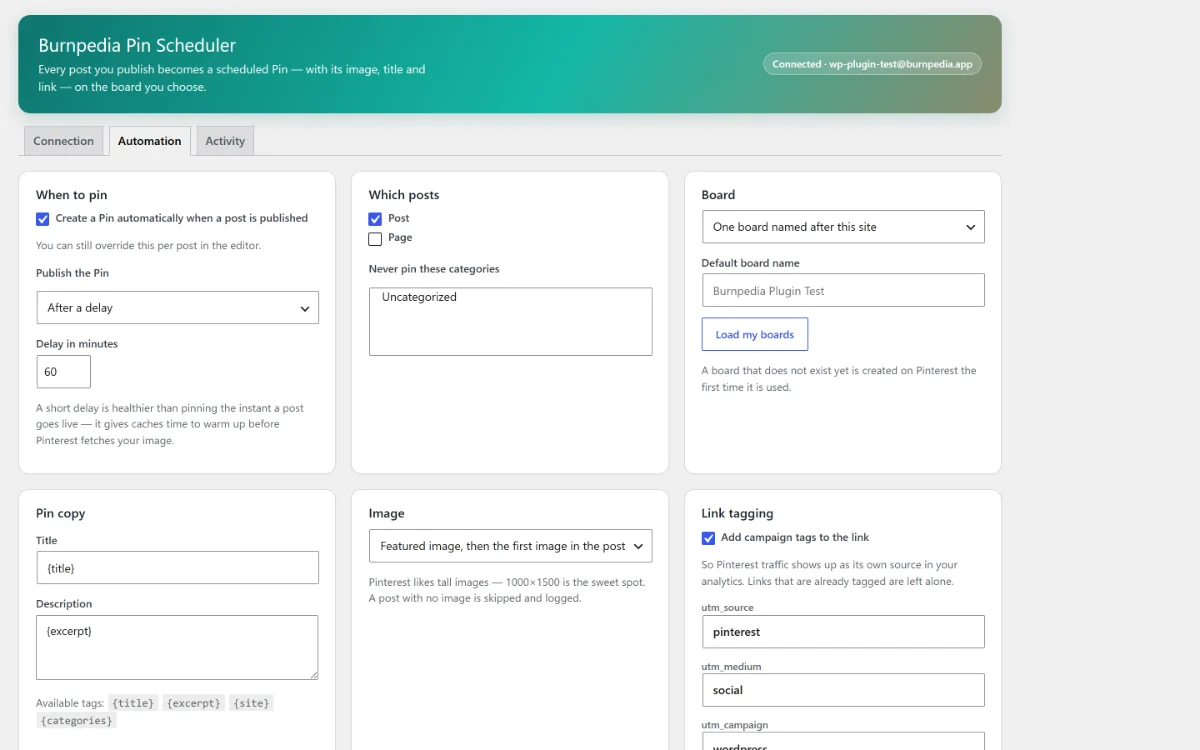
- ✓ Pins automatically on publish, or only the posts you tick.
- ✓ Uses the featured image, or the first image in the post — and designs a cover from the title when there is none.
- ✓ One fixed board, a board per category, or a board named after your site. A board that does not exist yet is created for you.
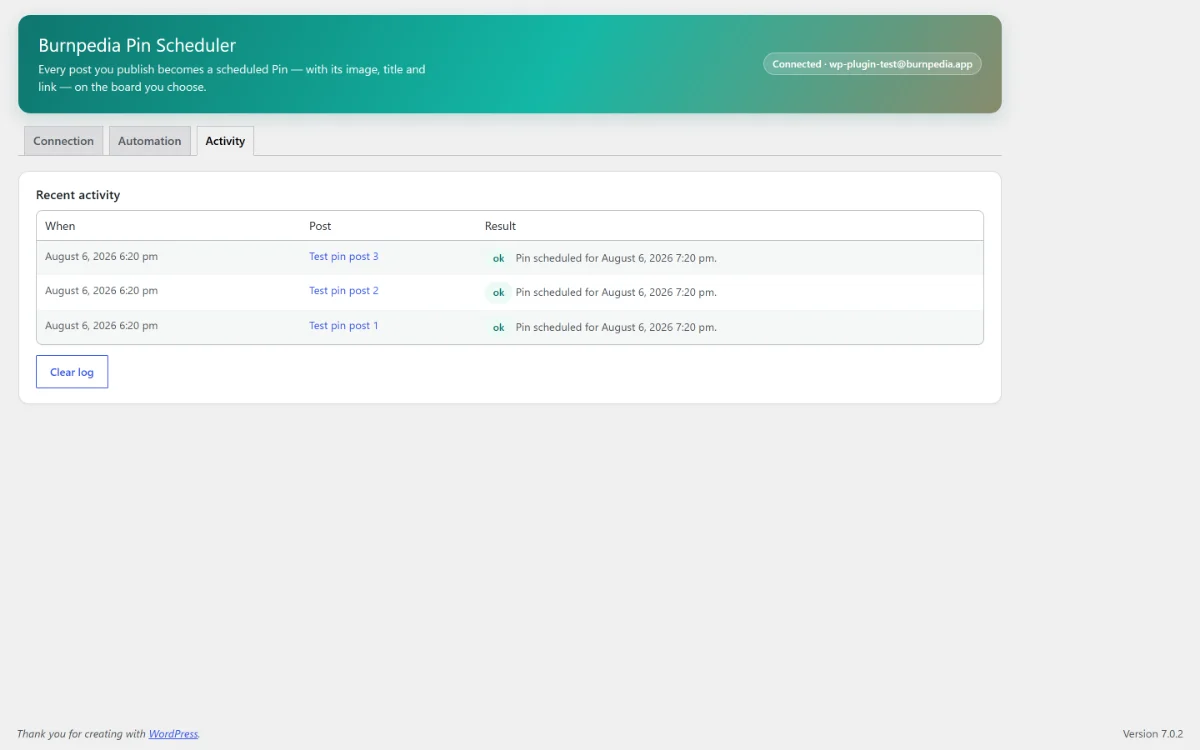
- ✓ UTM tags on the link, retries when something goes wrong, and an Activity log saying what was skipped and why.
Free account needed This one publishes for you, so it connects to a free Burnpedia account. Pinterest itself is authorised once, on Pinterest’s own login screen — the plugin never sees your Pinterest password.
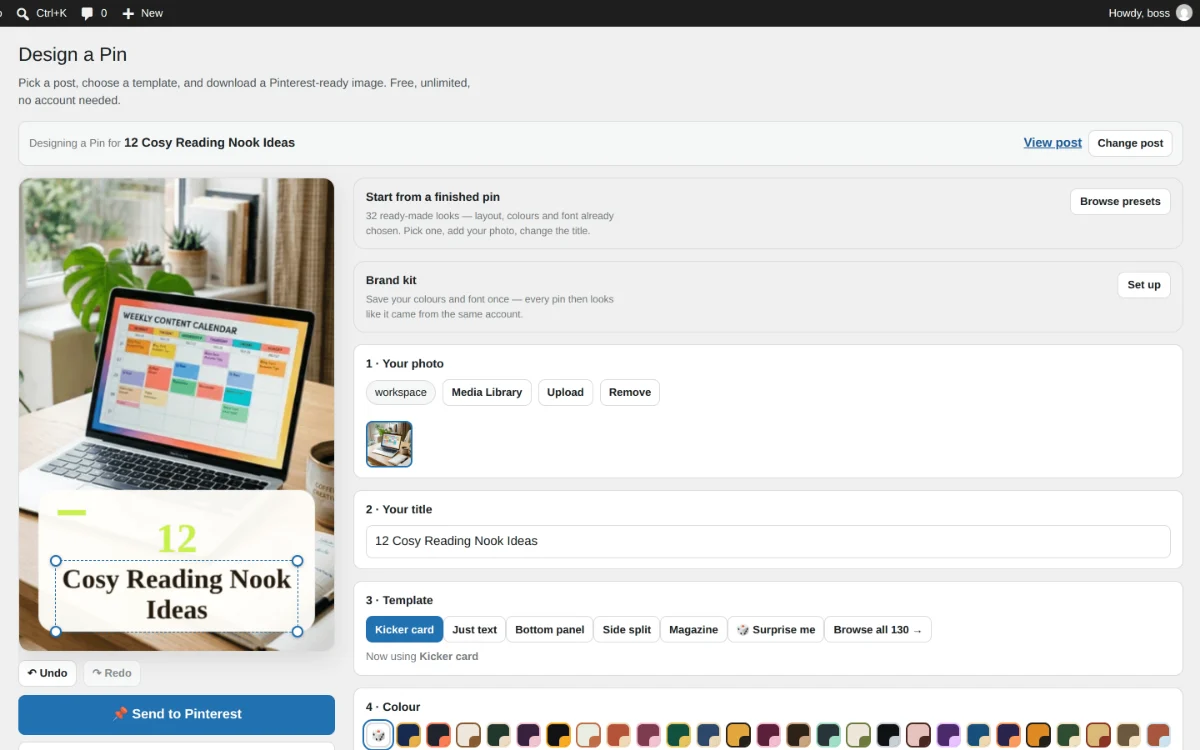
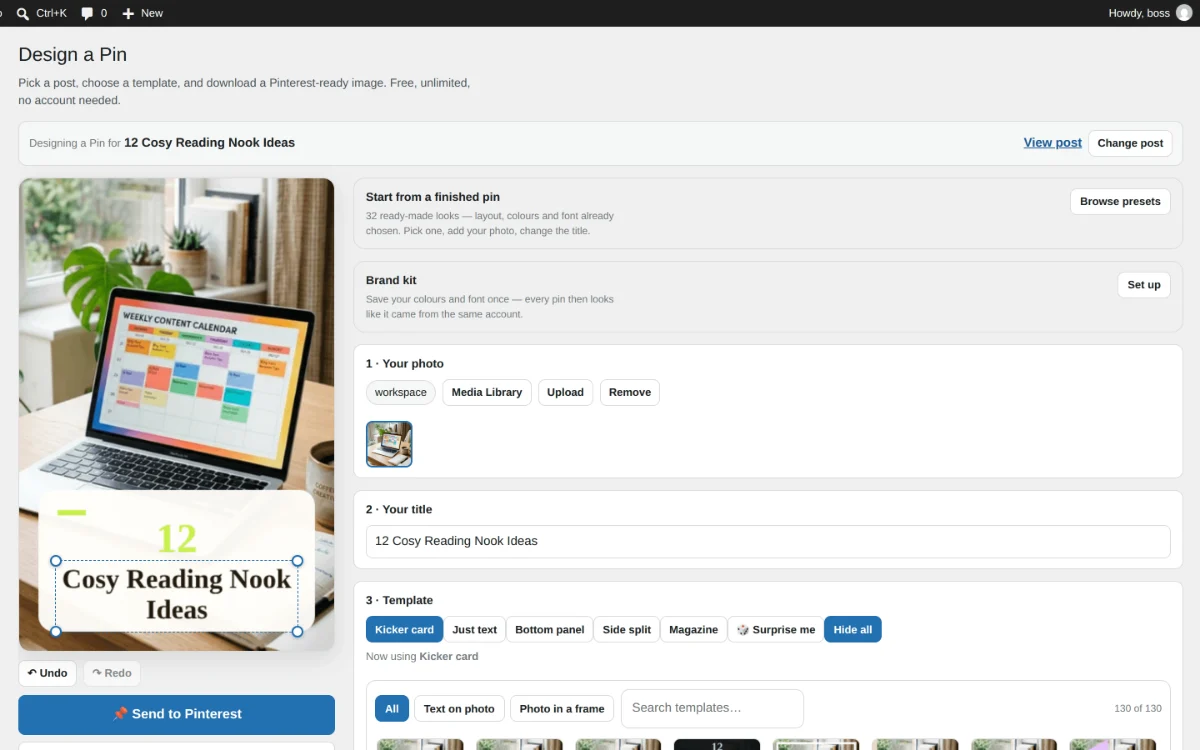
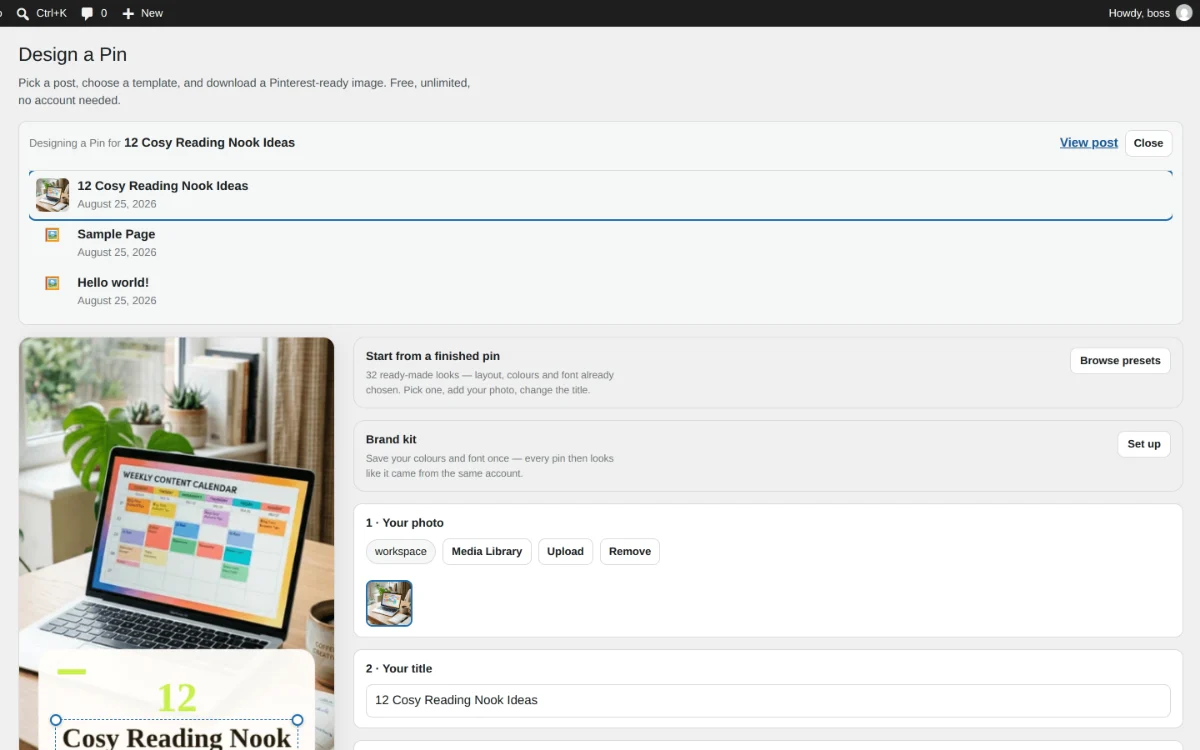
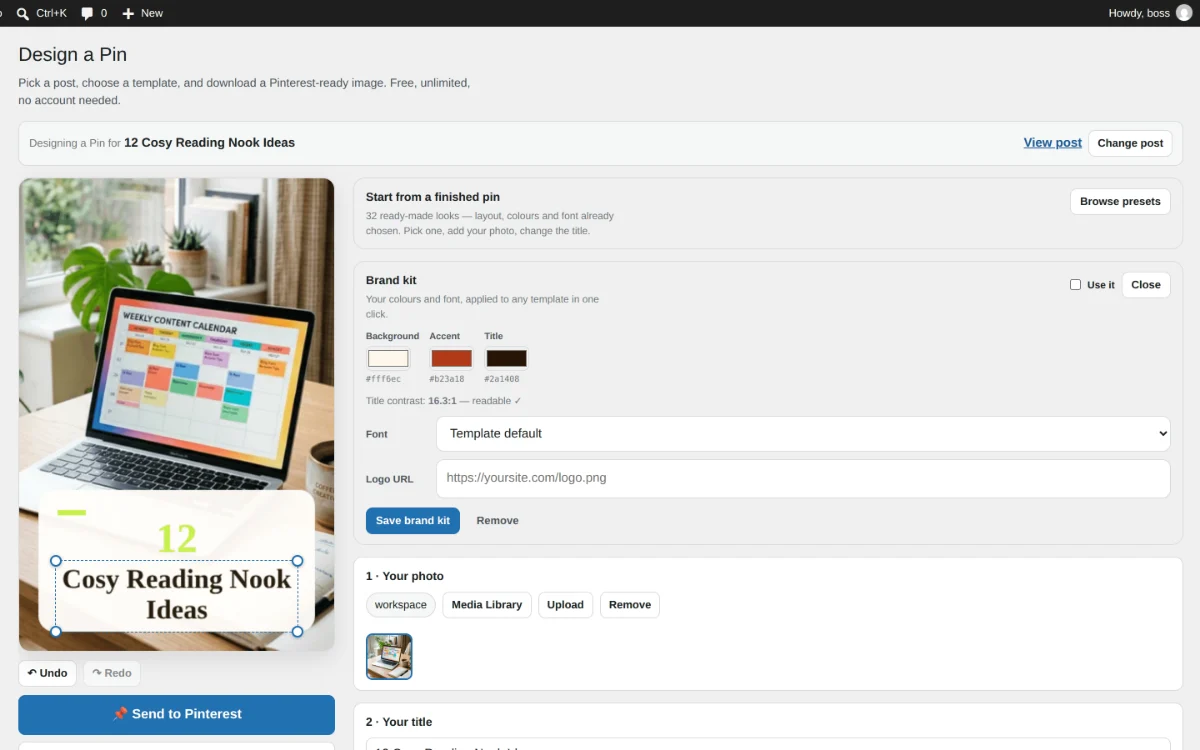
Plugin 2Burnpedia Image Maker – Social Image Designer with 130 Templates
Design the Pin image without leaving WordPress.
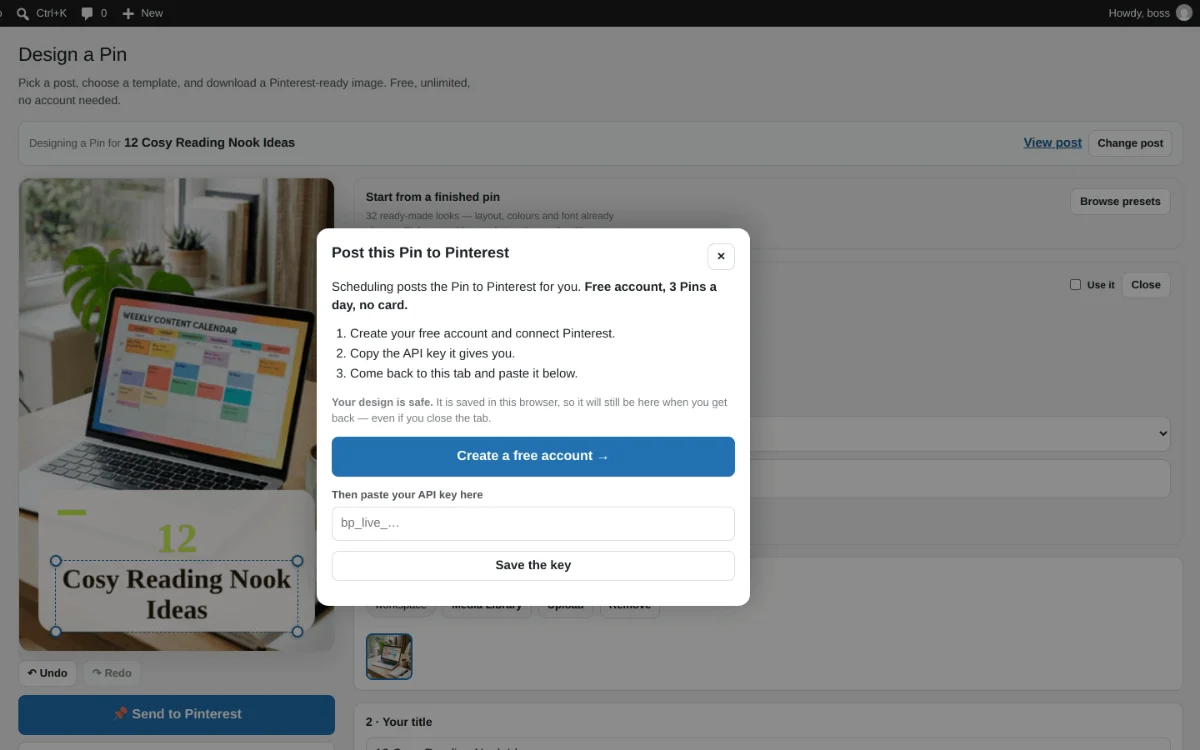
Install from WordPress.orgMaking a Pin is usually a trip to another website: export the photo, upload it somewhere, fight a template, download it, come back. This plugin puts the whole thing inside wp-admin. Open a post and the canvas is already composed — the featured image in place, the post title as the headline, a 2:3 canvas, the permalink attached. Change what you want and download it.
- ✓ Opens from the post you are already writing — no upload step and no second tab.
- ✓ A template gallery, previewed against your own photograph.
- ✓ A brand kit: your colours and your font, saved once and applied to every image.
- ✓ Download it, or save it straight into your Media Library.
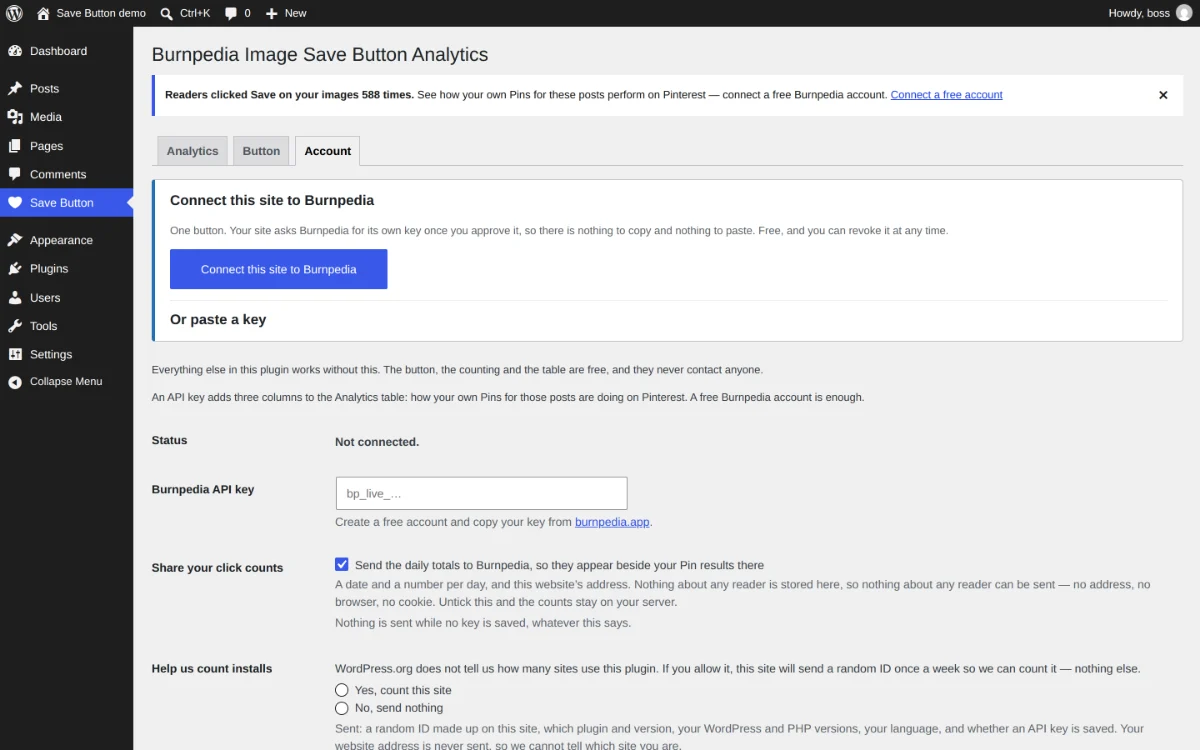
No account needed Everything above runs on your own site, with no account, no watermark and no sign-up. A free Burnpedia account is optional — only the one feature that talks to Pinterest itself needs it.
Plugin 3Burnpedia Image Save Button Analytics
Let readers save your images, and see which ones they chose.
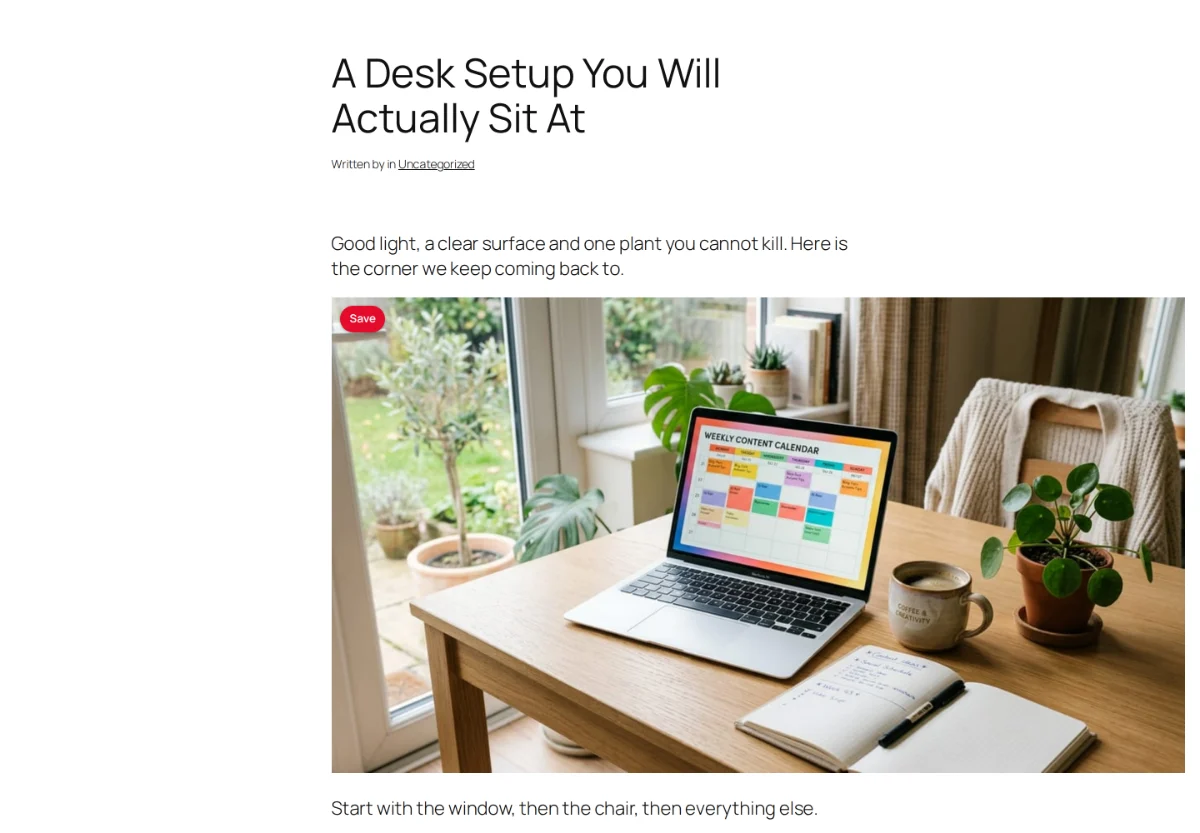
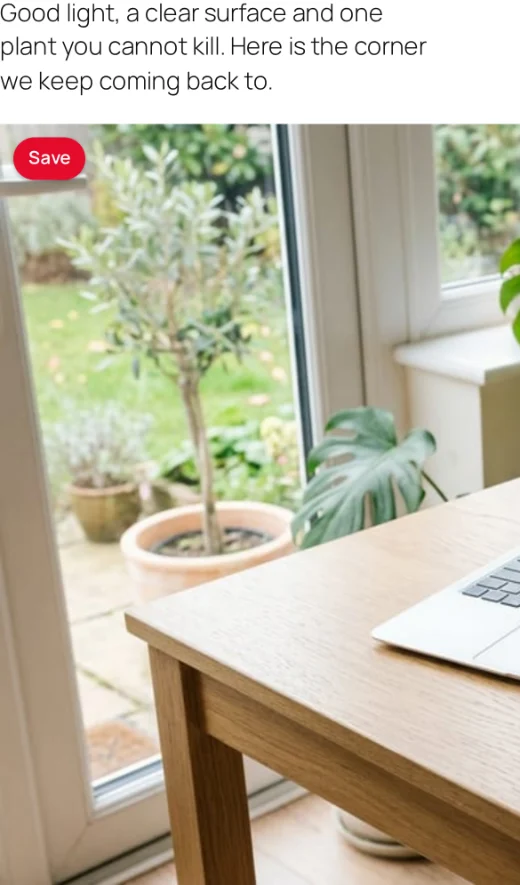
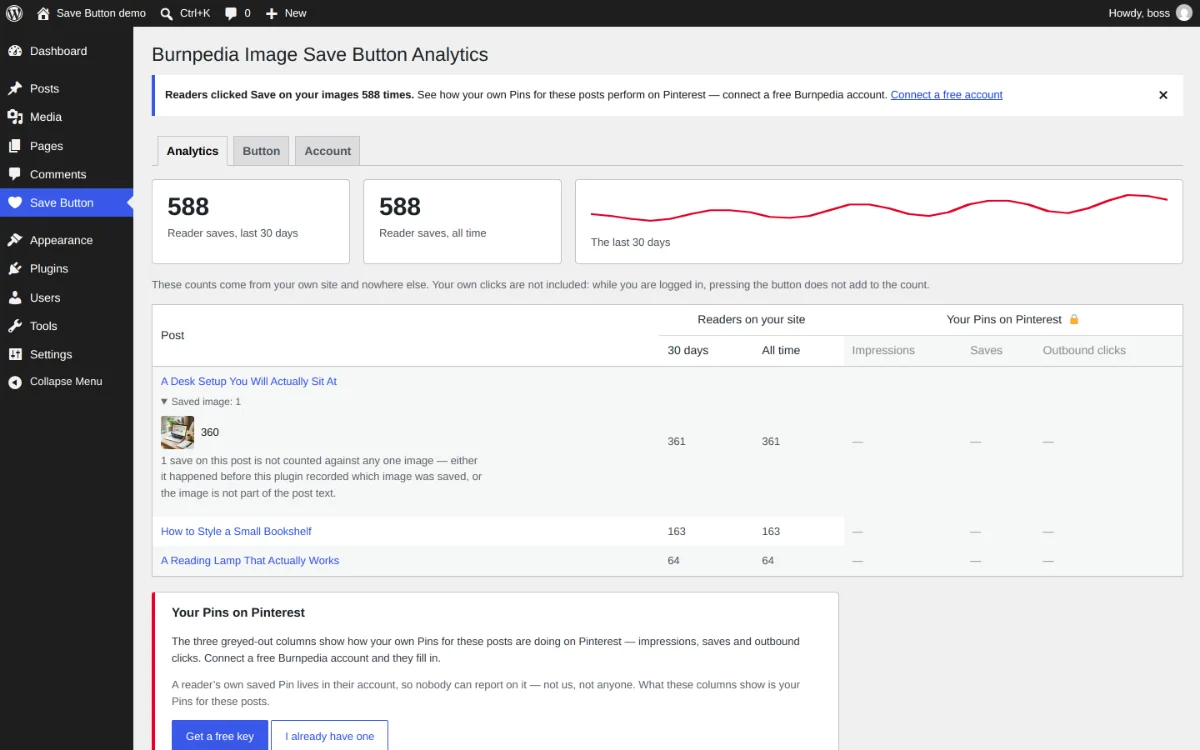
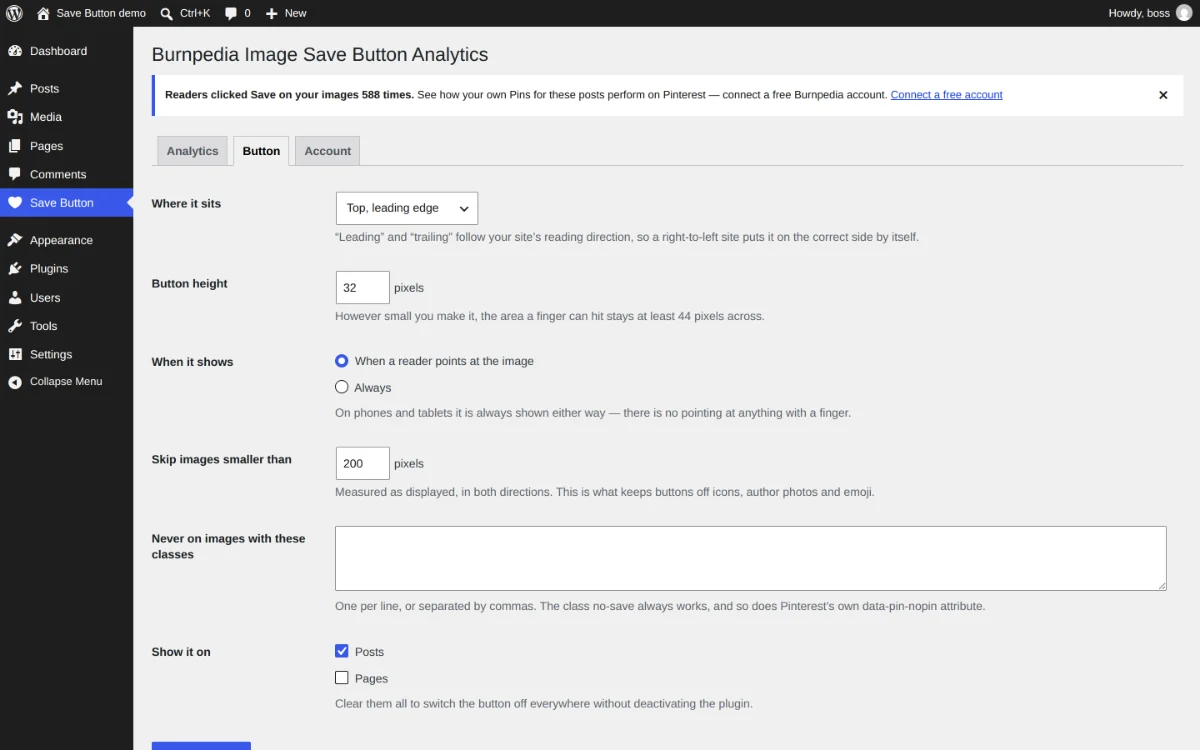
Install from WordPress.orgA reader is looking at a photograph in your post and would happily save it to Pinterest. Most of the time nothing on the page invites them to, so they scroll on. This plugin puts a small save button on the images in your posts — on hover on a desktop, always visible on a phone — and counts the presses, so you can see which of your images readers actually choose to save.
- ✓ A save button on every content image, opening Pinterest’s own save window with your headline and a link back to the post.
- ✓ A private count of every press, per post, for the last 30 days and for all time.
- ✓ The right file gets saved: WordPress serves several sizes of every image, and the button hands over the big one.
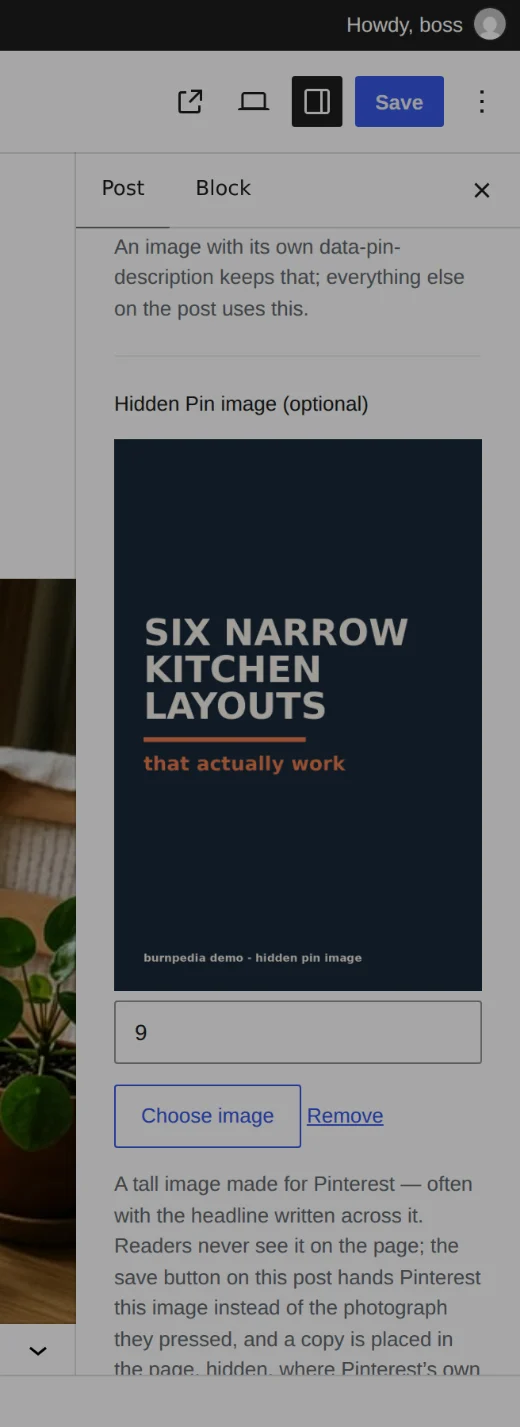
- ✓ Optionally hand Pinterest a tall graphic the reader never sees, instead of the photograph they pressed.
No account needed Everything above runs on your own site, with no account, no watermark and no sign-up. A free Burnpedia account is optional — only the one feature that talks to Pinterest itself needs it.
What the free account gives you
The Scheduler publishes through Burnpedia, so it needs an account. The free one is genuinely free — no card, no trial clock — and it publishes up to 3 Pins a day, which is enough for most blogs that publish a few times a week. Every feature of every plugin works on it.
Paid plans raise the daily allowance and add AI-written Pin copy and AI images. Nothing in the plugins changes when you upgrade — see pricing, or the REST API the plugins are built on.
A note on names
Burnpedia is an independent product. It is not affiliated with, endorsed by or sponsored by the WordPress Foundation, by Automattic, or by Pinterest, Inc. “WordPress” is a registered trademark of the WordPress Foundation and “Pinterest” is a trademark of Pinterest, Inc.; both are named here only to say what this software works with. The plugins are distributed through WordPress.org under GPLv2 or later.