Free Pinterest Schedulers: What You Get (and Where They Cap Out)
Yes, you can schedule Pinterest for free — no catch, if you know where the limits are. Here’s what free plans actually include, where they cap out, and how to start scheduling at zero cost.


Here’s a genuinely nice piece of news: in 2026 you can schedule Pinterest without paying a cent. For a long time that wasn’t really true — the “free” tools mostly just pinged your phone to remind you to post manually, which is not the same thing at all. But now several tools (mine included) offer a real free tier that actually auto-publishes your pins for you. So if you’ve been putting off scheduling because you didn’t want another subscription, this one’s for you. Let’s talk about what free plans actually give you, where they predictably cap out, and how to start at zero cost without falling for the fake-free traps.
I’ll be straight with you as someone who runs a tool with a free tier: “free” is partly a way to let you try before you buy, and the limits are designed so that heavy users eventually upgrade. That’s the deal, and it’s a fair one — you get real value at zero cost, and you only pay if and when pinning becomes a serious part of your routine. If you want the bigger picture of how to evaluate any tool (free or paid), pair this with how to choose a Pinterest scheduler. Here we’re zoomed in on the free question specifically.
What a good free plan actually gives you
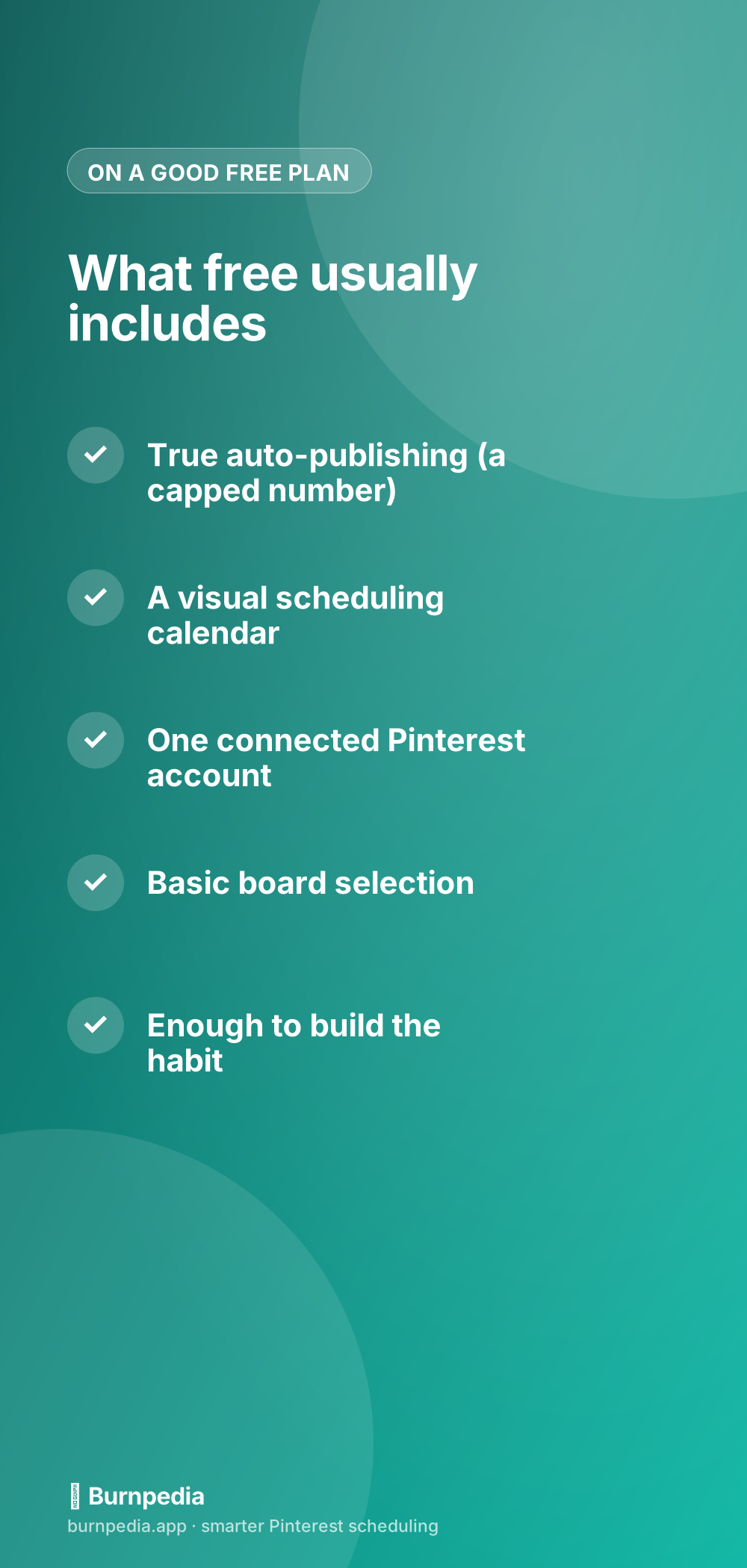
The most important thing a legitimate free plan includes is true auto-publishing — you schedule a pin, and the tool publishes it to Pinterest for you at the set time via the official API, hands-off, no phone reminder to go do it yourself. That’s the whole point, and it’s the line between a real free scheduler and a glorified to-do list. On top of that you typically get a visual calendar to see and arrange your queue, the ability to connect one Pinterest account, and basic board selection so your pins land in the right place. For a solo creator or small blog, that’s genuinely enough to run a consistent Pinterest presence.
What free is really best at is building the habit. The hardest part of Pinterest isn’t strategy, it’s consistency — showing up week after week when results are slow to arrive. A free scheduler lets you batch a handful of pins and have them go out steadily, which is exactly the behavior that makes Pinterest work, at exactly zero financial risk. You get to prove to yourself that scheduling fits your life before you ever consider paying. That’s a much smarter order of operations than subscribing on day one and hoping you’ll use it.
Where free plans cap out
Now the honest part: free plans have limits, and knowing them upfront saves frustration. The most common cap is the number of scheduled pins — a free tier might let you queue, say, a set number of pins per month, which is plenty to start but becomes tight once you’re serious. The second common limit is accounts: free usually means one connected Pinterest account, so if you run several (or manage clients), you’ll bump into that quickly. You may also see limits on how far ahead you can schedule, or which advanced features (analytics, bulk upload, team access) are reserved for paid plans.

None of those limits are a scam — they’re the natural line between “trying it” and “relying on it.” The right way to think about it: use the free plan until you hit a limit that’s actually holding back real results, and treat hitting that wall as a good sign (it means Pinterest is working for you and it’s time to invest). If your main need is scheduling a LOT of pins at once, the feature that matters most as you grow is bulk upload, which I cover in the scheduler roundup — it’s often the first reason people upgrade.
Watch out for fake “free”
Not everything labeled “free” is actually free, so keep your guard up. A few patterns to watch for: a “7-day free trial” dressed up as a free plan (it’s a paid tool with a countdown, not a free tier); tools that demand a credit card just to start (real free plans usually don’t); “free” tools that only send reminders instead of publishing (back to the to-do-list problem); and free tiers with limits so tiny they’re unusable, designed purely to frustrate you into paying. Real free means: it actually auto-publishes, it’s free indefinitely, it doesn’t need a card to begin, and the limits are generous enough to see real results.
Free doesn’t mean worse for your reach
One worry I hear: “if I use a free tool, will Pinterest treat my pins as lower quality?” No. Pinterest doesn’t know or care what plan you’re on — a pin published via a free tier’s official API connection is treated exactly like any other pin. Your reach depends on your content and your consistency, not your subscription level. The whole “schedulers hurt your reach” idea is a myth I take apart in do Pinterest schedulers hurt your reach — and it applies double to free plans. Free auto-publishing gives you the same reach potential as the priciest tool; the difference is features and volume, not favor from the algorithm.
So the game plan is simple: start free, build the habit, and let your results tell you when it’s time to pay. If you never outgrow the free tier, wonderful — you’re getting real value for nothing. If you do outgrow it, that’s Pinterest earning its keep and signaling a worthwhile upgrade. Either way you’ve risked nothing to find out. And if you’re weighing free options against the big paid names, I compare the landscape in Tailwind alternatives for Pinterest.
One more thing worth knowing if your site runs on WordPress, because it removes the last bit of remembering: there are free WordPress plugins that do this from inside wp-admin. Publish a post and the Pin is built from it and queued for you — no export, no upload, no second tab. They are free on WordPress.org, they work on the free plan, and two of the three don’t need an account at all.
When free is genuinely all you need
It’s worth saying plainly: for a lot of people, a free Pinterest scheduler isn’t a stepping stone — it’s the destination. If you publish a modest, steady number of fresh pins a week for a single account, your usage fits comfortably inside most free tiers, and you can run your entire Pinterest presence for years without ever paying. Small bloggers, side-hustlers, and local businesses do exactly this and pull real, growing traffic from it. There’s no asterisk and no catch; you’re simply a user whose needs happen to fit the free lane, and that’s a perfectly good place to be.
The people who eventually need to pay are the ones scaling up: more pins per week than the cap allows, several accounts to manage, or a need for team features and deeper analytics. If that’s not you, don’t let anyone upsell you into a subscription you won’t use. Start free, and stay free for as long as it genuinely serves you — the only good reason to upgrade is that you’ve hit a wall that’s actually costing you growth.
The takeaway
Free Pinterest schedulers are real, they genuinely auto-publish, and they’re the smartest way to start — you build the all-important consistency habit at zero risk and only pay if and when the results justify it. Just make sure you’re getting REAL free (true publishing, no card, usable limits) rather than a dressed-up trial, and go in knowing where the caps are so they don’t surprise you. Start free, pin steadily, and let Pinterest’s slow compounding do its thing. When you eventually hit a limit that’s holding back real growth, that’s not a problem — it’s a milestone. Until then, enjoy automating the boring part for nothing. — Sadie
Written by Sadie Brooks
Hey — I’m Sadie. I grew up in a small town outside Columbus, Ohio, moved to Austin for a job I quit within a year, and somewhere in between I started a scrappy little food blog to keep myself sane.
These days I help creators, bloggers, and small U.S. business owners grow on Pinterest without turning it into a second full-time job. I write the Burnpedia blog because I genuinely love this stuff, and because I wish someone had explained it to me in plain English years ago. Pour a coffee, pull up a chair.
Try Burnpedia freeWant Pinterest to run itself?
Every tip on this blog gets easier when your Pins publish on schedule. Burnpedia batches, times, and posts them for you — start free, no credit card.
Try Burnpedia free