Tailwind Alternatives: How to Schedule Pinterest in 2026
Tailwind is the default name in Pinterest scheduling, but “most popular” isn’t automatically “right for you.” Here’s an honest look at the alternatives — cheaper, simpler, and free options worth trying.


If you’ve looked into Pinterest scheduling for more than five minutes, you’ve run into Tailwind. It’s the best-known tool in the space, it’s an official Pinterest partner, and for years it was basically the default answer to “how do I schedule pins?” None of that is a knock — it’s a capable product with a long track record. But “most popular” and “right for you” are not the same thing, and I talk to a lot of creators who signed up for the big name, felt it was more tool (and more money) than they needed, and quietly went looking for something simpler. So let’s do an honest tour of the alternatives, including the free and cheaper ones, so you can choose based on fit instead of defaulting to the name you’ve heard most.
Full disclosure: I make a Pinterest scheduler (Burnpedia), so I’m not a neutral party. I’ll include it below as one option among several, and I’ll try hard to be fair about where the others shine. If you want the framework for deciding rather than just a list, read it alongside how to choose a Pinterest scheduler — the point of both posts is to help you pick well, not to push one logo.
First, is the big name actually wrong for you?
Before we talk alternatives, be fair to the incumbent. If you’ll genuinely use its full feature set — the content discovery, the community features, the analytics, the Instagram side — and the price doesn’t bother you, there’s nothing wrong with staying put. The reason people go looking elsewhere is almost always one of three things: it costs more than they want to spend, it’s more complex than they need, or its free option is too limited to get started. If none of those apply to you, you can close this tab guilt-free. If one or more do, keep reading, because you have real choices.
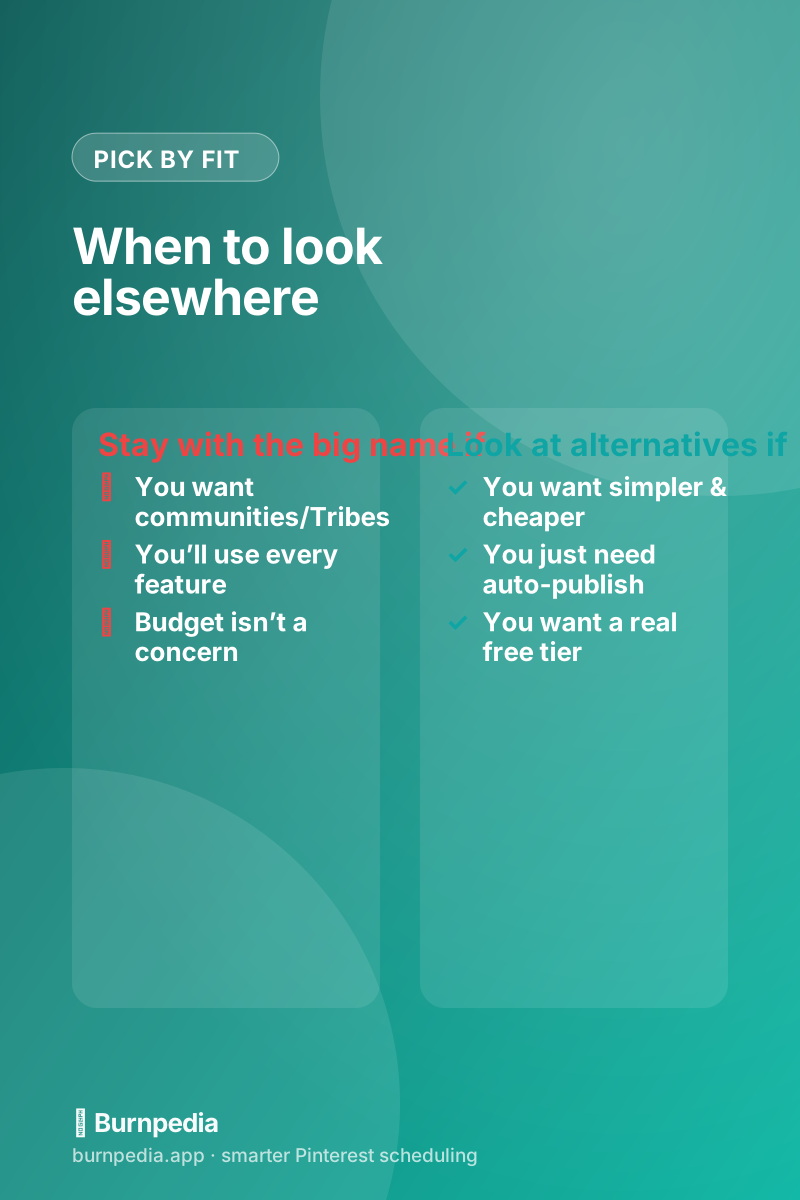
The category of “Pinterest schedulers” is broader than most people realize. There are dedicated Pinterest-first tools (built specifically for how Pinterest works), broad social-media suites that treat Pinterest as one of many networks, and lightweight newer tools focused on doing auto-publishing simply and cheaply. Each type trades off differently: the all-in-one suites are convenient if you manage many platforms but often treat Pinterest as an afterthought; the Pinterest-first tools understand fresh pins and boards deeply but only do Pinterest; the lightweight tools win on price and simplicity but may skip advanced features. Knowing which type you want narrows the field fast.
The types of alternatives, honestly
Broad social suites (the ones that schedule Pinterest alongside Instagram, Facebook, LinkedIn, and the rest) are worth a look if Pinterest is just one channel in a bigger mix and you’d rather manage everything in one dashboard. The tradeoff is that Pinterest-specific niceties — board-aware scheduling, fresh-pin workflows, Pinterest analytics — tend to be shallower, because Pinterest is one tab among many for them. If Pinterest is a serious channel for you, a generalist suite can feel like using a Swiss Army knife to do a specialist’s job.

Pinterest-first tools (including mine) go the other way: they only do Pinterest, but they do it with the platform’s actual rules in mind — true API auto-publishing, bulk scheduling, board matching, and a workflow that respects Pinterest’s preference for fresh pins over spammy repetition. If Pinterest is where you’re serious about growing, a focused tool usually fits better. The features that separate the good ones are the same ones in my best Pinterest scheduler roundup — auto-publish, bulk upload, a calendar you’ll use, and multi-account support if you need it.
What about free?
A big reason people seek a Tailwind alternative is simply money — and here the good news is that free, genuinely useful Pinterest scheduling exists now. Several tools (Burnpedia included) offer a real free tier that auto-publishes a capped number of pins, which is plenty to build the habit and see results before you pay anything. If cost is your main reason for looking around, start free rather than paid; you can always upgrade once pinning is a real part of your routine. I laid out exactly what the free options include and where they cap out in the free Pinterest scheduler guide.
How to actually decide (in 20 minutes)
Reviews (including this one) can only take you so far, because the thing that actually determines whether you’ll stick with a tool is how it feels to use — and that’s personal. So here’s the move: shortlist two or three, sign up for their free tiers or trials, and schedule the same handful of real pins in each. Pay attention to how fast you can get pins into the queue, whether the calendar makes sense to you, and whether auto-publishing just works without babysitting. Twenty minutes of hands-on testing will tell you more than an hour of reading comparisons, and it costs nothing.
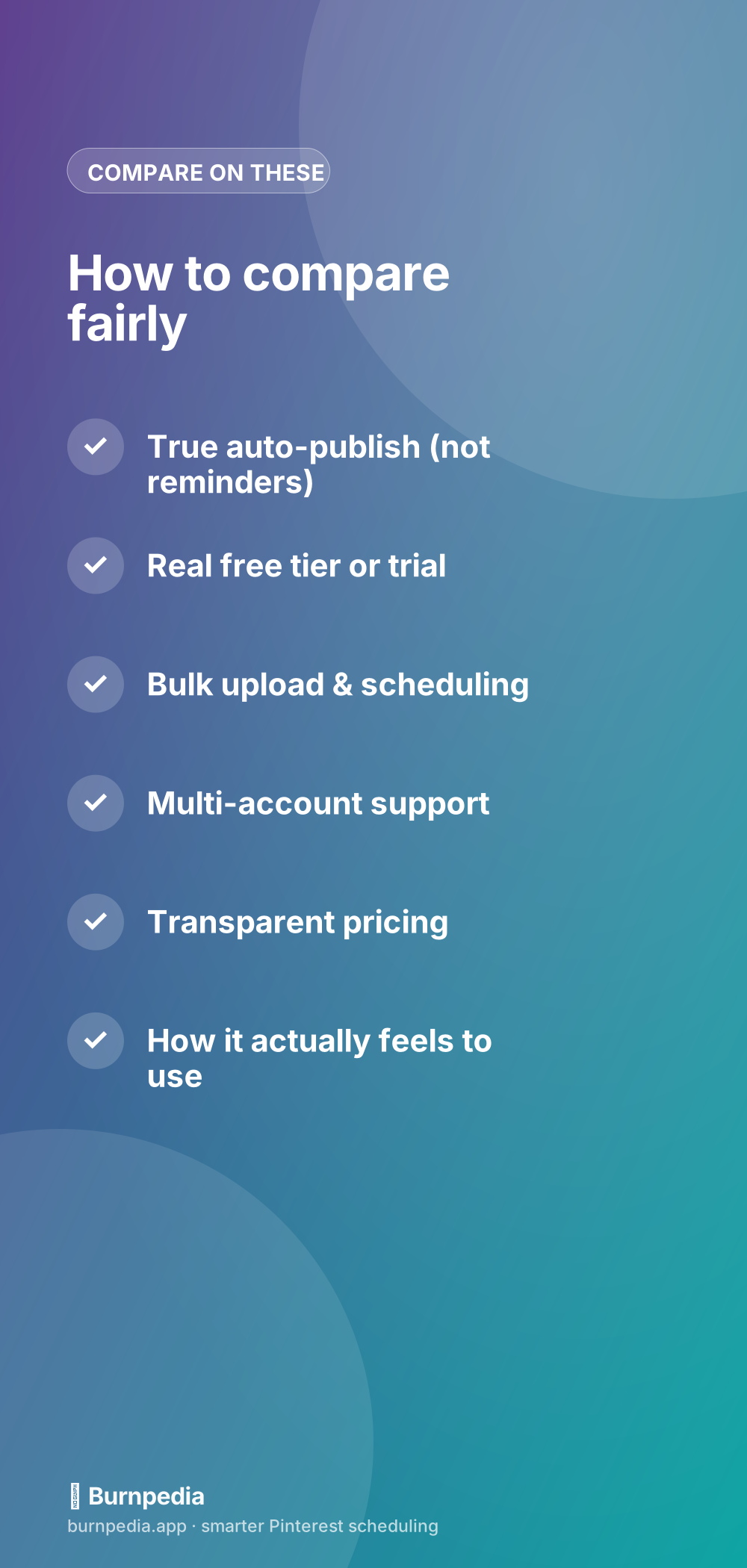
While you test, keep the fair-comparison checklist in front of you so you’re judging the things that matter: true auto-publish, a real free tier, bulk scheduling, multi-account support if you need it, transparent pricing, and the intangible “do I actually enjoy using this.” And ignore the reach myth entirely — using any legitimate scheduler doesn’t hurt your Pinterest reach, as I explain in do Pinterest schedulers hurt your reach. Bad strategy hurts reach; the tool doesn’t.
Switching is easier than staying stuck
One thing that keeps people paying for a tool they’ve outgrown is the fear that switching will be a huge hassle — re-connecting accounts, rebuilding a queue, learning a new interface. In practice, moving Pinterest schedulers is far less painful than switching most software, because the “state” you care about is mostly just future scheduled pins, and those are quick to recreate (or you simply let the old queue run out while you build the new one in parallel). Your boards, your pins, and your followers all live on Pinterest itself, not in the scheduler, so you never lose your actual presence by changing tools. The scheduler is just the remote control; swapping remotes doesn’t change the TV.
So don’t let inertia keep you on a tool that’s too expensive or too complicated for what you need. Run the new one on a free tier alongside your current tool for a week or two, get comfortable, then flip over fully once you’re confident. The overlap costs you nothing (free tiers are free) and removes all the risk. The worst outcome is that you confirm your current tool really is the best fit for you — which is genuinely useful to know too.
The takeaway
Tailwind is a solid tool, but it’s not the only good answer and it’s not automatically the right one for you. If you want something simpler, cheaper, or free, the alternatives are real and genuinely capable — from lightweight Pinterest-first schedulers to free tiers that get you started at zero cost. Decide by fit, not by market share: figure out your workflow, shortlist a couple of options, test them hands-on for twenty minutes, and keep the one that gets out of your way. The goal was never to own the most famous tool — it was to make consistent pinning effortless so Pinterest can do its slow, compounding magic. Pick the one that makes that easy for you, and get back to creating. — Sadie
Written by Sadie Brooks
Hey — I’m Sadie. I grew up in a small town outside Columbus, Ohio, moved to Austin for a job I quit within a year, and somewhere in between I started a scrappy little food blog to keep myself sane.
These days I help creators, bloggers, and small U.S. business owners grow on Pinterest without turning it into a second full-time job. I write the Burnpedia blog because I genuinely love this stuff, and because I wish someone had explained it to me in plain English years ago. Pour a coffee, pull up a chair.
Try Burnpedia freeWant Pinterest to run itself?
Every tip on this blog gets easier when your Pins publish on schedule. Burnpedia batches, times, and posts them for you — start free, no credit card.
Try Burnpedia free