📅
Visual scheduling calendar
Drag, drop, and rearrange your Pins on a clean weekly calendar. See your entire publishing plan at a glance.
Burnpedia helps creators and marketers plan, schedule, and analyze their Pins — so you publish at the perfect time and turn pins into real, lasting traffic.
🔒 Official Pinterest login · ✓ Your account stays safe · ✓ No credit card
Just want to make one Pin? Use the free Pin designer — no account needed.
Stop juggling spreadsheets and reminders. Burnpedia brings planning, publishing, and performance together.
Drag, drop, and rearrange your Pins on a clean weekly calendar. See your entire publishing plan at a glance.
Burnpedia suggests the time slots when your audience is most active, so every Pin lands when it matters most.
Upload dozens of Pins at once, assign boards, and your queue publishes each Pin you picked, at the time you picked, all week long.
Track impressions, saves, clicks, and outbound traffic in one dashboard. Know exactly what is working.
Set spacing rules and mark your evergreen Pins: Burnpedia drafts their next run into open slots; each goes out when you OK it.
Find the terms real Pinners are searching for and add them to your Pins to boost discoverability.
Burnpedia is built to get out of your way. Connect, plan, and let it publish.
Securely link your Pinterest business account in a couple of clicks using official Pinterest login.
Upload Pins, choose boards, write descriptions, and drop them onto your scheduling calendar.
Burnpedia publishes at the best times and reports back on the saves, clicks, and traffic you earn.
Vanity numbers are easy. Burnpedia focuses on the metrics that move your business forward and shows them in plain language.
From the first idea to the published Pin to the analytics report — Burnpedia does the whole loop, so you don’t stitch five apps together.
Plan a whole month visually and reschedule with a drag.
Generate high-performing titles, descriptions, and keywords in a click.
Turn a title into a branded, correctly-sized 2:3 pin — no design app needed.
We publish when your audience is most active, then learn your account.
Drop in dozens of images and we spread them across smart slots.
Your best Pins come back as drafts on a healthy cadence; you OK each one.
Pins land on the right board every time, from the title.
Manage several Pinterest accounts and switch in a tap.
Saves, outbound clicks, and a gallery of your top performers — no vanity noise.
You sign in on Pinterest’s own screen — no password sharing, healthy and compliant.
Schedule the Pins you pick, manage boards and read your analytics from your own apps — or install our free WordPress plugin and turn each new post into a Pin draft you approve. Included on every plan, free one too.
Publish a post and a Pin is built from it, waiting for your OK. Design the Pin image without leaving wp-admin. Let readers save your pictures to Pinterest in one press. All three are free on WordPress.org.
The 5 latest guides, fresh off the keyboard.
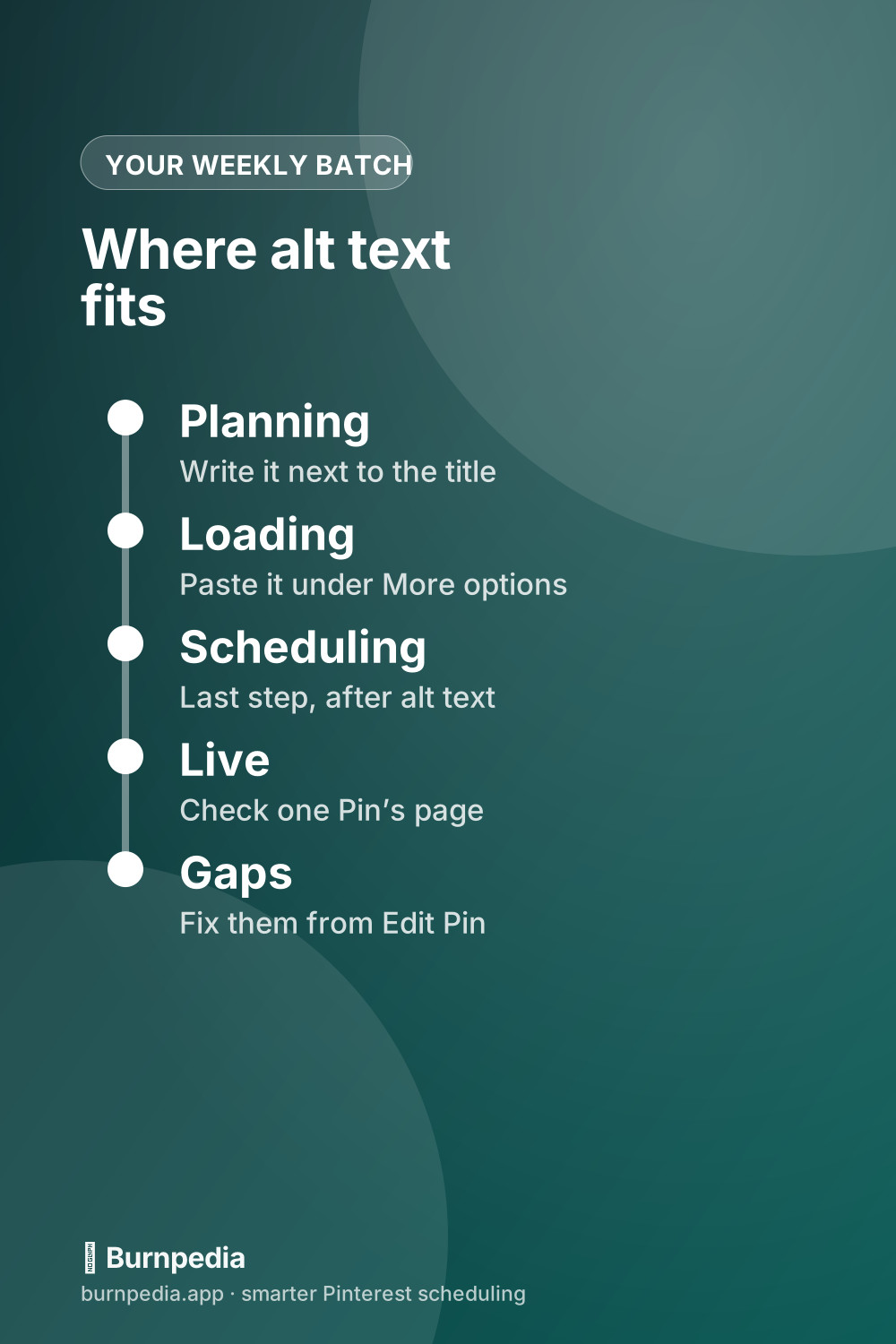
Pinterest’s alt text field sits under More options, takes 500 characters, and isn’t on the list of things you can change once a Pin is scheduled. Here’s where to add it, how to fix it after a Pin goes live, and a routine that fits a weekly batch.
Read it →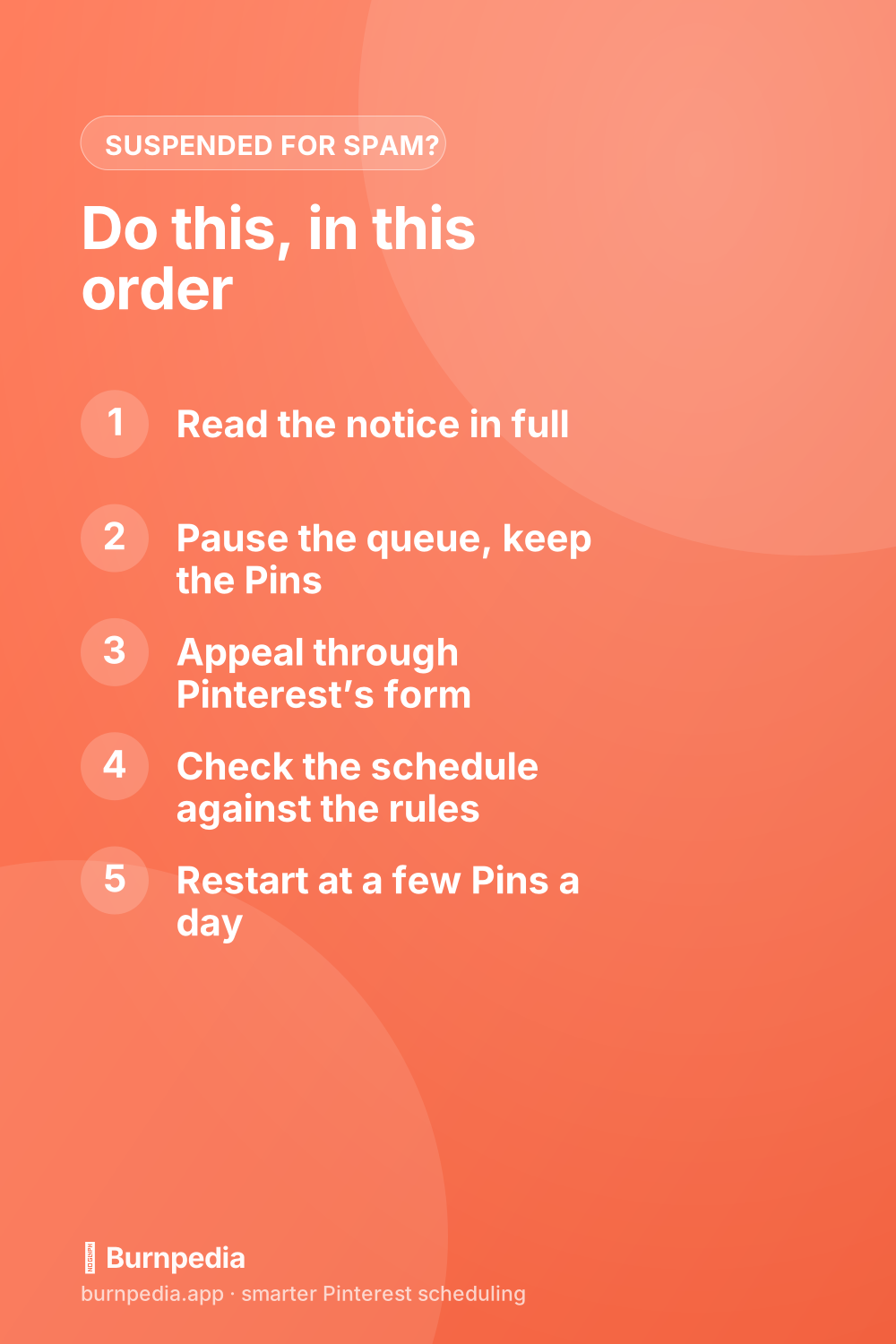
A spam suspension stops every Pin you scheduled, and Pinterest’s help doesn’t say what becomes of them. Here’s how to tell a suspension from a blocked link, appeal it, check your schedule against the spam rules, and restart without a burst.
Read it →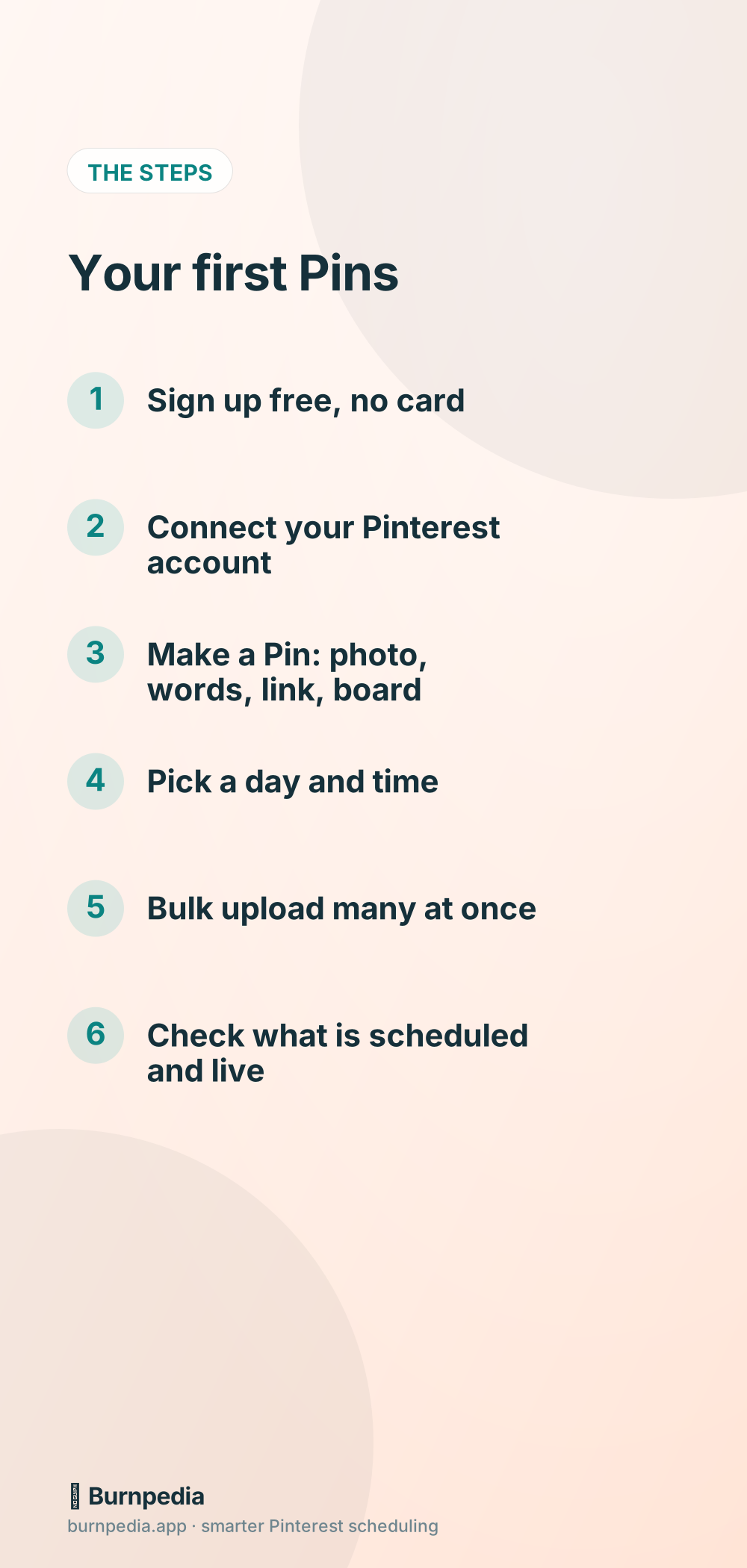
Watch every screen, from a new free account to Pins scheduled on your calendar, then follow the same steps written out with screenshots.
Read it →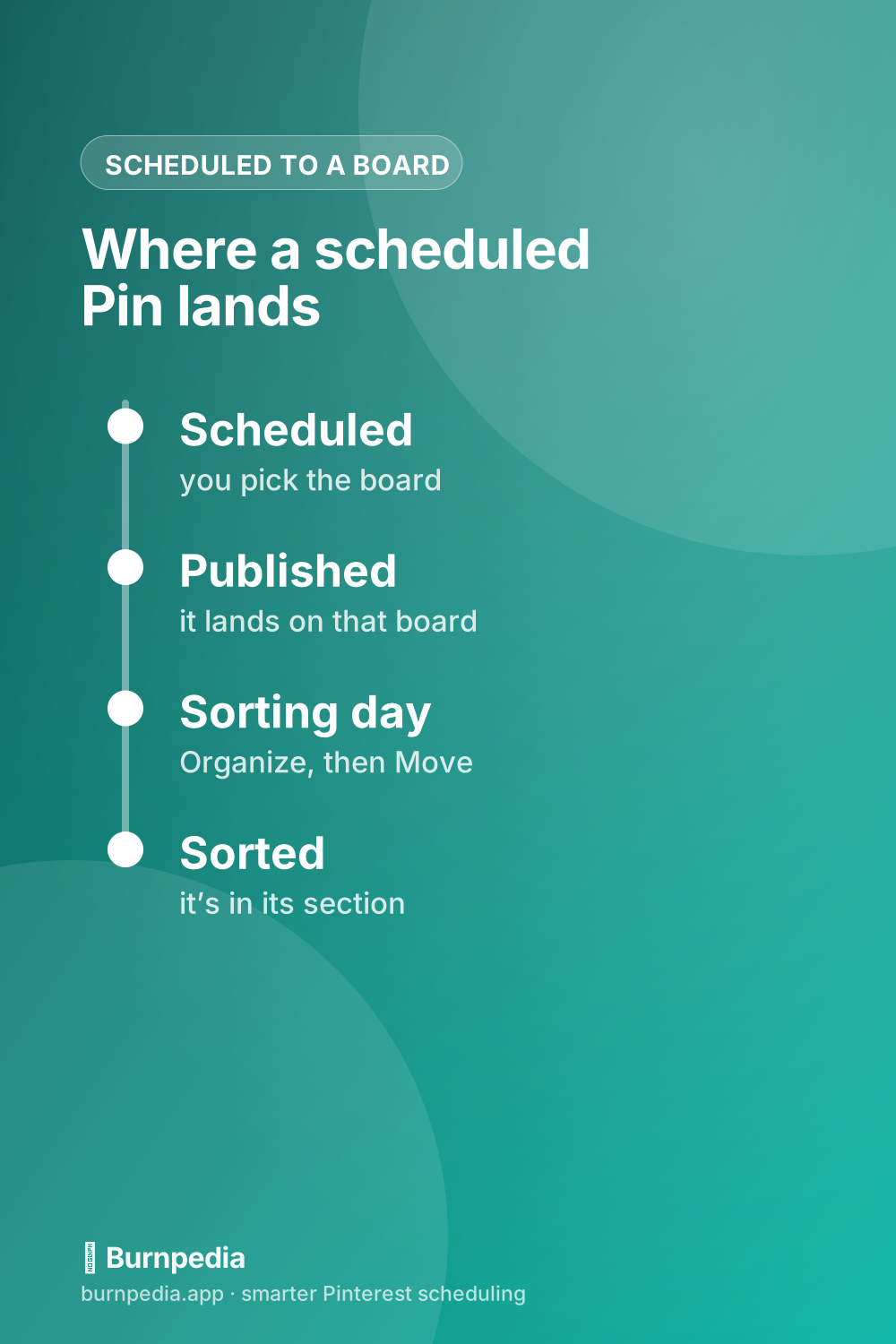
A section is a folder inside a board, and it takes five clicks to make one. The tricky part is scheduling: Pinterest’s API allows a Pin straight into a section, but the guides that rank for this say otherwise. Here’s what lands where, and the weekly sort that fixes it.
Read it →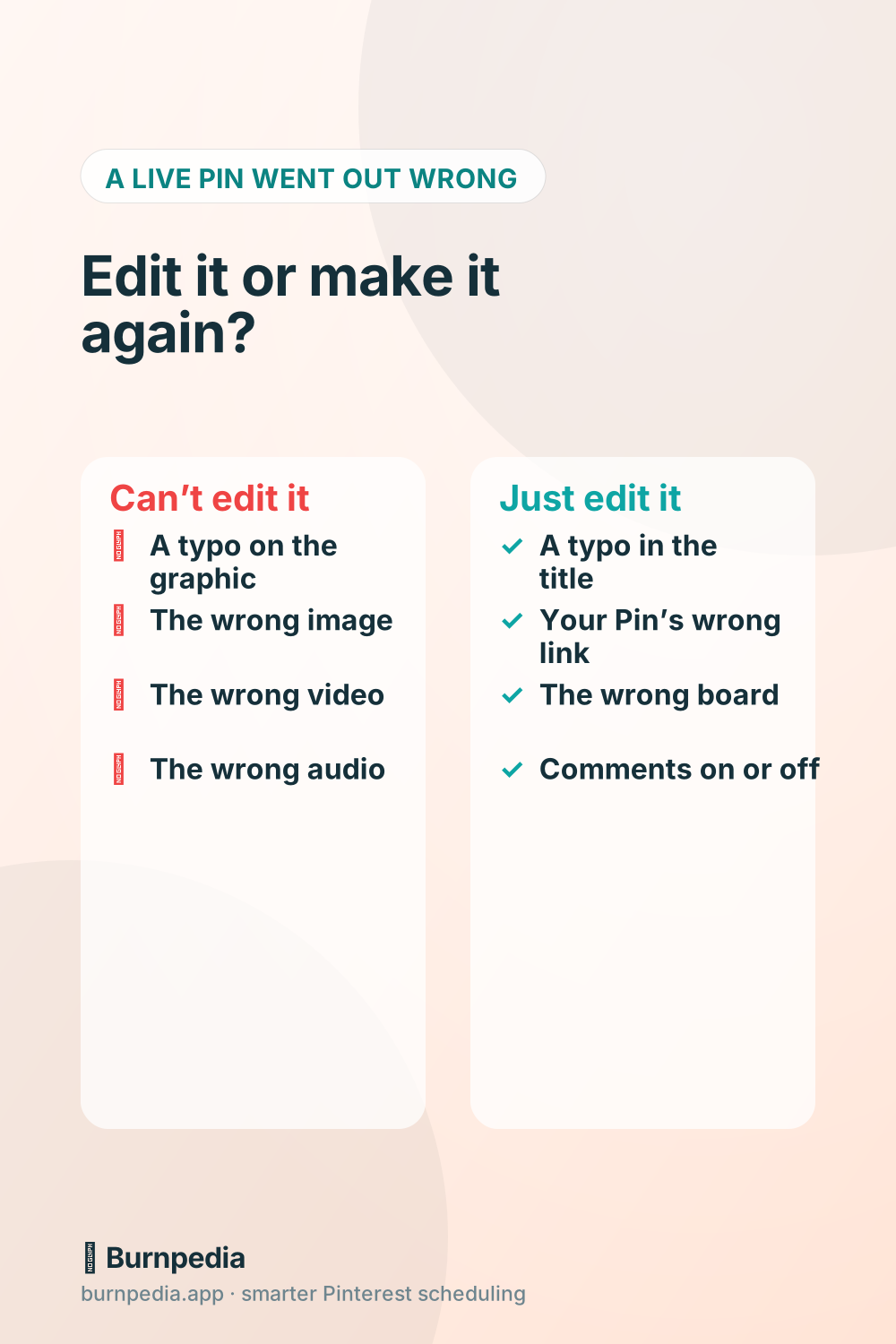
A live Pin’s title, description, link and board can all be edited, but never its image or video. Here’s how on a computer and in the app, why the edit option sometimes isn’t there, and which mistakes need a new Pin.
Read it →Start free. Upgrade only when Burnpedia is already saving you time. Building your own integration? Our REST API and the free WordPress plugin are included on every plan — the free one too.
See full pricing & how AI points work → (bought points are valid while your subscription is active, and 90 days after it ends)
For trying things out
For getting into a rhythm
For serious creators
For teams & clients
Join thousands of creators who plan once and publish all week with Burnpedia. Free forever plan, no credit card, set up in minutes — the kind of tool you actually tell your friends about.
Start your free trial✓ Free plan forever · ✓ Cancel anytime · ✓ No credit card required