The Best Pinterest Image Size in 2026 (A Simple Pin Dimensions Cheat Sheet)
If your Pins are getting cut off, squished, or just quietly ignored, the size is usually the culprit. Here’s the one ratio to memorize — and the handful of exceptions worth knowing.

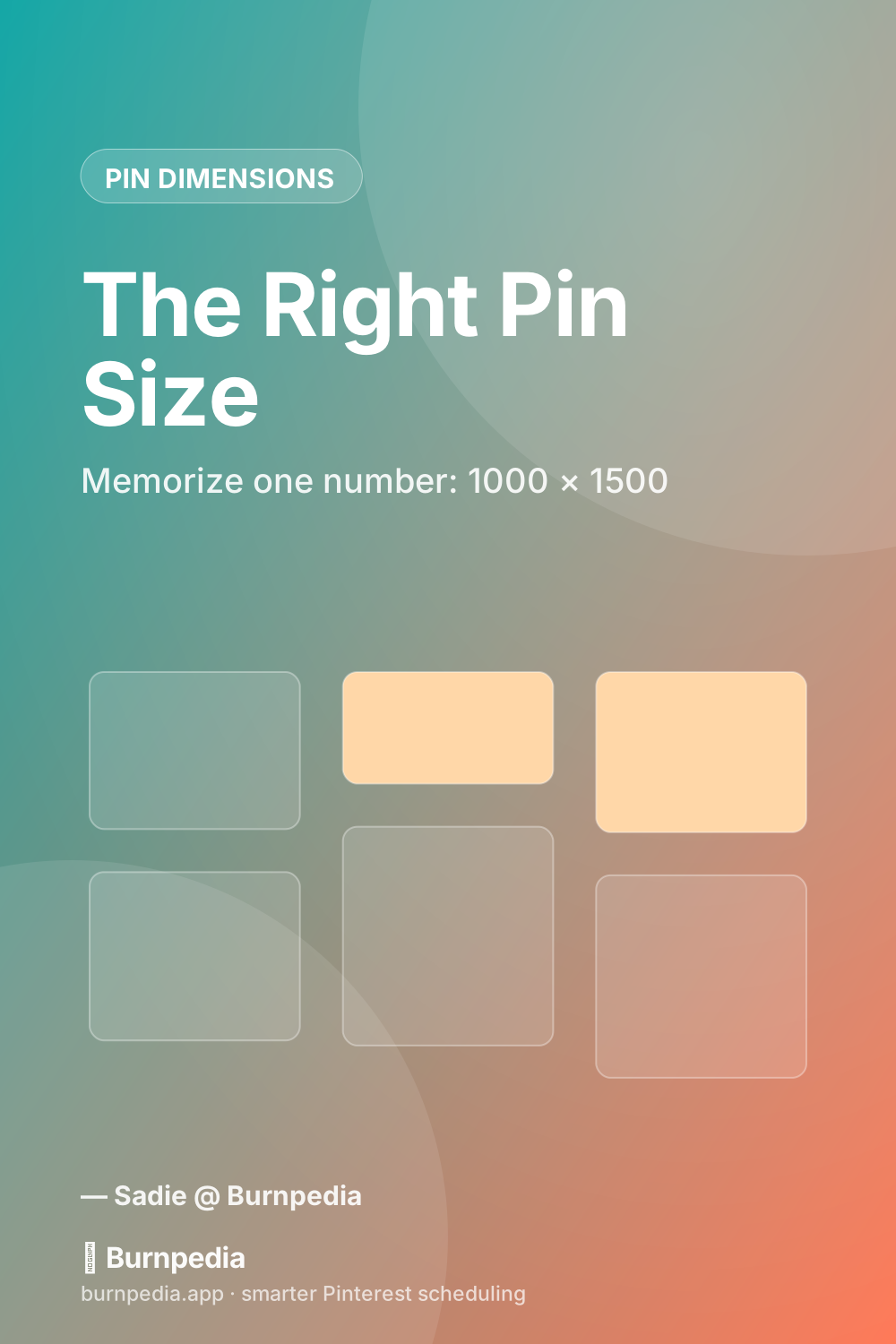
Okay, this one’s a quick, useful one — the kind of post you bookmark and come back to every time you sit down to make a Pin. Because honestly? Half the “why won’t my Pins take off” problems I get asked about come down to one boring thing: the image is the wrong shape.
So let’s make the shape a non-issue forever. There’s really only one number you have to memorize, and I’ll give you the rest as a little cheat sheet you can save.
The one size to memorize: 1000 × 1500
If you take nothing else from this post, take this: make your Pins 1000 pixels wide by 1500 pixels tall. That’s a 2:3 ratio, and it’s the size Pinterest itself recommends. It fills up the vertical space in the feed without getting cut off, and it’s big enough to look crisp on a phone.
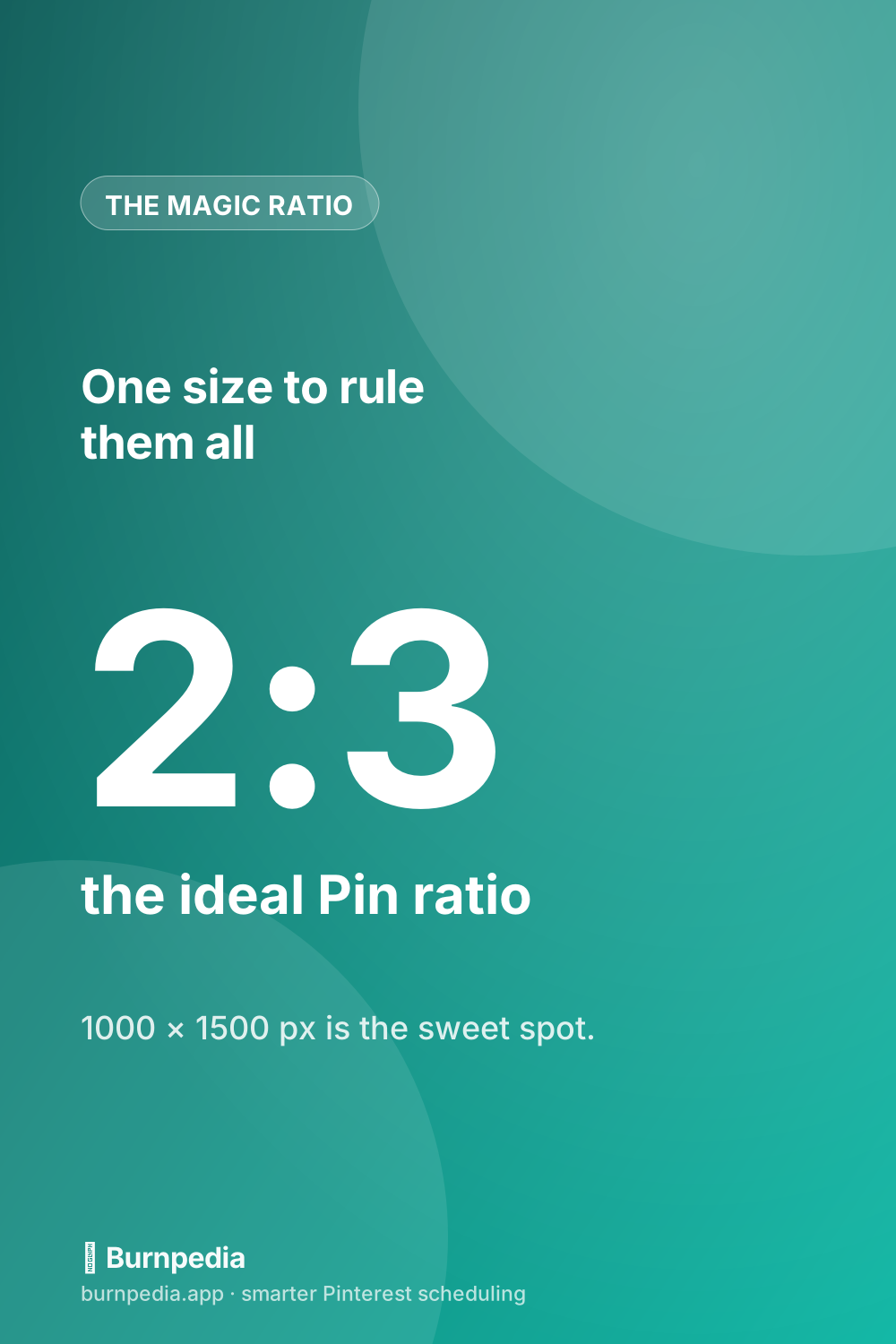
Why does vertical win so hard? Because almost everyone is on Pinterest on their phone, holding it upright, thumb-scrolling through a river of tall images. A landscape or square photo gets shrunk down and skated right past. A tall 2:3 image takes up more screen, which literally gives it more time in front of someone’s eyeballs.
The full cheat sheet (for the exceptions)
Now, 1000 × 1500 covers about 90% of what you’ll ever post. But there are a few formats worth knowing, so here’s the whole menu:
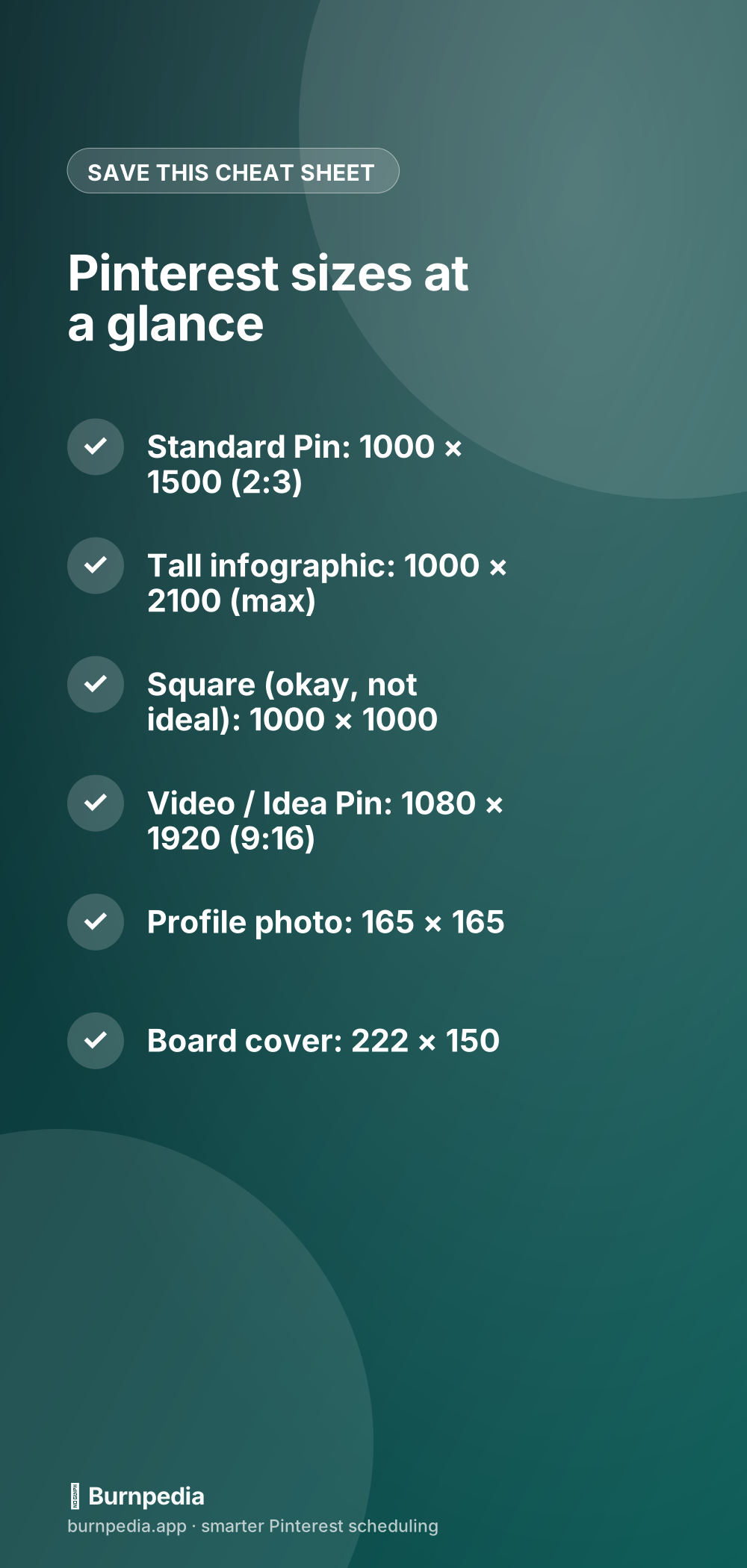
Standard Pins — 1000 × 1500 (2:3)
Your bread and butter. Use this unless you have a specific reason not to.
Tall infographics — up to 1000 × 2100
Got a step-by-step or a list-style graphic? You can go taller — up to about a 1:2.1 ratio (1000 × 2100). Any taller than that and Pinterest crops it in the feed, so don’t get carried away. These longer ones tend to get saved a lot because they pack in value.
Video and Idea Pins — 1080 × 1920 (9:16)
Full-screen vertical video, just like a Reel or a TikTok. If you’re dabbling in these, I compared them honestly to plain image Pins over here: Idea Pins vs. standard Pins — worth a read before you pour a ton of time into video.
Square — 1000 × 1000 (works, but meh)
Square Pins are allowed and they won’t get you in trouble, but they take up less feed space than vertical, so they’re playing on hard mode. If you’re repurposing an Instagram square, it’s fine in a pinch — just know the tall version will usually outperform it.
A few sizing gotchas that quietly hurt Pins
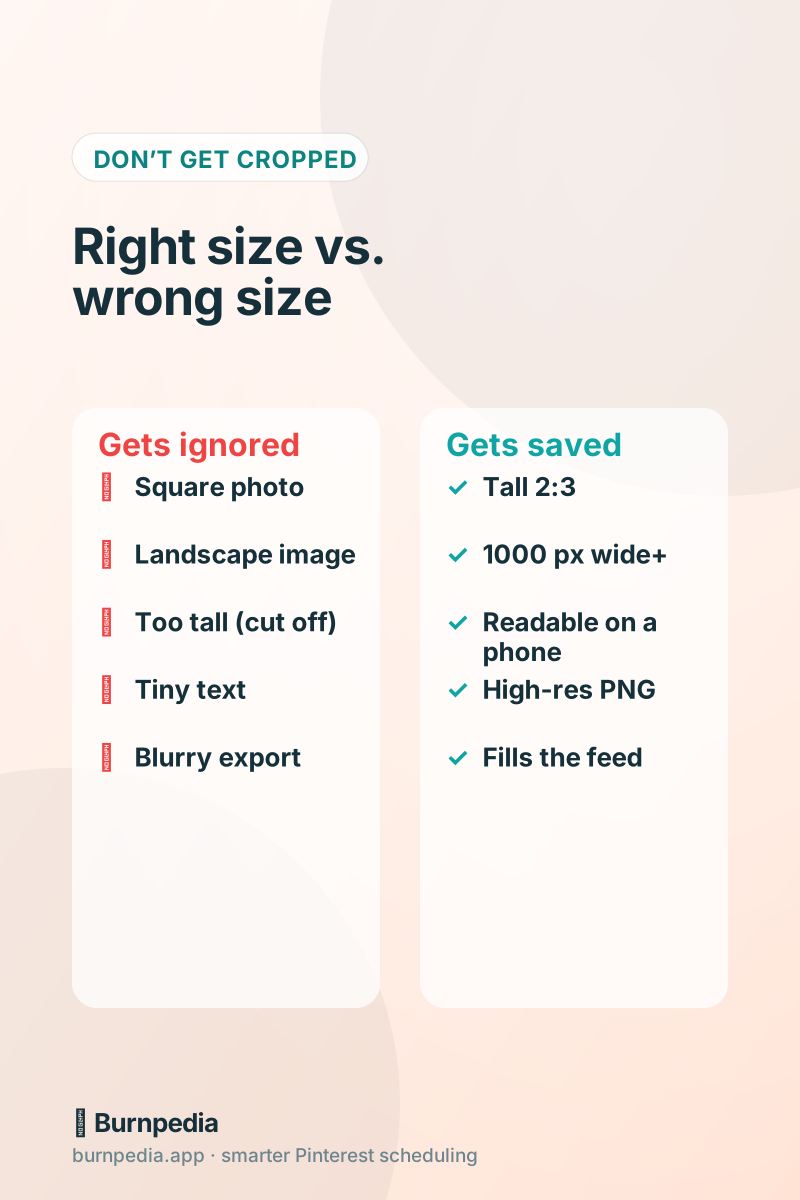
- Exporting too small. Anything under 1000 px wide can look soft on a retina phone screen. Bigger is safer — 1000 × 1500 or even 2000 × 3000 (same ratio) both work.
- Text too tiny to read. The right dimensions don’t help if your headline is microscopic. Design it to be readable at a thumbnail size, not just on your big monitor.
- Saving as a low-quality JPG. A crunchy, artifact-y image reads as “low effort.” Export a clean PNG or a high-quality JPG.
- Going way too tall. That giant 1500-px-tall Etsy-style collage will get chopped off. Stay at or under 1000 × 2100.
Set the size once, then forget it
Here’s the beautiful part: once you build (or grab) a 1000 × 1500 template, you never have to think about size again. Drop your photo and text in, export, done. Your Pins stop getting cropped and start filling the feed the way they’re supposed to.
And when you’re ready to stop resizing things by hand entirely, the Burnpedia Pin creator builds perfectly sized 2:3 Pins for you from a title — then queues them to publish at good times. You can try it free. But even if you never use a tool, just remember the magic number: 1000 × 1500. Go forth and stop getting cropped. — Sadie
Written by Sadie Brooks
Hey — I’m Sadie. I grew up in a small town outside Columbus, Ohio, moved to Austin for a job I quit within a year, and somewhere in between I started a scrappy little food blog to keep myself sane.
These days I help creators, bloggers, and small U.S. business owners grow on Pinterest without turning it into a second full-time job. I write the Burnpedia blog because I genuinely love this stuff, and because I wish someone had explained it to me in plain English years ago. Pour a coffee, pull up a chair.
Try Burnpedia freeWant Pinterest to run itself?
Every tip on this blog gets easier when your Pins publish on schedule. Burnpedia batches, times, and posts them for you — start free, no credit card.
Try Burnpedia free