How to Build a Pinterest Content Calendar You’ll Actually Stick To
Most people fail at Pinterest not from bad Pins but from no plan — they pin in bursts, burn out, and vanish. A simple content calendar fixes that. Here’s the no-overwhelm version.

I’m going to tell you the real reason most people fail at Pinterest, and it’s not what you think. It’s almost never bad Pins. It’s the lack of a plan. They get a burst of motivation, make twenty Pins in a frenzy, post them all at once, feel exhausted, and then… disappear for three weeks. Rinse, repeat, quit. Sound painfully familiar?
Pinterest rewards steady, and steady comes from a system, not from willpower. So today I’m handing you a simple content calendar — one you’ll actually stick to, because it’s built to be calm, not overwhelming. Think of this as the master plan that ties together everything else on this blog. It pairs hand-in-glove with scheduling Pins the smart way.
Step 1: define your content buckets
A “bucket” is just a category of stuff you pin. Most accounts have four to six. A food blogger might have: quick dinners, desserts, meal prep, and seasonal. A shop might have: best-sellers, new arrivals, lifestyle, and behind-the-scenes.
Writing these down does something magical: it kills the “what do I even pin today?” paralysis. You’re never staring at a blank screen — you just look at which bucket is up next. Buckets turn a scary open question into a simple rotation.
Step 2: pick a number you can actually keep
Now decide how many fresh Pins per day or week is realistic for you — not for some full-time influencer, for you and your actual life. Five to ten fresh Pins a week is a perfectly good, sustainable pace for most people. The honest, no-guilt version of this question is in how often should you pin. The best number is the one you won’t quit.
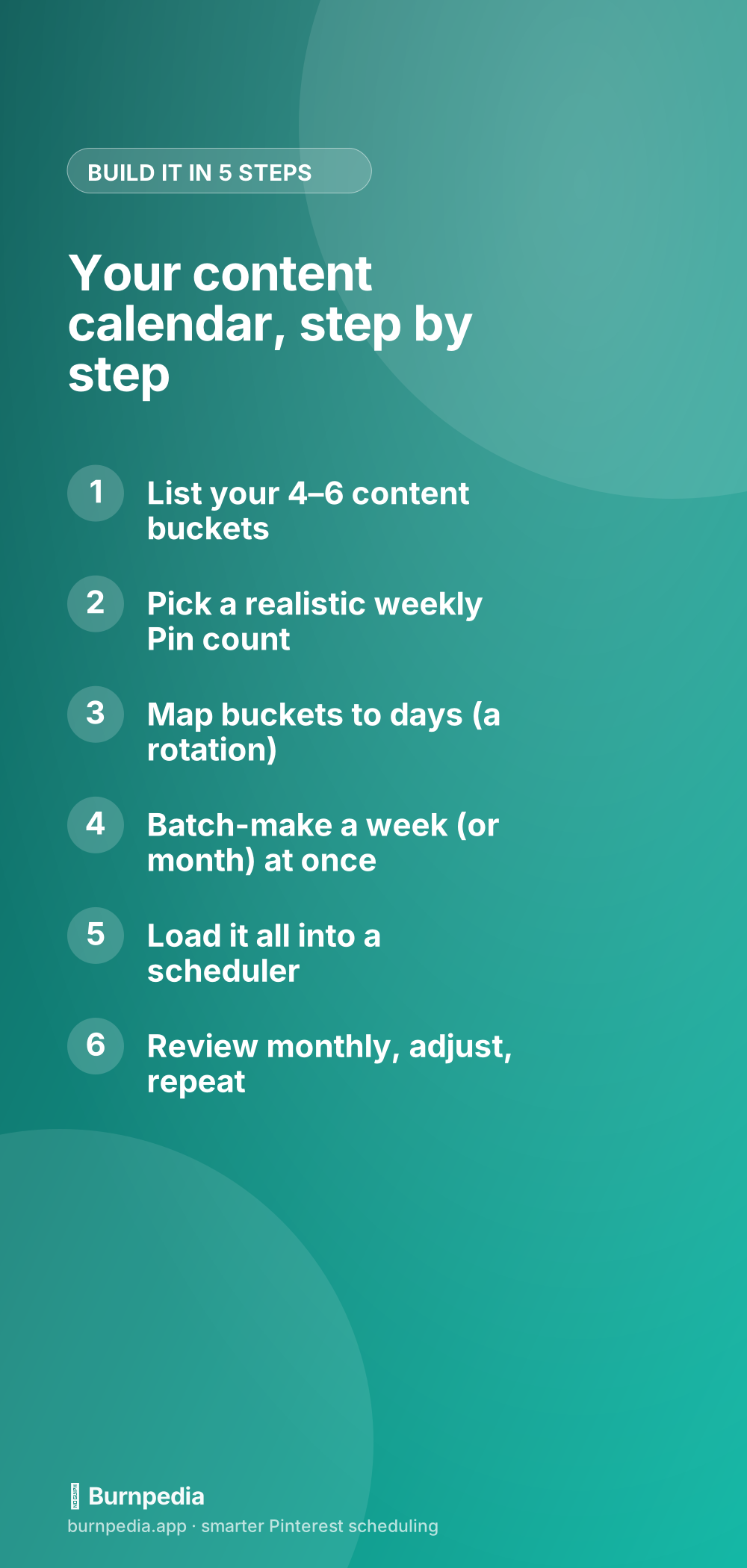
Step 3: map buckets to a simple rotation
This is where it becomes a calendar. Assign your buckets across the week so you’re rotating through them instead of hammering one. It doesn’t need to be fancy — a rotation you can picture in your head is better than an elaborate spreadsheet you’ll abandon.
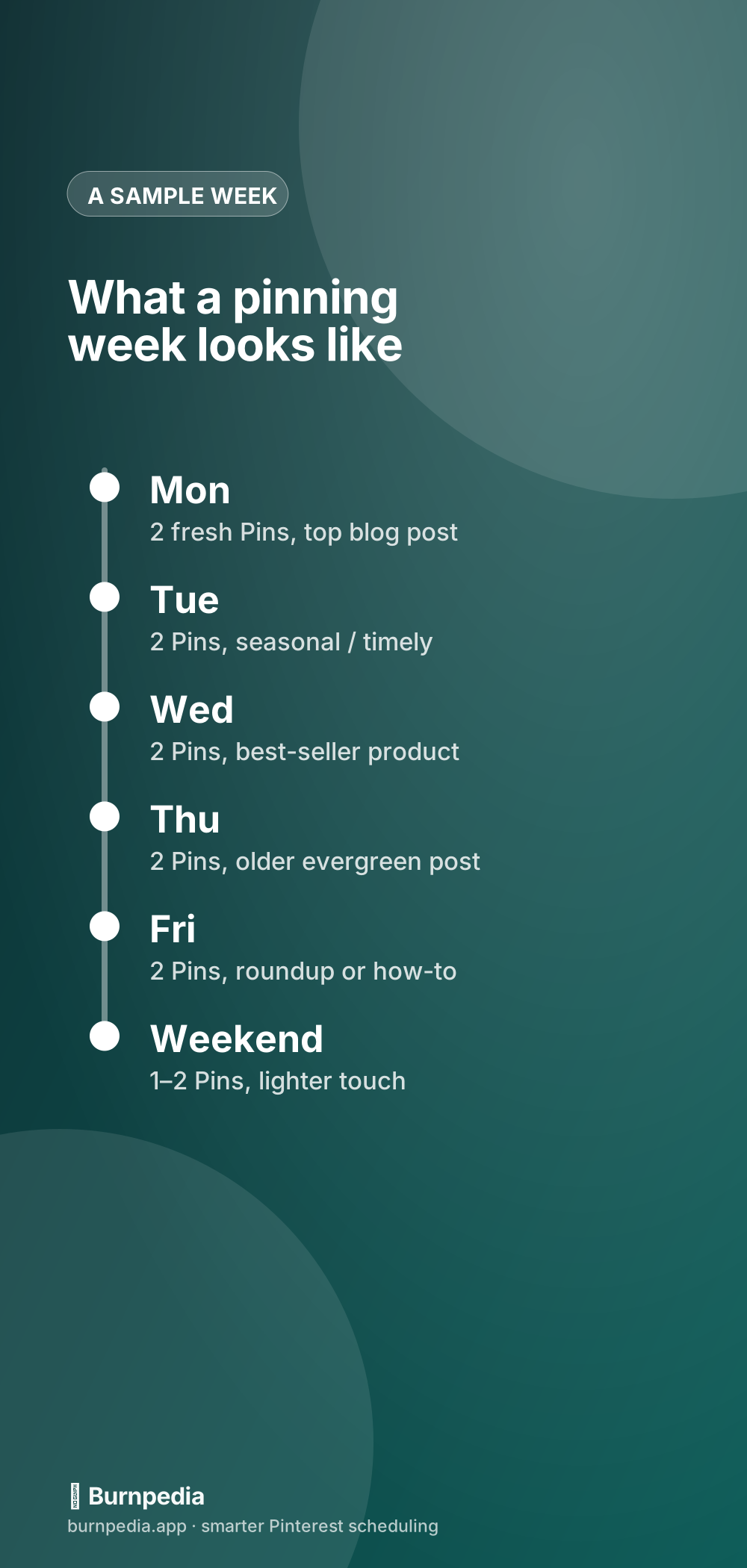
A sample week might be: Monday your top blog post, Tuesday something seasonal, Wednesday a best-seller, Thursday an older evergreen piece getting new life, Friday a how-to or roundup, and a lighter touch on the weekend. Mix fresh content with fresh Pins of older content so nothing good goes to waste.
Step 4: batch it (the secret to never falling behind)
Here’s the move that changes everything: do not make Pins one at a time, every day. Set aside one focused session — an hour on a Sunday, say — and batch a whole week (or month) of Pins at once. Same task, repeated, in one sitting. It’s dramatically faster than context-switching daily, and it’s the backbone of the repurposing system that turns one post into a pile of Pins.
Step 5: load it into a scheduler and walk away
A calendar in your head or on paper still depends on you remembering to post every day — which is exactly where it breaks down. The final step is to take your batched Pins and load them into a scheduler that publishes them for you, at good times.
This is the whole point of the exercise: front-load the thinking, then let a queue carry it out so consistency stops depending on your memory or your mood. That’s literally why Burnpedia exists — batch once, and it publishes all week at smart times while you live your life. You can try it free. Timing-wise, the best time to post on Pinterest helps you set those slots.
Don’t forget to zoom out for seasons
Your weekly rotation handles the day-to-day, but Pinterest also rewards planning ahead for seasons — remember, people plan holidays months early. So once a month, glance 45–60 days down the calendar and slot in seasonal Pins before the wave hits. The full timing on that is in how to plan seasonal Pinterest content.
From chaos to calm
That’s the entire system: buckets, a realistic number, a simple rotation, one batching session, and a scheduler to carry it out. It turns Pinterest from a guilt-inducing chore you keep forgetting into a quiet, compounding routine that runs mostly on schedule.
You don’t need more motivation. You need a plan small enough to keep. Build this calendar once, and future-you gets to be consistent without ever feeling frantic. That’s the whole game — and now you’ve got the map for it. Go build your calendar, then go enjoy your weekend. — Sadie
Written by Sadie Brooks
Hey — I’m Sadie. I grew up in a small town outside Columbus, Ohio, moved to Austin for a job I quit within a year, and somewhere in between I started a scrappy little food blog to keep myself sane.
These days I help creators, bloggers, and small U.S. business owners grow on Pinterest without turning it into a second full-time job. I write the Burnpedia blog because I genuinely love this stuff, and because I wish someone had explained it to me in plain English years ago. Pour a coffee, pull up a chair.
Try Burnpedia freeWant Pinterest to run itself?
Every tip on this blog gets easier when your Pins publish on schedule. Burnpedia batches, times, and posts them for you — start free, no credit card.
Try Burnpedia free