How to Plan Seasonal Pinterest Content (Your Year-Round Pinning Calendar)
The #1 seasonal Pinterest mistake? Posting your Christmas Pins in December. On Pinterest, people plan months ahead — so you have to pin early. Here’s the timing that catches the wave.

I want to save you from the single most common seasonal Pinterest heartbreak: making a gorgeous batch of Christmas Pins, posting them on December 1st, and watching them do absolutely nothing. I did this. I felt so clever and festive. It flopped. Let me tell you why, and how to never do it again.
The reason is beautiful once you get it: Pinterest is where people plan, and planning happens early. Someone isn’t looking for Christmas cookie recipes on December 20th — they’re looking in late October, deciding what to bake. By the time the holiday arrives, the party’s over. On Pinterest, you have to be early.
The golden rule: pin 45–60 days early
Here’s the number to tattoo on your brain: start pinning seasonal content 45 to 60 days before the event. That gives Pinterest time to discover your Pin, figure out what it’s about, and start showing it to people right as their planning ramps up. Your Pin needs a head start to build momentum before the wave crests.
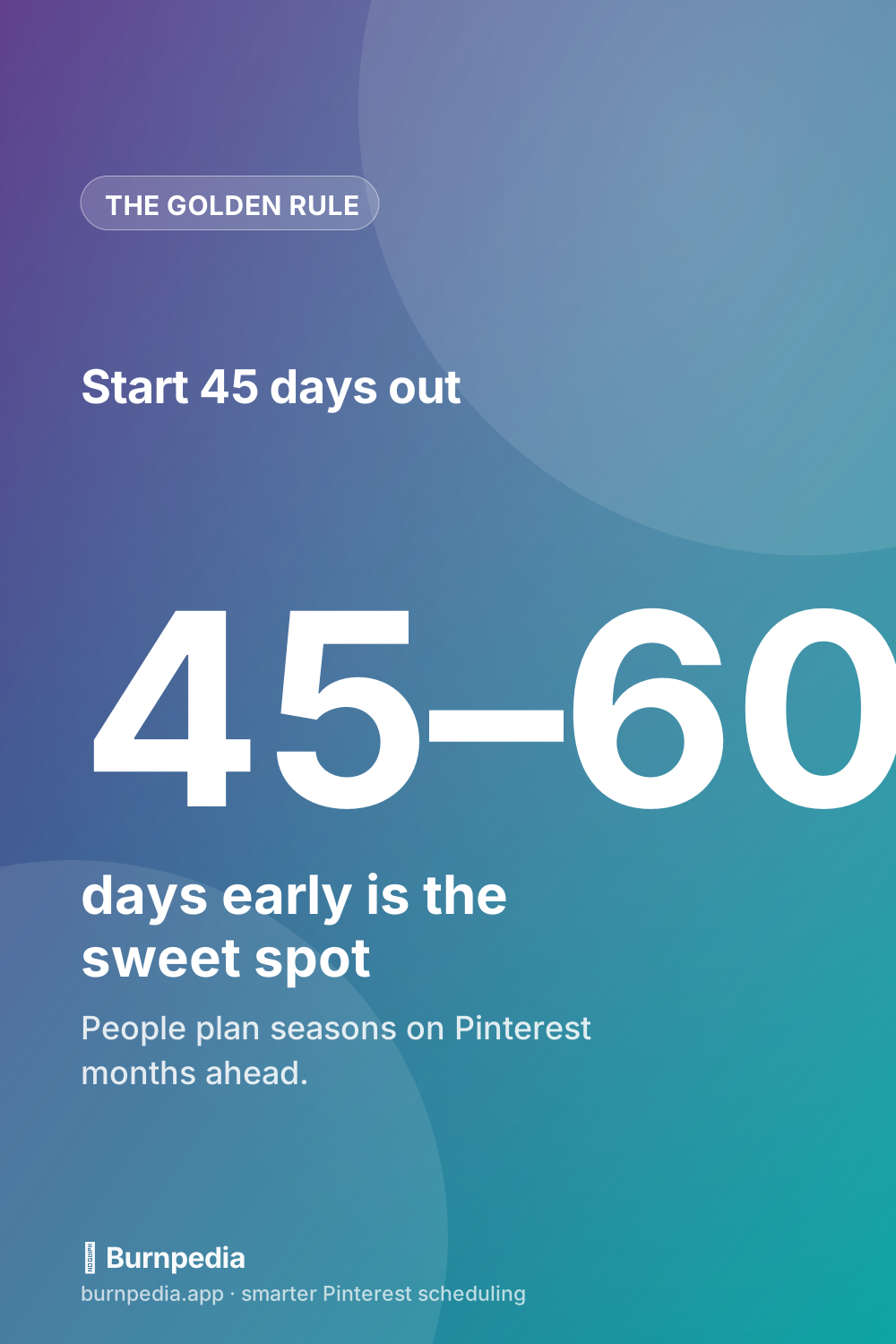
So Halloween Pins go out in early September. Christmas Pins start in October (some folks begin even earlier). Valentine’s Day content in early January. Summer content in April. Feels absurdly early, I know. Do it anyway — that’s where the traffic is.
Your year-round cheat sheet
To make this concrete, here’s roughly what you should be pinning each month if you want to ride the seasonal waves instead of chasing them:
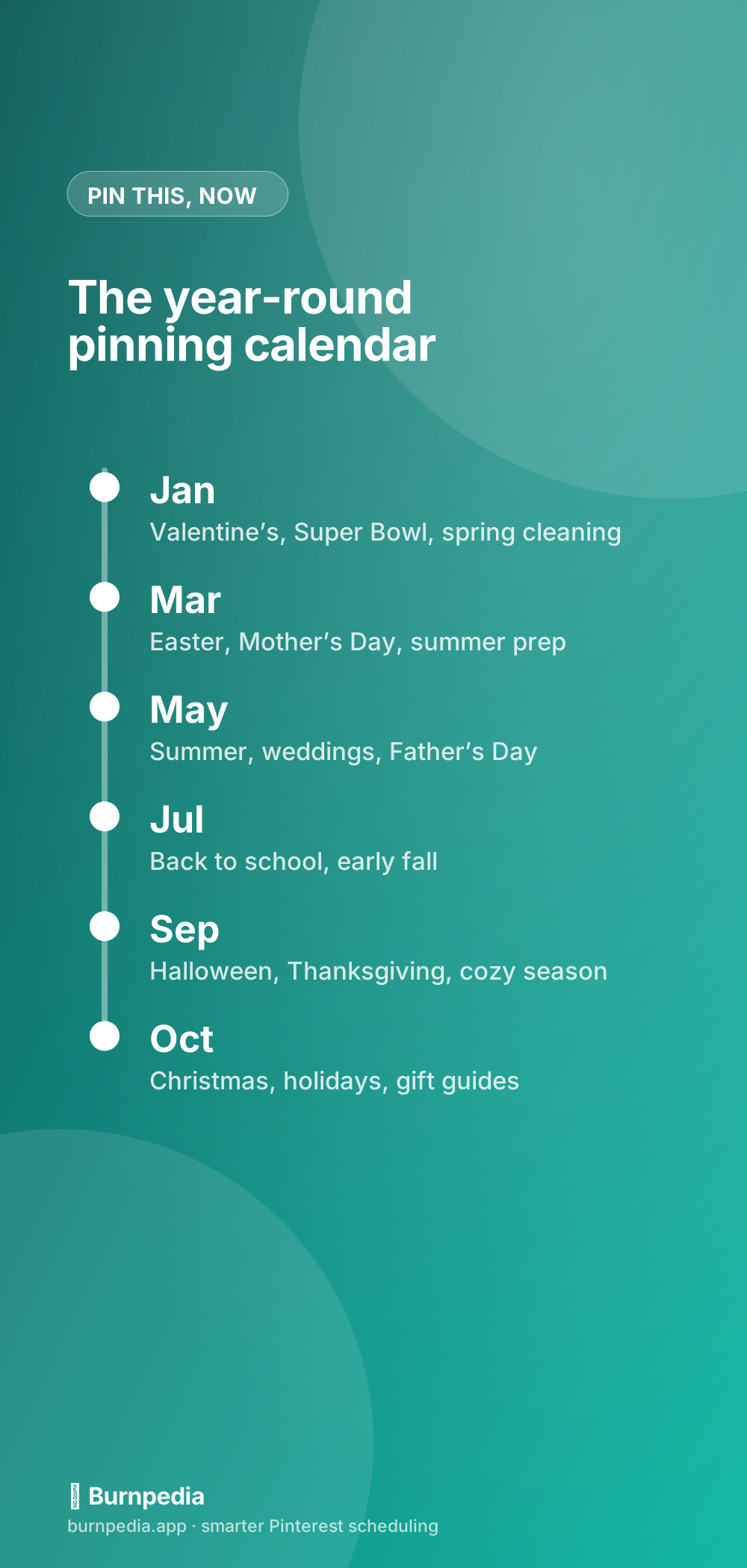
- January: Valentine’s Day, Super Bowl snacks, New Year organization, spring cleaning.
- March–April: Easter, Mother’s Day, spring recipes, summer prep, wedding season.
- May–June: Summer everything, Father’s Day, graduation, weddings.
- July–August: Back to school, early fall, Halloween teasers.
- September: Halloween in full swing, Thanksgiving, cozy/fall content.
- October–November: Christmas, Hanukkah, holiday gift guides, New Year’s.
Notice how you’re always living about two months in the future. It’s a fun mental trick — you get to be the person planning Christmas while everyone else is still at the beach.
Don’t just re-post last year’s Pins
Tempting shortcut, weak results. Pinterest strongly favors fresh Pins — new images it hasn’t seen before. So each season, make new designs for your evergreen seasonal posts rather than re-uploading the identical graphic. Same great recipe, brand-new Pin. This is the exact repurposing move I teach in turn one blog post into a month of Pins — it works beautifully for seasonal content.
Keep pinning evergreen stuff too
Seasonal Pins are spikes; evergreen Pins are your baseline. Don’t let a holiday push crowd out your year-round content. The healthiest approach is a steady flow of evergreen Pins with seasonal ones layered on top at the right time. That balance is exactly what a real calendar keeps honest — which is why I’d pair this post with how to build a Pinterest content calendar.
The obvious problem: nobody plans two months ahead by hand
Here’s the honest hurdle. Being 45 days early means that in October, you’re not just living your October life — you’re also supposed to be making and posting Christmas Pins. In the moment, that’s the thing that never happens. Life gets busy and suddenly it’s December and you’re too late again.
Get ahead of the next season today
Look at the calendar, figure out what’s roughly 45–60 days out, and start there. Whatever the next season is, that’s the one you should be making Pins for right now — not the one happening this week.
Be the person who’s always two months early, keep your Pins fresh each year, and let a schedule carry the timing so you never miss the wave again. Timing your everyday Pins matters too, by the way — that’s over in the best time to post on Pinterest. Now go get festively, ridiculously early. — Sadie
Written by Sadie Brooks
Hey — I’m Sadie. I grew up in a small town outside Columbus, Ohio, moved to Austin for a job I quit within a year, and somewhere in between I started a scrappy little food blog to keep myself sane.
These days I help creators, bloggers, and small U.S. business owners grow on Pinterest without turning it into a second full-time job. I write the Burnpedia blog because I genuinely love this stuff, and because I wish someone had explained it to me in plain English years ago. Pour a coffee, pull up a chair.
Try Burnpedia freeWant Pinterest to run itself?
Every tip on this blog gets easier when your Pins publish on schedule. Burnpedia batches, times, and posts them for you — start free, no credit card.
Try Burnpedia free