Pinterest Conversion Tracking: Know Which Pins Actually Make You Money
Traffic is nice, but conversions pay the bills. Here’s how to set up Pinterest conversion tracking so you finally know which pins drive real sales and sign-ups — not just clicks.

At some point, every serious Pinterest marketer asks the uncomfortable question: is this actually making me money, or just keeping me busy? For a long time you might get away with “it feels like it’s working.” But feelings are a terrible way to run a business, and eventually you’ll want the real answer. That answer lives in conversion tracking — connecting the dots between a pin, a click, and the outcome you care about, whether that’s a sale, a sign-up, or a booking. Set it up once and you stop guessing. You’ll know which pins pay, which don’t, and where to put your energy. It’s the difference between “Pinterest is busy” and “Pinterest is profitable.”
This builds directly on understanding your metrics. If you haven’t yet, the impressions-vs-engagement guide explains the ladder from “shown” to “sold.” Conversion tracking is how you measure the top rung — the one that actually funds everything. Let’s set it up without getting lost in the technical weeds.
Step one: install the Pinterest tag
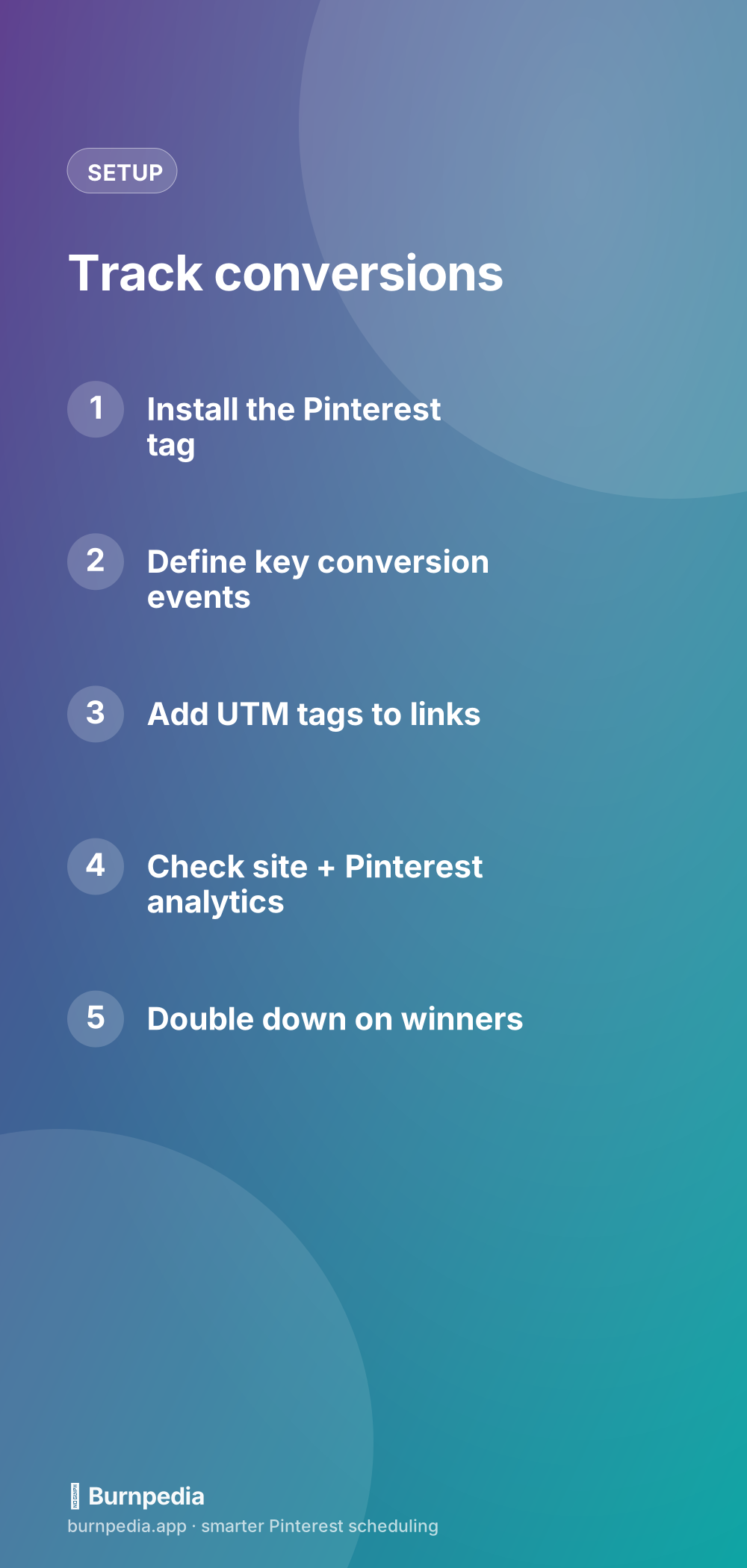
The Pinterest tag is a small piece of tracking code you add to your website (or install through a tag manager or your e-commerce platform’s Pinterest integration). Once it’s in place, it lets Pinterest see when someone who came from Pinterest does something meaningful on your site — like buying or signing up. If you have a business account and a claimed website, adding the tag is usually a copy-paste job or a one-click integration, especially on common platforms. This is the foundation; everything else builds on it. Do this first.
Even if you never run ads, the tag is worth installing purely for organic insight — it powers conversion reporting so you can see which pins lead to real outcomes, not just clicks. Think of it as turning on the lights in a room you’ve been decorating in the dark. Suddenly you can see what’s actually there.
Step two: define your conversion events
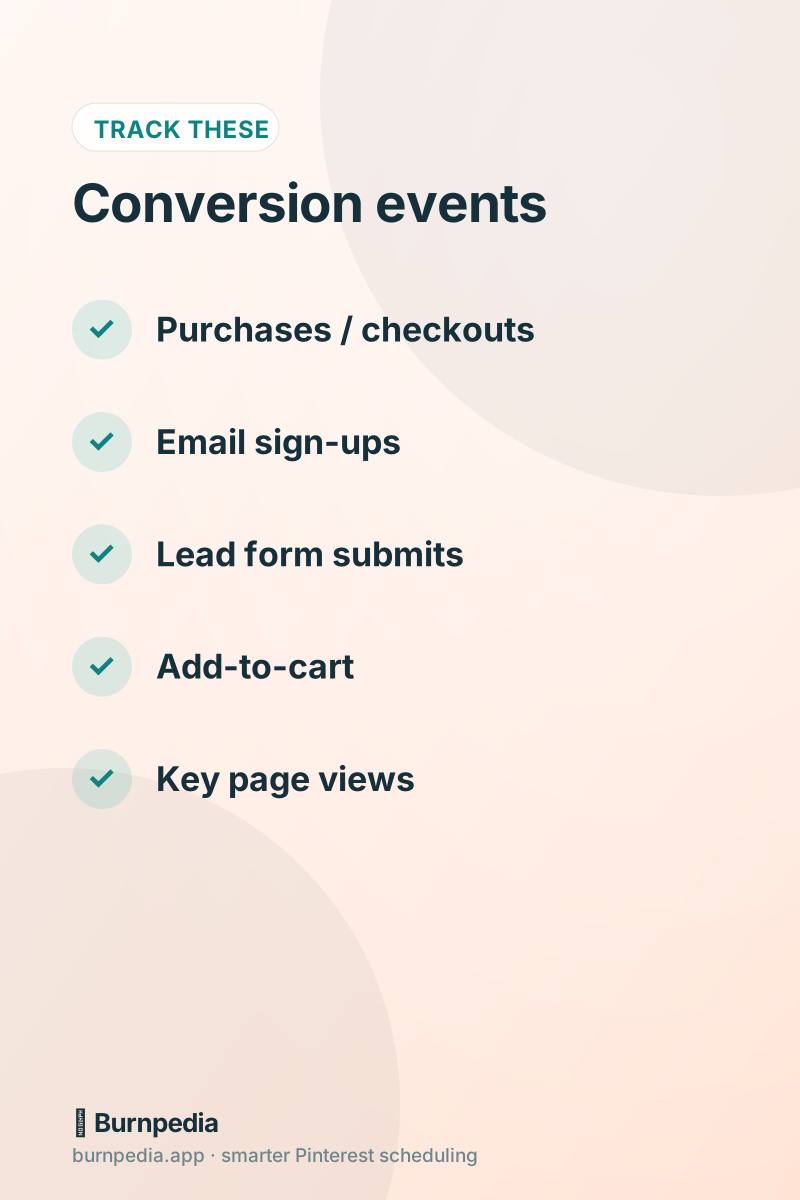
A “conversion” is whatever outcome matters to your business, and you get to define it. For a shop, it’s purchases and add-to-carts. For a blogger or coach, it’s email sign-ups and lead-form submissions. For a service business, it might be a contact-form completion or a booking. Pick the one or two events that represent real value and set those up as the conversions you’ll track. Don’t track everything — track the actions that mean money or genuine progress. A clear, short list of conversion events keeps your reporting honest and your decisions simple.
Step three: tag your links with UTMs
The Pinterest tag tells you conversions happened; UTM tags help you see exactly which pins and campaigns drove them, even in your own site analytics. A UTM is just a little bit of text you add to your destination URLs — like adding “?utm_source=pinterest&utm_medium=pin&utm_campaign=fall-soups” — that shows up in Google Analytics so you can filter for Pinterest traffic and even specific campaigns. It’s not glamorous, but it’s powerful: now your website analytics can confirm Pinterest’s numbers and show you which content earns the visits that convert. Set a simple, consistent UTM convention and use it on your important pins.
You don’t have to UTM every single pin — that gets tedious fast. A practical approach is to tag by campaign or content theme, so you can see, say, that your “email freebie” pins or your “fall collection” pins are the ones driving conversions. That’s enough granularity to make good decisions without turning link-building into a second job.
Step four: read the two dashboards together
Now you have two windows into the truth: Pinterest’s own conversion reporting (powered by the tag) and your site analytics (enriched by UTMs). Read them together. Pinterest shows you conversions attributed to your pins; your site analytics shows you Pinterest traffic and what it does once it lands. Cross-referencing the two gives you a confident picture of what’s actually working. If you want everything in one place over time, a combined analytics view or the Pinterest analytics dashboard approach can pull these signals together so you’re not hopping between tabs.
Step five: double down on what converts
Here’s where tracking turns into money. Once you can see which pins and topics drive real conversions — not just clicks — you make more of those and quietly stop making the rest. Maybe your “budget” angle converts far better than your “luxury” angle; maybe one product’s pins consistently out-earn everything. That’s gold. Point your next batch of pins, and any ad budget, straight at the proven converters. This is the exact discipline that makes paid amplification efficient too: you only ever pour fuel on pins you’ve confirmed make money.
Keep it simple and honest
A word of reassurance: you don’t need a data-science degree for this. Install the tag, pick one or two conversion events, use a simple UTM convention on your important pins, and check your dashboards monthly. That’s enough to answer the big question — is Pinterest paying off, and which pins are responsible — with real evidence instead of vibes. Don’t over-engineer it into a spreadsheet cathedral you’ll never maintain. The goal is confident decisions, not perfect telemetry.
And the payoff compounds. Every month of tracking sharpens your sense of what actually works for your specific audience, so your pins, your offers, and your time all get better-aimed. Marketers who track conversions aren’t smarter than everyone else — they just stopped guessing. Over a year, that shift from guessing to knowing is often the single biggest lever on your Pinterest ROI.
Common questions before you start
Conversion tracking sounds technical, so a few worries usually surface before people set it up. Let me answer the common ones so nothing stops you. “Do I need to run ads to use the tag?” No — the tag powers organic conversion insight too, and it’s worth installing even if you never spend a cent on ads. “Is it hard to install?” On most modern site and shop platforms it’s a copy-paste or a one-click integration. “Will UTMs make my links ugly?” They add a bit of text, but users rarely notice, and you can keep them tidy with a simple naming convention. “What if I sell nothing directly online?” Then your ‘conversion’ is a sign-up, a form submit, or a booking — track that instead.
- Install the tag once — it benefits organic and paid alike.
- Track one or two events that mean real value, not everything under the sun.
- Use a simple, consistent UTM pattern on your important pins, not every single one.
- Cross-check Pinterest’s reporting against your site analytics for confidence.
- Review monthly and point your next batch at the proven converters.
The reason it’s worth the small setup effort is that it changes how you feel about Pinterest entirely. Instead of a vague hope that all this pinning is paying off, you get quiet certainty about which pins earn their keep. That certainty compounds: every month of tracking sharpens your instincts about your specific audience, so your content, offers, and time all get better aimed. You don’t need perfect data — you need enough to stop guessing, and this is exactly enough.
Traffic feels like success, but conversions are success. Install the Pinterest tag, define the one or two outcomes that matter, tag your important links with UTMs, read Pinterest and your site analytics together, and pour your energy into the pins that provably pay. Set it up once and you trade “I think Pinterest is working” for “I know exactly which pins make me money” — which is the moment Pinterest turns from a hopeful hobby into a measured, profitable channel. — Sadie
Written by Sadie Brooks
Hey — I’m Sadie. I grew up in a small town outside Columbus, Ohio, moved to Austin for a job I quit within a year, and somewhere in between I started a scrappy little food blog to keep myself sane.
These days I help creators, bloggers, and small U.S. business owners grow on Pinterest without turning it into a second full-time job. I write the Burnpedia blog because I genuinely love this stuff, and because I wish someone had explained it to me in plain English years ago. Pour a coffee, pull up a chair.
Try Burnpedia freeWant Pinterest to run itself?
Every tip on this blog gets easier when your Pins publish on schedule. Burnpedia batches, times, and posts them for you — start free, no credit card.
Try Burnpedia free