Pinterest Impressions vs. Engagement: Which Number Should You Actually Watch?
Big impression numbers feel amazing and mean almost nothing on their own. Here’s a plain-English breakdown of Pinterest’s metrics and the one number that actually predicts results.

Few things on Pinterest are as seductive — or as misleading — as a big impressions number. You open your analytics, see “84,000 impressions,” and feel like a superstar. Then you check your website traffic and… crickets. What happened? You got fooled by a vanity metric. Impressions and engagement are not the same thing, and confusing them leads people to celebrate the wrong numbers and make bad decisions. Let’s untangle it, because once you know which metric to actually watch, your whole approach to Pinterest gets sharper and calmer.
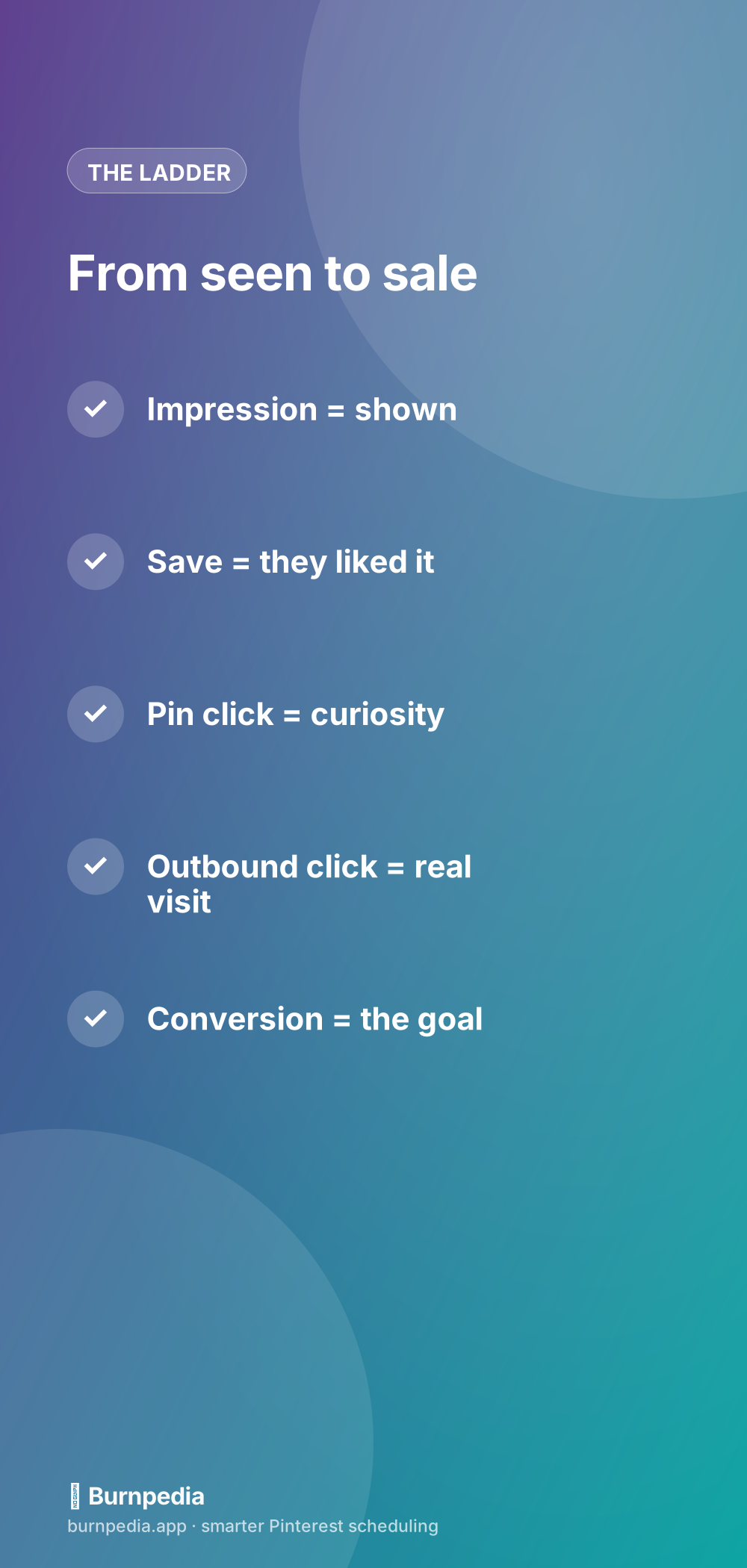
Here’s the mental model I want you to walk away with: Pinterest metrics are a ladder, from “merely shown” at the bottom to “actually made me money” at the top. The higher you climb, the more the number matters. Impressions sit near the bottom; the good stuff is higher up. This pairs closely with the guide to metrics that matter — think of this post as the plain-English primer.
What an impression actually is
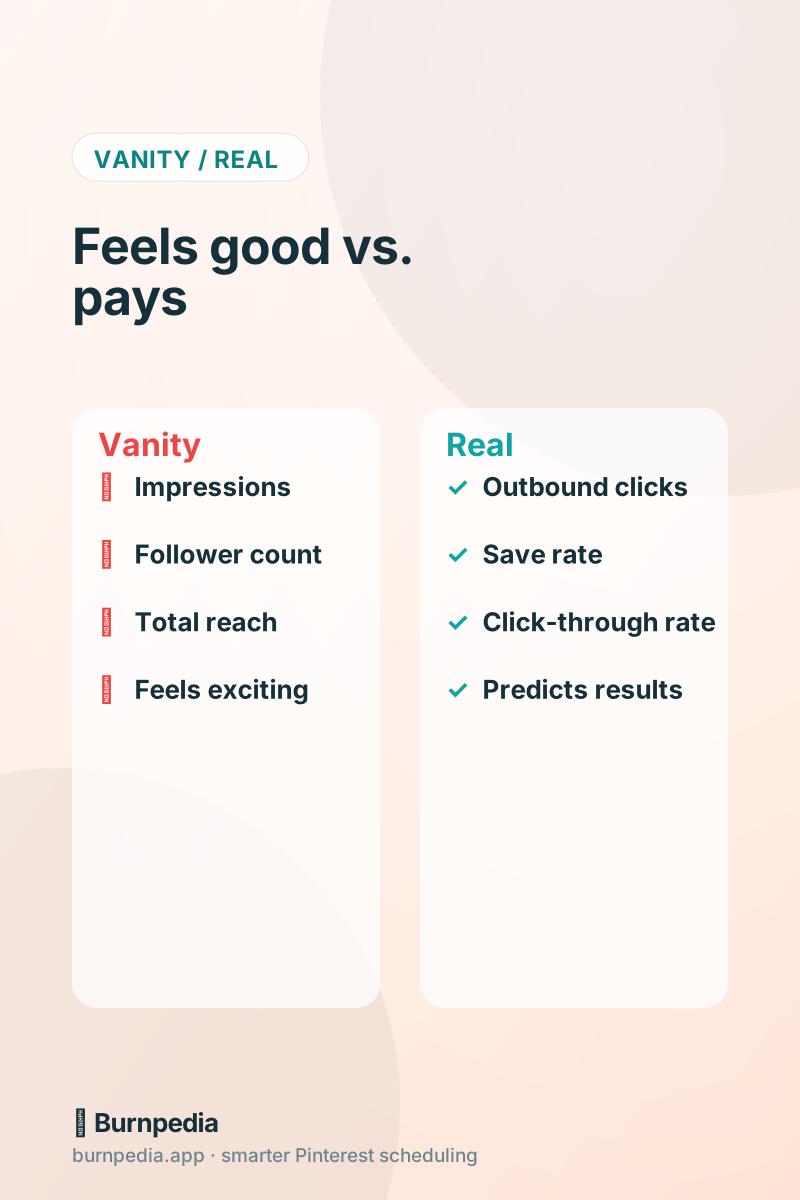
An impression means your pin was shown to someone — it appeared on their screen. That’s the entire bar. It doesn’t mean they looked closely, cared, saved, or clicked. It certainly doesn’t mean they visited your site or bought anything. Impressions measure exposure, nothing more. That’s why they can be huge while your traffic stays flat: Pinterest showed your pin to a lot of people who scrolled right past. Impressions aren’t worthless — you can’t get clicks without first being seen — but on their own they’re just potential, not results. Celebrating impressions alone is like celebrating how many people walked past your shop without counting who came in.
The engagement rungs: saves and pin clicks
Climb one rung and you reach engagement — actions people took on your pin. A save (repin) means someone liked your pin enough to keep it; it’s a genuine signal of appeal and it helps distribution, because Pinterest reads saves as “people find this valuable.” A pin click (or “pin tap”) means they tapped to see the pin up close — a flicker of real interest. These are meaningfully better than a bare impression because they show the pin resonated. A healthy save rate, in particular, tends to travel with pins that keep getting shown. But notice: a save and a close-up look still haven’t brought anyone to your website.
The rung that pays: outbound clicks
Here’s the metric most people underweight and should obsess over: the outbound click. That’s when someone leaves Pinterest and lands on your website. For anyone whose goal is traffic, sales, sign-ups, or bookings, this is the number that actually connects Pinterest to your results. A pin with modest impressions but strong outbound clicks is quietly out-earning a pin with massive impressions and none. So when you scan your analytics, let your eyes go straight to outbound clicks. That’s the rung where Pinterest starts doing the job you actually hired it for.
A useful lens is the click-through rate — outbound clicks divided by impressions. It tells you how good your pin is at converting exposure into visits, independent of raw reach. A pin with a high click-through rate is a keeper; make more like it. A pin with tons of impressions but a tiny click-through rate is pretty but ineffective — usually a sign the image doesn’t promise a click, or the title doesn’t give a reason to leave Pinterest.
The top rung: conversions
The very top of the ladder is the conversion — the outbound click that turns into the outcome you care about: a sale, a subscriber, a booking. This is the number that pays your bills, and it’s the one worth building your whole measurement around. It requires connecting Pinterest to your site’s analytics or tracking, which is a bit more setup, but it’s the difference between “Pinterest is busy” and “Pinterest is profitable.” I walk through it in Pinterest conversion tracking. For now, just know it exists and it’s the real summit.
So which should you watch?
Put simply: glance at impressions to make sure you’re being seen, pay attention to save rate and click-through rate to judge pin quality, and focus on outbound clicks (and, ideally, conversions) as your true scoreboard. If you only had one number, watch outbound clicks — it’s the honest bridge between Pinterest and your business. Reorganizing your attention up the ladder like this instantly makes you a better Pinterest marketer, because you start optimizing for results instead of applause.
Let the right metric guide your content
The payoff of watching the right number is better decisions. When you rank your pins by outbound clicks (not impressions), your real winners reveal themselves — and they’re often not the pins with the biggest reach. That “cozy soup” pin with modest impressions but a huge click-through rate is telling you exactly what to make more of. Chase impressions and you’ll keep remaking pretty pins that go nowhere; chase clicks and you’ll keep making pins that actually drive your business. Same effort, wildly different outcome, decided entirely by which number you trust.
A good analytics view makes this easy by surfacing your top pins by the metric you choose, so you can sort by outbound clicks and instantly see your money-makers. Do that monthly, make more of what’s working, and quietly retire the pretty-but-pointless pins. It’s the simplest continuous-improvement loop there is, and it runs entirely on watching the correct rung of the ladder.
Your five-minute monthly metric check
You don’t need to live in your analytics — you need a short, repeatable ritual that keeps you honest. Once a month, sit down for five minutes and walk up the ladder deliberately, from “seen” to “sold,” asking one question at each rung. This simple pass tells you far more than daily obsessing ever could, because it filters out the normal day-to-day noise and shows you the real trend. Here’s the exact check I run, in order, so nothing important slips past.
- Impressions: am I being seen at all? (A sanity check, not a victory lap.)
- Save rate: are people finding my pins genuinely worth keeping?
- Click-through rate: are my images and titles giving people a reason to leave Pinterest?
- Outbound clicks: which specific pins actually sent visitors to my site?
- Conversions: did those visits become sales, sign-ups, or leads?
The magic isn’t in any single number — it’s in reading them together as a story. A pin with big impressions but a weak click-through rate is a design or title problem. Strong clicks but no conversions points to a landing-page or offer problem. Great save rate but low reach might just need more fresh pins to gain momentum. Each pattern points to a specific fix, which is exactly why watching the whole ladder beats fixating on one flashy stat. Five minutes a month, and you always know what to do next.
Impressions feel great and mean little; the value climbs as you go up the ladder from saves to pin clicks to outbound clicks to conversions. Glance at impressions, judge quality by save and click-through rates, and build your scoreboard around outbound clicks and the sales they lead to. Watch the right number, let it pick your next pins, and Pinterest stops being a vanity contest and becomes a results engine. — Sadie
Written by Sadie Brooks
Hey — I’m Sadie. I grew up in a small town outside Columbus, Ohio, moved to Austin for a job I quit within a year, and somewhere in between I started a scrappy little food blog to keep myself sane.
These days I help creators, bloggers, and small U.S. business owners grow on Pinterest without turning it into a second full-time job. I write the Burnpedia blog because I genuinely love this stuff, and because I wish someone had explained it to me in plain English years ago. Pour a coffee, pull up a chair.
Try Burnpedia freeWant Pinterest to run itself?
Every tip on this blog gets easier when your Pins publish on schedule. Burnpedia batches, times, and posts them for you — start free, no credit card.
Try Burnpedia free