Pinterest Shopping Ads: Sell Your Whole Catalog
Shopping ads turn your product feed into promotable Pins automatically — so you can put your whole catalog in front of ready-to-buy shoppers without designing each Pin by hand.


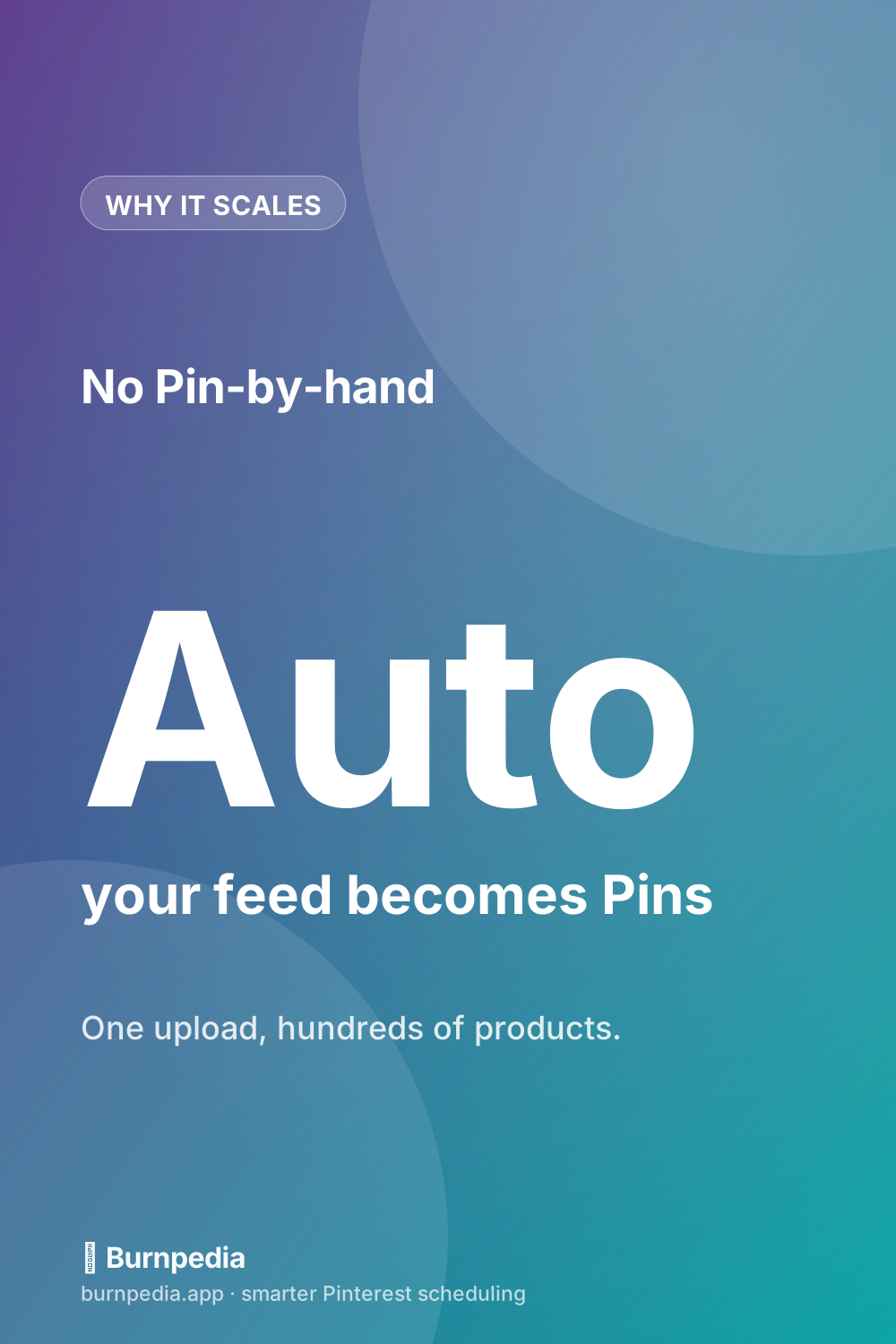
If you sell physical (or even digital) products, shopping ads are the Pinterest feature most likely to make you money with the least ongoing effort. Here’s the magic: instead of designing a promoted Pin for every single product by hand, you connect your store’s product feed once, and Pinterest automatically turns your catalog into shoppable product Pins you can promote. Upload once, and hundreds of products become ads. Put that in front of Pinterest’s uniquely purchase-minded audience, and you’ve got a genuinely scalable sales channel. Let me show you how it works and how to set it up without the overwhelm.
This builds directly on the fundamentals in the complete Pinterest ads guide — if you’re brand new to Pinterest advertising, skim that first. Shopping ads are simply the e-commerce-flavored version of everything there: same intent-rich audience, same auction, but powered by your product feed instead of one-off Pins.
What shopping ads actually are
A shopping ad is a product Pin — pulled from your catalog with its image, title, price, and a link straight to the product page — that Pinterest promotes to relevant shoppers. Because the data comes from your feed, the Pins stay accurate: when your price or stock changes, the Pins update. Shoppers can browse them in search, in the home feed, in related Pins, and in Pinterest’s shopping surfaces, tapping through to buy. It’s the closest thing Pinterest has to a storefront window, and it meets people at the exact moment they’re looking for something to buy.
The scalability is the point. Manually creating and promoting a Pin for every product would be a full-time job for a real store. Catalog-powered shopping ads collapse that into a feed connection plus some organization, freeing you to focus on which products to push rather than the busywork of building each ad. That leverage is why serious e-commerce sellers lean on shopping ads hard.
Setting it up (the simple version)
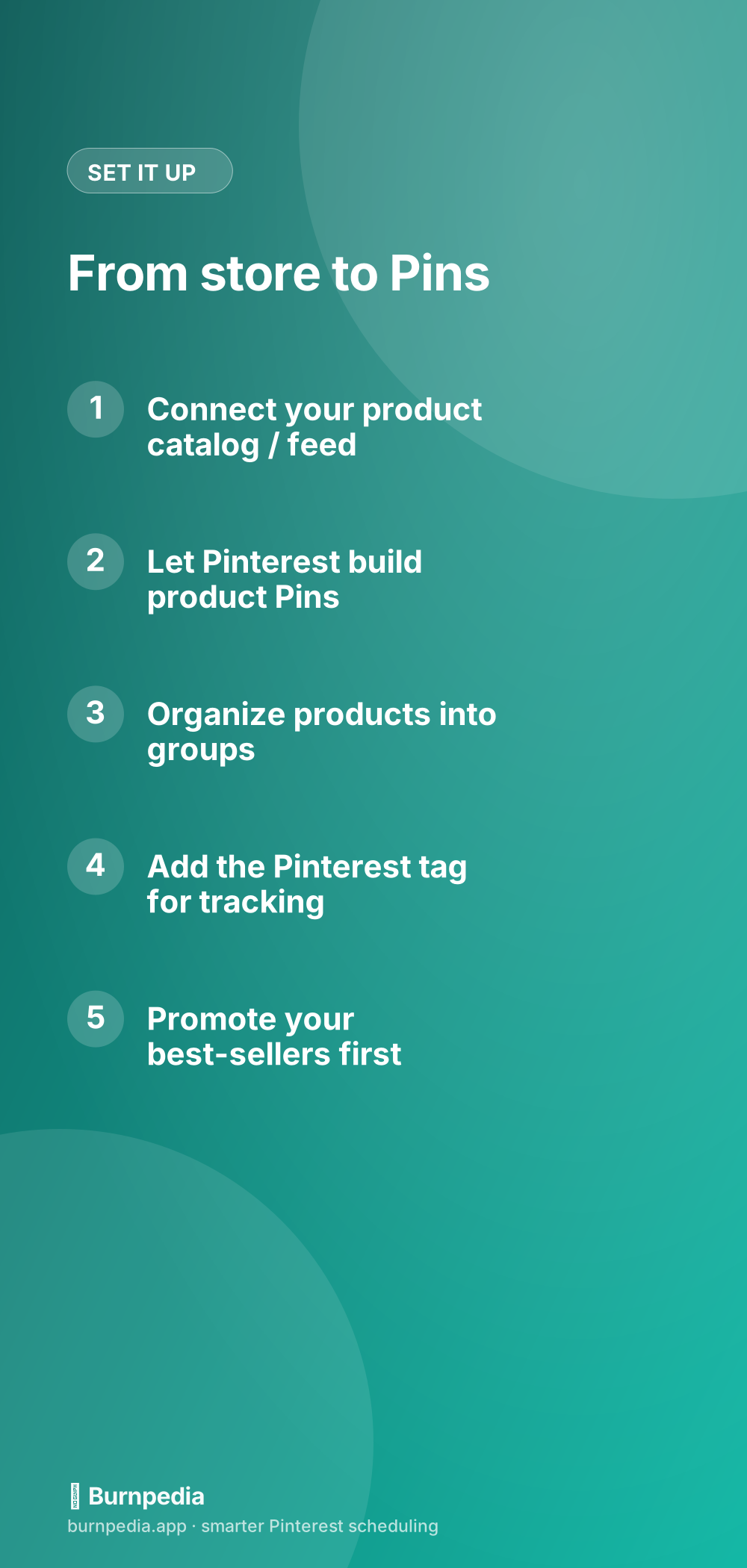
The setup has two halves: getting your catalog into Pinterest, and getting tracking out of it. For the catalog, you connect your product feed — most platforms make this straightforward, and if you’re on Shopify or Etsy it’s especially smooth, which I cover in Pinterest for Shopify and Pinterest for Etsy sellers. Pinterest ingests your feed and generates product Pins automatically. Then you install the Pinterest tag so you can actually measure sales and build retargeting audiences — without it, you’re flying blind on the metric that matters most.
Once your catalog is in, organize products into logical groups (by category, season, margin, or best-seller status) so you can promote strategically rather than blasting everything equally. Then start by promoting your proven best-sellers — the products you already know convert — before experimenting with the long tail. Same principle as always: put budget behind what already works.
Feed hygiene: the unglamorous secret
Shopping ads live or die by the quality of your product feed, and this is where quiet wins hide. Make sure your product photos are clean and ideally vertical (Pinterest is a vertical, visual platform), your titles are clear and include the words people actually search, your prices and stock are accurate, and every product links to its own correct page — not a generic homepage. A messy feed produces messy ads that underperform no matter how much you spend; a tidy one gives Pinterest great raw material to promote.
Treat your feed like storefront merchandising. The same care you’d put into arranging a physical shop window pays off here, because each product Pin is a little window. Good photos and honest, keyword-aware titles do a huge amount of the selling before a shopper even clicks.
Targeting and scaling shopping ads
Shopping ads benefit from the same targeting discipline as any Pinterest ad — the difference is that Pinterest can also use your feed and your visitors’ behavior to do a lot of the matching for you. Retargeting shoppers who viewed a product but didn’t buy is especially powerful here, as is building actalike audiences from your buyers. If targeting is new to you, Pinterest ad targeting walks through the whole stack. Start focused, prove the return on a few best-sellers, then widen.
When you scale, do it on the strength of real numbers: cost per sale and return on ad spend, not impressions. Feed more budget to the products and audiences that clear your target return, and pull back where they don’t. Because the catalog does the heavy lifting, scaling often just means shifting budget toward winners rather than building anything new.
Lifestyle shots beat plain product photos
A quiet upgrade that lifts shopping-ad performance is the style of imagery in your feed. A product floating on a plain white background is fine for a marketplace listing, but on Pinterest — a platform built on aspiration and planning — lifestyle shots usually win. Show the candle lit on a cozy styled shelf, the mug held in someone’s hands on a slow morning, the dress worn on a real person in real light. Context helps a shopper imagine owning the thing, which is exactly the leap you need them to make. Where your platform allows a lifestyle image in the feed, use it.
That said, keep it honest and clear: the product should still be obvious and accurately represented, and the image should be clean enough to read at a small size in a busy feed. The goal is aspiration that still communicates “here is the actual thing you can buy,” not a beautiful photo where the product gets lost. When you can, test a lifestyle image against a cleaner product shot for the same item and let the numbers pick the winner — you’ll often find the styled version earns more engagement while the clean one converts a slightly different shopper, and knowing that lets you use each deliberately.
Finally, remember that shopping ads reward freshness just like the rest of Pinterest. Refresh your promoted products seasonally, rotate in new best-sellers, and retire items that are out of stock or off-trend so your feed always reflects what you actually want to sell right now. A catalog you set once and never touch slowly drifts out of step with your real business; a lightly maintained one keeps putting your strongest, most relevant products in front of shoppers at the moments they’re most likely to buy them.
One habit that pays off over time is treating your product feed as an asset you improve, not a chore you complete. Every few weeks, glance at which product Pins are earning the most saves and clicks, and use that to guide both your ads and your merchandising — those are the products worth photographing better, describing more carefully, and promoting harder. Over months, this steady refinement compounds: your feed gets sharper, your best products get more visible, and your cost per sale drifts down. Shopping ads reward the seller who tends their catalog like a shop window rather than uploading it once and forgetting it exists.
So that’s shopping ads: connect your catalog, let Pinterest turn it into shoppable product Pins, keep your feed clean, add the tag, and promote your best-sellers to a shopping-minded audience. It’s the most scalable way to sell products on Pinterest, precisely because it removes the per-Pin grunt work and lets you focus on strategy. Get your feed tidy, prove the return on a handful of winners, and then simply pour budget into what sells. Your catalog does the rest. — Sadie
The prices and budgets here are examples, not financial advice. What you pay depends on your audience, your bids and the season.
Written by Sadie Brooks
Hey — I’m Sadie. I grew up in a small town outside Columbus, Ohio, moved to Austin for a job I quit within a year, and somewhere in between I started a scrappy little food blog to keep myself sane.
These days I help creators, bloggers, and small U.S. business owners grow on Pinterest without turning it into a second full-time job. I write the Burnpedia blog because I genuinely love this stuff, and because I wish someone had explained it to me in plain English years ago. Pour a coffee, pull up a chair.
Try Burnpedia freeWant Pinterest to run itself?
Every tip on this blog gets easier when your Pins publish on schedule. Burnpedia batches, times, and posts them for you — start free, no credit card.
Try Burnpedia free