Pinterest Business Account: Why & How to Switch (2026)
A Pinterest business account is free and unlocks analytics, ads, rich pins, and website claiming. Here’s what you get, whether to convert or start fresh, and how to switch in minutes.


Let’s clear up a question that stops a surprising number of people in their tracks: should you have a Pinterest business account, and if so, how do you get one? The short answers are “yes, absolutely” and “it takes about two minutes.” A business account is completely free, it has essentially no downsides, and it unlocks all the tools that make growing on Pinterest actually possible — analytics, the ads manager, rich pins, and website claiming. If you’re using Pinterest to grow anything at all, staying on a personal account is quietly holding you back. Let me explain exactly what you get and walk you through switching.
This is step one of the broader Pinterest setup guide, and it’s the prerequisite for almost everything else — you can’t claim your website or run ads without it. So even if you do nothing else today, do this. Let’s look at what actually changes when you flip the switch.
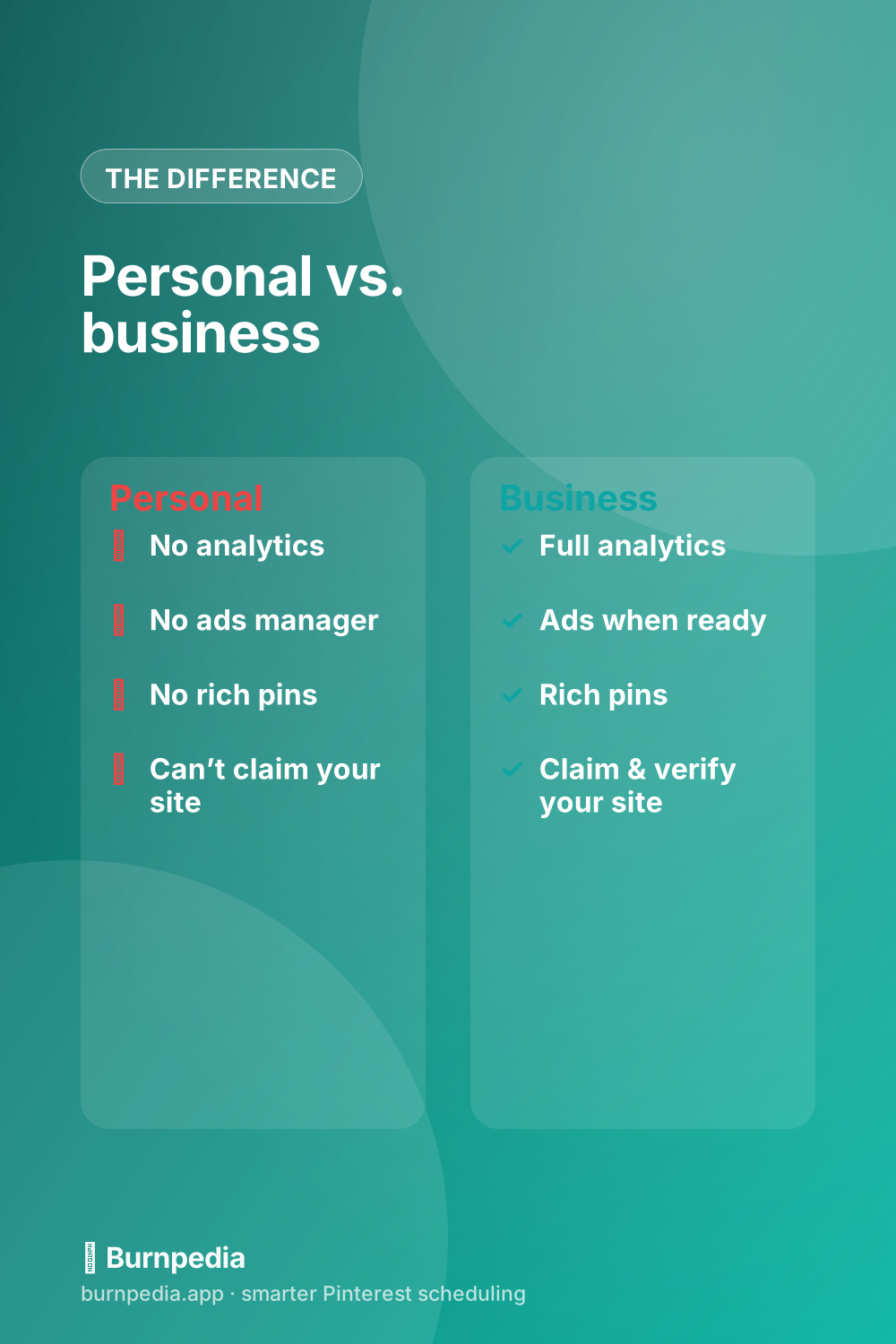
What a business account actually unlocks
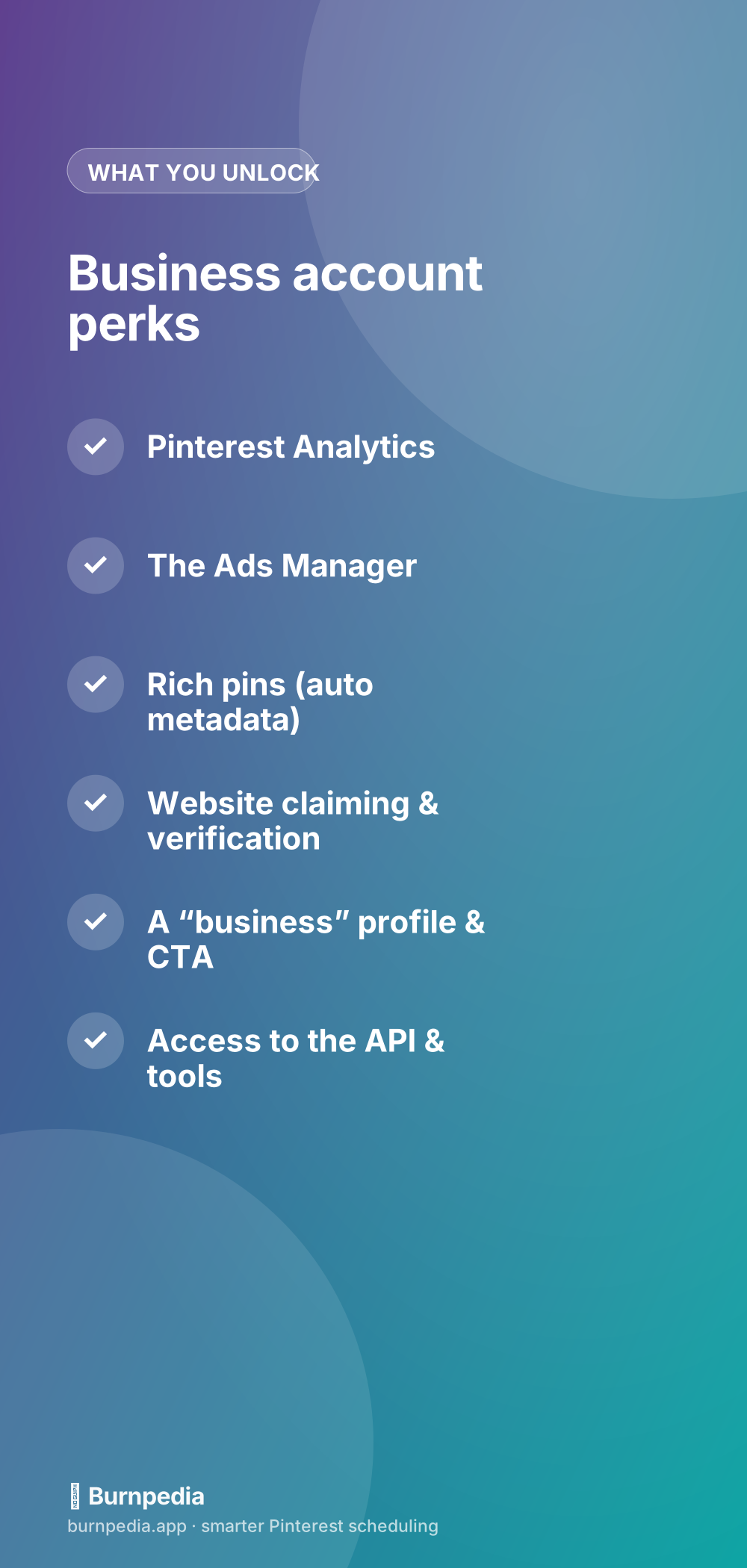
The difference between personal and business isn’t cosmetic — it’s functional. A business account gives you Pinterest Analytics, so you can finally see what’s working instead of guessing. It gives you the Ads Manager, so you can promote your best Pins when you’re ready. It enables rich pins, which pull extra info from your site onto your Pins. It lets you claim and verify your website, which builds trust and unlocks site-wide analytics. And it gives you a proper business profile with clearer calls to action. None of that is available on a personal account — you’re simply locked out of the growth toolkit.
Crucially, gaining all of this costs you nothing and takes nothing away. You don’t lose your Pins, your boards, or your followers by switching. There’s no “business” penalty in reach — if anything, the tools you unlock help you grow faster. That’s why I say it’s all upside: you keep everything you have and gain everything you were missing.
Convert your personal account or start fresh?
You have two paths: convert your existing personal account to business, or create a brand-new business account (Pinterest lets you have a business account linked to a personal one). For most people, converting is the right move if your existing account already has relevant Pins, boards, and followers that fit your brand — you keep all that momentum. Start fresh only if your personal account is a messy grab-bag of unrelated interests (recipes, memes, vacation dreams) that would confuse Pinterest about what your business is actually about.
If you do start fresh, you can always keep your personal account for your own browsing and run the business account separately. But don’t agonize over this — a slightly mixed existing account is usually still worth converting, because followers and Pin history have real value, and you can tidy up boards afterward. Only truly chaotic accounts justify starting from zero.
How to switch (the two-minute version)
To convert: from your account settings, look for the option to convert to a business account, and follow the prompts — you’ll add a business name, pick a category, and describe what you do. To start fresh: sign up for a new business account directly, or add one linked to your existing login. Either way, you’ll be asked some basic business info and then dropped into the business hub. The whole thing is genuinely quick, and Pinterest walks you through it. Once you’re in, you’ll immediately see the analytics and business tools appear.
The moment you’re on a business account, keep the momentum going: claim your website next, because that’s the step that unlocks full analytics and trust — I cover it in how to claim your website on Pinterest. Then optimize your profile so you’re actually findable, which is optimizing your Pinterest profile. Business account, claimed site, optimized profile — that trio is your real launchpad.
Using the business tools well
Switching is just the unlock; the value comes from actually using what you’ve unlocked. Check your analytics regularly to learn what resonates, enable rich pins so your Pins carry more information, and lean on the business profile’s clearer calls to action to send people where you want them. If you want the bigger picture of running Pinterest as a genuine marketing channel — not just having the account — how to use Pinterest for business ties it all together.
Does switching hurt your reach? (No)
A worry I hear constantly is some version of “won’t Pinterest throttle a business account, the way other platforms bury business posts?” It’s a fair fear given how some social networks treat business pages — but on Pinterest it’s simply not how it works. Pinterest is a visual search engine, not a social feed that punishes commercial content; it wants great Pins from businesses, because businesses are who create the recipes, products, and guides people come to Pinterest to find. Switching to business does not reduce your reach. If anything, the analytics and tools you unlock help you grow faster by showing you what’s working.
So you can let that worry go entirely. There’s no shadow-penalty, no reduced distribution, no reason to cling to a personal account out of fear. The distribution you get on Pinterest is driven by the quality and relevance of your Pins and how well you’ve set up your account — not by whether a “business” label is attached. Given that the business account is free and unlocks so much, the risk-reward is completely lopsided in favor of switching.
One practical note if you run more than one brand: Pinterest lets you manage multiple business accounts, and you can link them so you switch between them without logging in and out. That’s handy if you have, say, a personal brand and a separate shop, or you manage Pinterest for clients. Keep each account tightly focused on its own topic rather than blending them, and use the account-switching to stay organized. If juggling several accounts is on your horizon, it’s worth setting them up cleanly from the start so each one sends Pinterest a clear, single-topic signal instead of a muddled one.
If you take one thing from this, let it be that there is genuinely no good reason to delay the switch. It’s free, it’s reversible, it doesn’t cost you a single follower or Pin, and it doesn’t dent your reach — while it unlocks essentially every tool that makes growth measurable and possible. The only thing “waiting” gets you is more time spent flying blind without analytics and locked out of the ads manager and website claiming. So if you’re still on a personal account, treat this as your nudge: spend the two minutes today, and give your future self the data and tools to actually build something.
So, do you need a Pinterest business account? If you want to grow, yes — unequivocally. It’s free, it takes two minutes, it costs you nothing you already have, and it unlocks analytics, ads, rich pins, and website claiming. Convert your existing account if it fits your brand, or start fresh if it’s a mess, then move straight on to claiming your site and optimizing your profile. Flip this one switch and you go from locked-out to fully equipped. It’s the easiest high-leverage decision on this whole list. — Sadie
Written by Sadie Brooks
Hey — I’m Sadie. I grew up in a small town outside Columbus, Ohio, moved to Austin for a job I quit within a year, and somewhere in between I started a scrappy little food blog to keep myself sane.
These days I help creators, bloggers, and small U.S. business owners grow on Pinterest without turning it into a second full-time job. I write the Burnpedia blog because I genuinely love this stuff, and because I wish someone had explained it to me in plain English years ago. Pour a coffee, pull up a chair.
Try Burnpedia freeWant Pinterest to run itself?
Every tip on this blog gets easier when your Pins publish on schedule. Burnpedia batches, times, and posts them for you — start free, no credit card.
Try Burnpedia free