How to Use Pinterest for Business in 2026 (A Friendly Starter Guide)
Pinterest isn’t a social network you have to “keep up with” — it’s a search engine that sends buyers to your site for months. Here’s how to set it up for business the right way, step by step.

When people hear “use Pinterest for business,” they usually picture another social account to feed — one more place to post daily, chase likes, and slowly resent. I want to gently reset that expectation, because Pinterest works nothing like Instagram or TikTok. It’s a visual search engine. People come to it to plan projects, find products, and decide what to buy. That means your job isn’t to entertain a feed; it’s to be findable when someone searches for what you offer. Once that clicks, Pinterest becomes one of the calmest, highest-intent channels you have.
This guide walks you through setting it up properly, in the order I’d do it for a brand-new business account. None of it is hard, and most of it is one-time setup that keeps paying off. Let’s go.
Start with a free business account
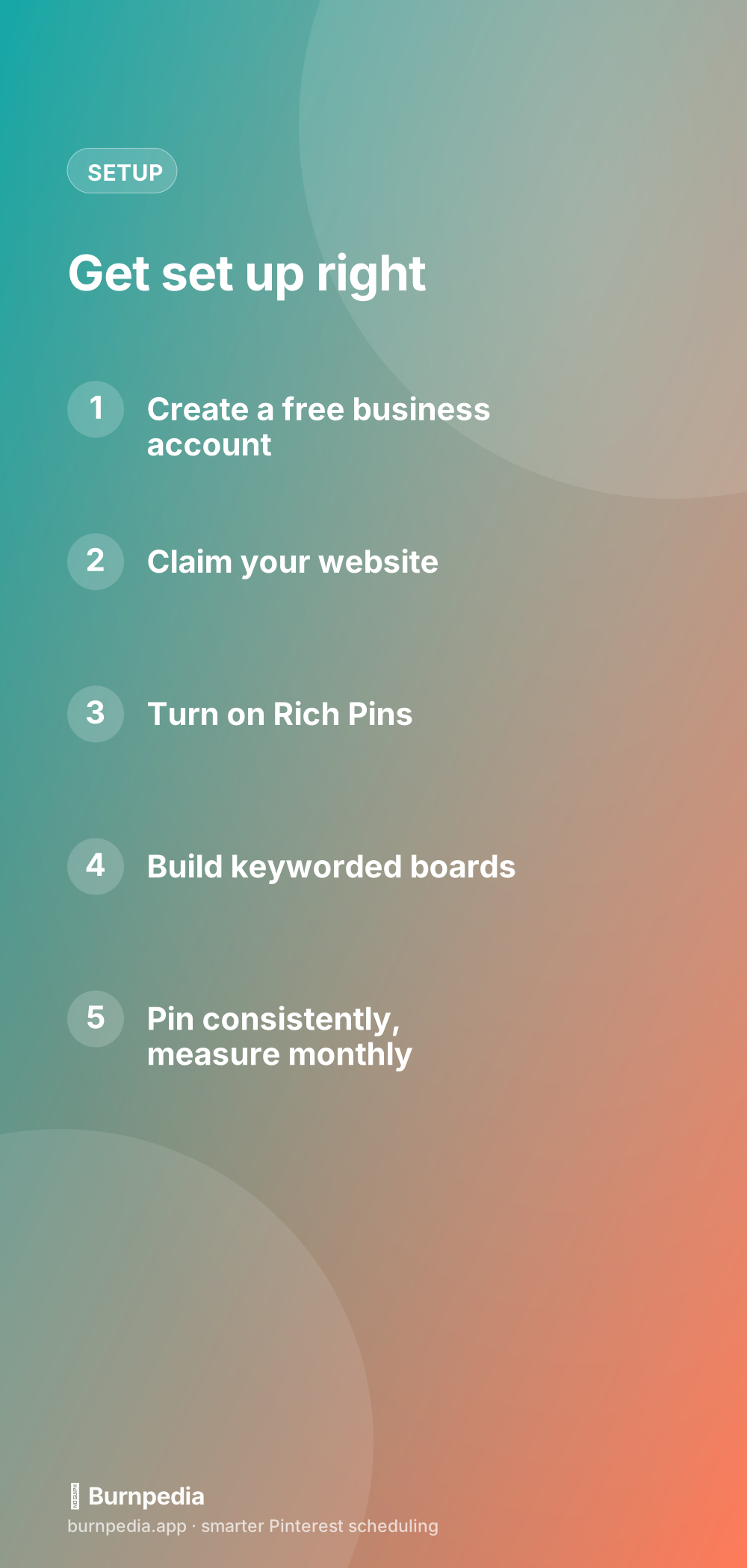
If you’re using Pinterest for anything commercial, you want a business account — it’s free, and it unlocks analytics, ads (if you ever want them), and the ability to claim your website. If you already have a personal account with a following, you can convert it in a couple of minutes without losing your pins or followers. The business account is simply the correct tool for the job; a personal account leaves useful data on the table.
While you’re in settings, fill out your profile like a storefront window: a clear name, a keyworded bio that says who you help and how, and a recognizable photo or logo. People decide whether to follow in about two seconds, so make those two seconds count.
Claim your website and turn on Rich Pins
Claiming your website tells Pinterest that your domain is really yours, which builds trust and gives you site-level analytics. It’s a small setting with a big payoff. Right after that, enable Rich Pins — they automatically pull your page’s title and description onto every pin from your site, making your pins look more credible and clickable. I walk through the whole thing in the Rich Pins setup guide; do it once and every future pin benefits.
Build boards around what people search
Boards are how Pinterest organizes your world, and how it decides what your account is about. So don’t name them cute — name them searchable. “Cozy Fall Living Room Ideas” beats “Autumn Vibes ✨” every time, because the first one matches what humans actually type. Create a handful of boards that map to your product lines or content themes, give each a keyworded name and a one-sentence keyworded description, and you’ve built a keyworded home for everything you’ll pin.
If you sell physical products, group boards and well-organized category boards do a lot of quiet work here — the more clearly your account is themed, the more confidently Pinterest shows it to the right shoppers. Our board strategy guide has the full playbook.
Make pins people actually click
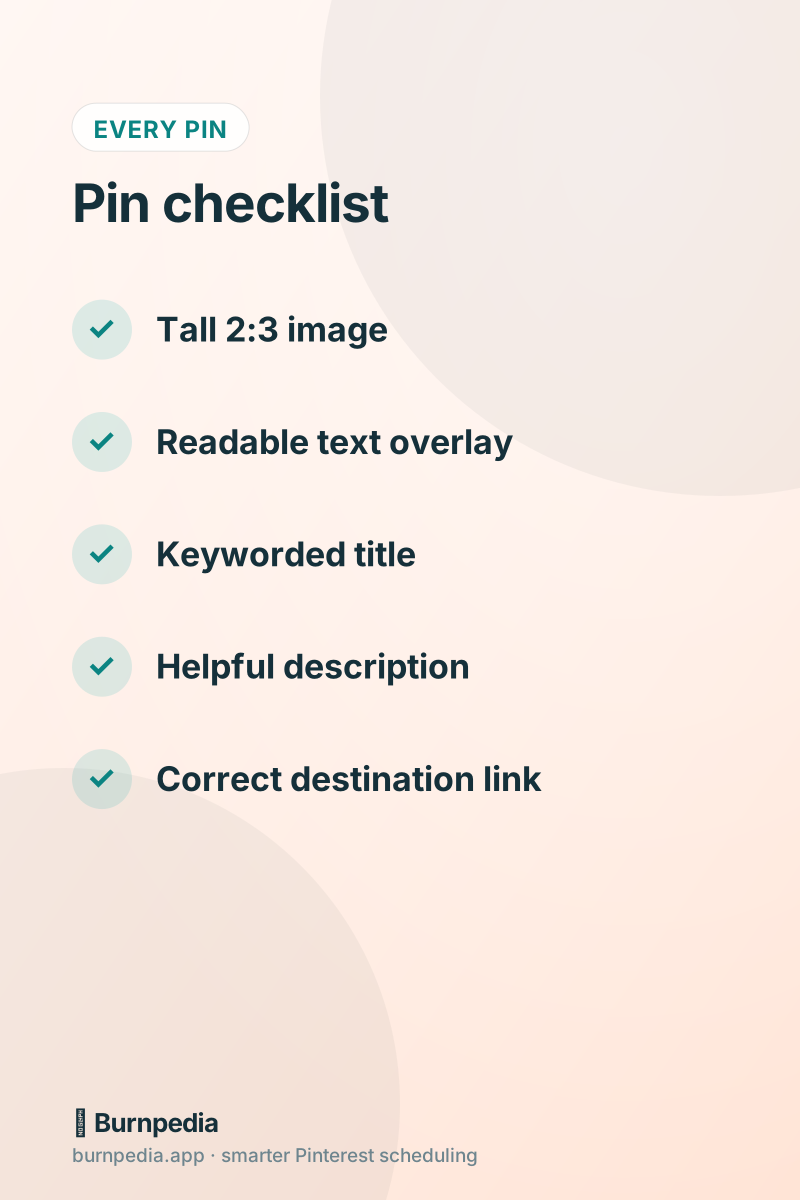
Here’s where businesses win or lose on Pinterest. A great pin is a tall, vertical image (2:3 is the sweet spot) with a clear, readable headline and a look that stops the scroll. It should promise something specific — a solution, an idea, a deal — and the destination page should deliver on that promise immediately. If your pin says “5 gift ideas under $30” and the link dumps people on your homepage, you’ve broken the deal and lost the sale.
You don’t need to be a designer. Templates, a consistent font, and your brand colors go a long way, and AI can help you draft titles, descriptions, and even branded pin images in seconds. If design is your bottleneck, the guide to pin design that gets clicks will get you unstuck fast.
Pin consistently — without living on the app
Consistency is the whole game, and it’s also where good tools earn their keep. You do not need to open Pinterest ten times a day. Batch-create a stack of fresh pins, then let a scheduler publish them at the times your audience is most active. This keeps your account alive and growing even during your busiest weeks, and it protects you from the boom-and-bust cycle that kills most business accounts. That’s exactly what smart scheduling solves.
A healthy pace for most businesses is a handful of fresh pins a day, spaced out. Remember that “fresh” means a new image, not necessarily new content — so a single product can quietly generate pins for weeks. Volume of variety, spaced sensibly, is what steady growth looks like.
Measure what actually matters
Vanity metrics like impressions feel good but rarely pay the bills. For a business, the numbers that matter are outbound clicks (people leaving Pinterest for your site) and, ultimately, the sales or sign-ups those clicks produce. Check them monthly, notice which pins and topics drive real clicks, and make more of those. Our metrics guide shows you exactly which numbers predict growth and which are just noise.
A simple weekly rhythm
To keep this from becoming another overwhelming to-do, here’s the rhythm I’d recommend. Once a week, spend an hour making fresh pins for your best products or posts and load them into your scheduler for the week. Once a month, spend thirty minutes reviewing analytics and planning the next batch around what’s working. That’s it — roughly an hour a week and a half-hour a month to run a real Pinterest presence. Compare that to the daily grind of other platforms and it starts to look like a bargain.
The reason this modest effort works is Pinterest’s long memory. A pin you make this Tuesday can still be sending buyers to your site next spring. You’re not renting attention by the hour; you’re building an asset that keeps working. Few marketing channels give you that kind of leverage for so little ongoing effort.
Business-account questions, answered
A few practical questions come up constantly when businesses start on Pinterest, so let me answer them so nothing holds you back. “Do I need a business account?” Yes — it’s free and unlocks analytics, ads, and website claiming that a personal account lacks. “Will scheduling get me flagged?” No; scheduling through Pinterest’s official tools is a fully supported, first-class use, as long as it’s spaced out and reviewable, which good tools handle for you. “How many pins a day?” A handful of fresh pins, spaced out, is a healthy pace for most businesses. “How soon will I see results?” Give it a couple of months — Pinterest rewards consistency, and pins keep working long after you post them.
- Use a free business account — it’s the correct tool and unlocks the data you need.
- Claim your site and enable Rich Pins once; every future pin benefits.
- Name boards with searchable keywords, not clever brand phrases.
- Publish a handful of fresh, spaced-out pins a day — consistency over bursts.
- Measure outbound clicks and sales, not vanity impressions.
The mindset that ties it together is patience with leverage. Pinterest asks for a modest, consistent effort up front and then pays it back for months, because a keyworded pin keeps surfacing in search long after you made it. That’s a rare kind of marketing leverage — you’re not renting attention by the hour, you’re building a searchable catalog that sends ready-to-act buyers your way while you run everything else. Set the foundation correctly, keep a steady drip of click-worthy pins flowing, and let time and consistency compound in your favor.
Pinterest for business isn’t about hustle; it’s about setup and consistency. Do the one-time work — business account, claimed site, Rich Pins, keyworded boards — then keep a steady drip of click-worthy pins flowing and check your numbers monthly. Give it a season and you’ll have a quiet, compounding channel that sends ready-to-act buyers your way while you focus on everything else. — Sadie
Written by Sadie Brooks
Hey — I’m Sadie. I grew up in a small town outside Columbus, Ohio, moved to Austin for a job I quit within a year, and somewhere in between I started a scrappy little food blog to keep myself sane.
These days I help creators, bloggers, and small U.S. business owners grow on Pinterest without turning it into a second full-time job. I write the Burnpedia blog because I genuinely love this stuff, and because I wish someone had explained it to me in plain English years ago. Pour a coffee, pull up a chair.
Try Burnpedia freeWant Pinterest to run itself?
Every tip on this blog gets easier when your Pins publish on schedule. Burnpedia batches, times, and posts them for you — start free, no credit card.
Try Burnpedia free