How Agencies Run 15+ Pinterest Accounts Without Burning Out
Managing one Pinterest account is easy. Managing fifteen is a different sport. Here’s the systems-and-automation playbook agencies use to run a stable of accounts without drowning — or burning out.

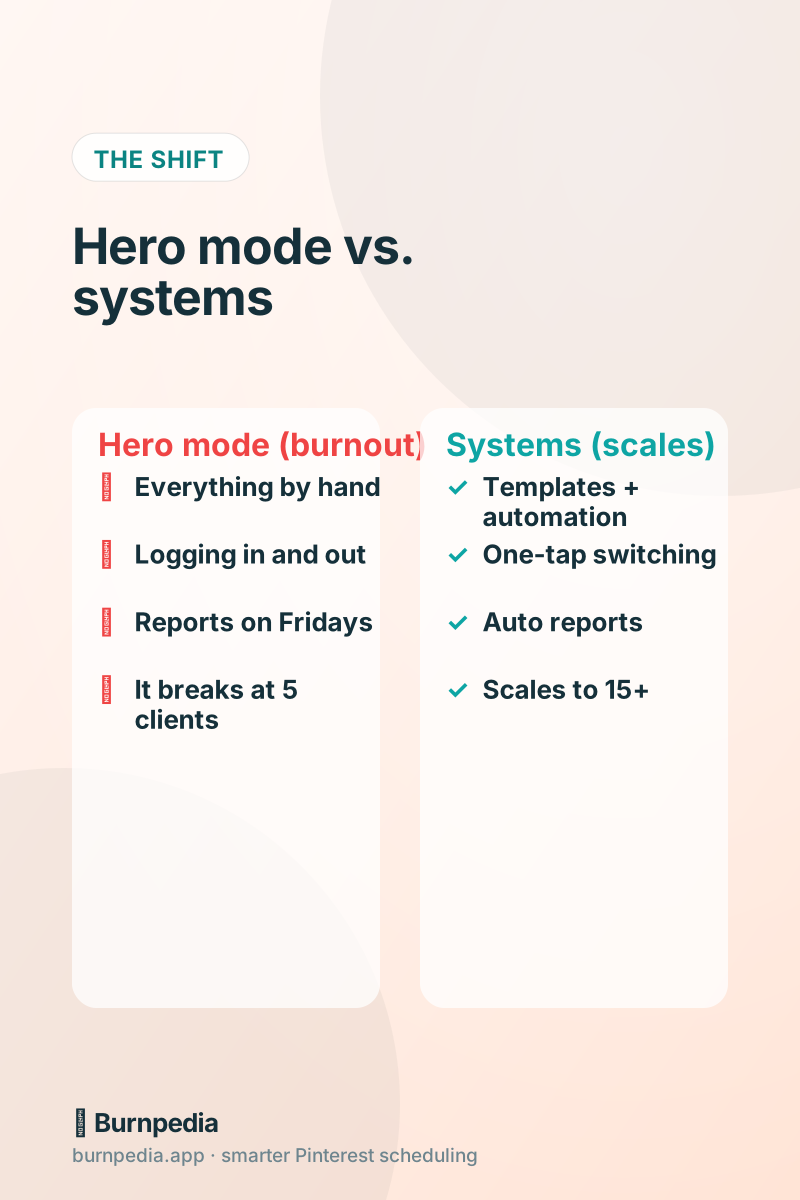
Managing one Pinterest account is a hobby. Managing fifteen is an operation. And the mistake almost every growing agency (or ambitious solo freelancer) makes is trying to scale the operation with willpower — just working harder, logging into more accounts, staying up later on reporting night. That works until it spectacularly doesn’t, usually somewhere around the fifth client, when the whole thing collapses into a stressful blur. The agencies that actually thrive at scale don’t work harder; they build systems so the work scales without them.
This post is the playbook for that — the specific systems and automations that let a small team run a whole stable of Pinterest accounts without burning out. Some of it is workflow, some of it is tooling, and some of it is automation you build once and reuse forever. The theme running through all of it: replace repeated human effort with a system that does it the same way every time.
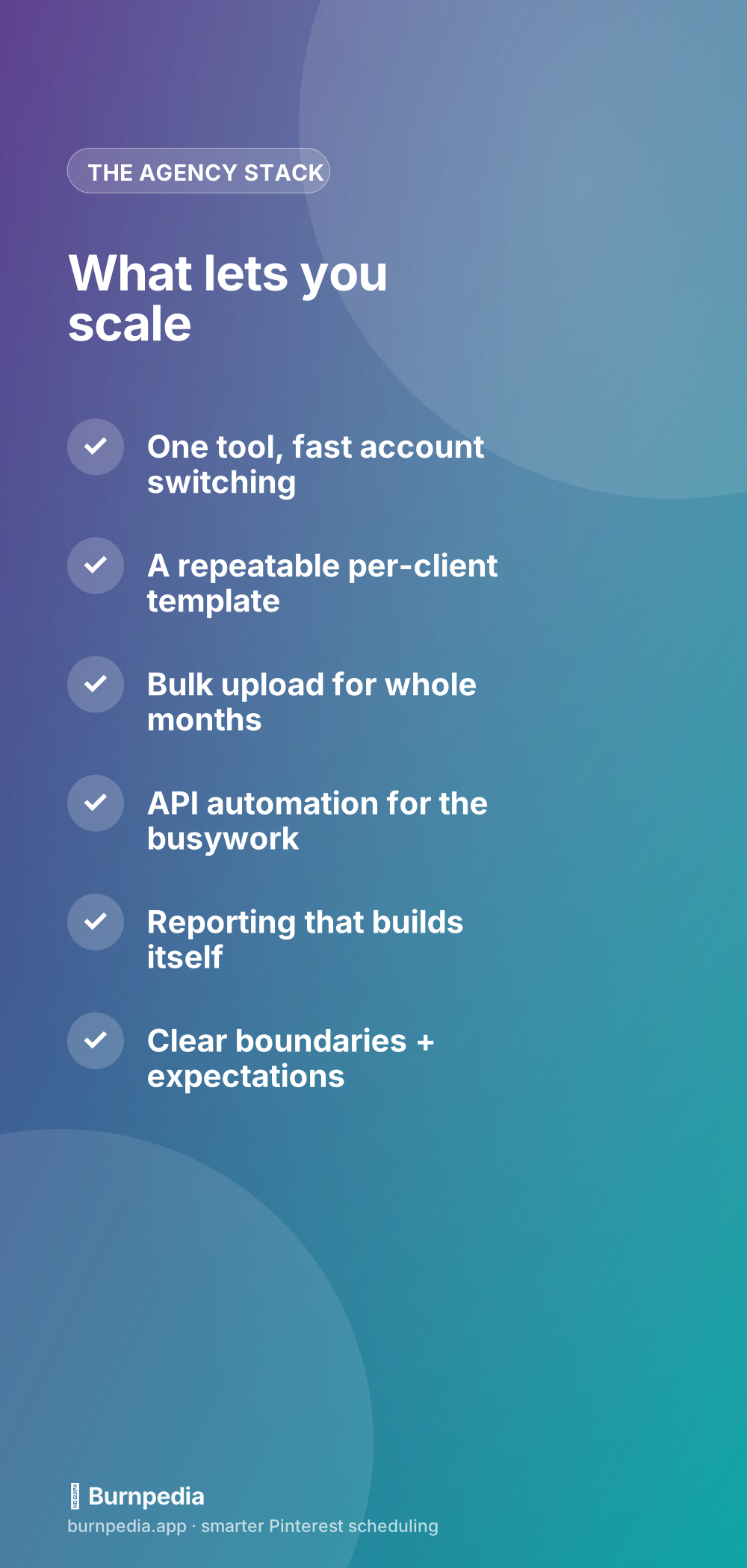
Rule one: one tool, fast account switching
The single biggest time-sink in multi-account management is the friction of switching between accounts — logging out, logging in, losing your place, pinning to the wrong board because you forgot which client you were in. So the first non-negotiable is a tool that lets you hold all your accounts in one place and switch between them in a tap, with everything (the calendar, the boards, the analytics) instantly re-scoping to the account you’re in.
When switching is instant and the context follows you, a huge amount of daily friction just evaporates. You stop dreading the context-switch, which means you actually do the work. If you’re still evaluating tools, I compared the main options in my honest scheduler ranking — for agency work, multi-account handling and per-account analytics are the features that matter most.
Rule two: a repeatable per-client template
Every time you onboard a client from scratch — figuring out boards, cadence, style, keywords all over again — you’re paying a tax. Great agencies build a per-client template: a standard board structure, a default posting cadence, a starter keyword approach, a reporting format. When a new client comes on, you’re not inventing; you’re customizing a proven starting point. That turns onboarding from a week into a day.
A shared content calendar per client is the backbone of this. Map their themes to the year — seasonal moments, launches, evergreen topics — once, and the day-to-day becomes “fill the slots,” not “what do we post today?” The template is the thing you improve over time; every client makes it a little better for the next one.
Rule three: bulk upload whole months at a time
At agency scale, scheduling Pin by Pin is a non-starter. You batch. For each client, you (or your content team) produce a month of Pins in one go, then bulk-upload them and let the tool spread them across the best time slots. One focused session per client per month replaces daily fiddling. The math is what makes it work: fifteen monthly batch sessions is a manageable rhythm; 450 individual daily scheduling tasks is not.
The discipline here is batching by client and staying in one context at a time. Do all of Client A’s month, then all of Client B’s. Context-switching mid-batch is where mistakes happen. Batch deep, not wide.
Rule four: automate the busywork with the API
This is the force multiplier that separates agencies that plateau from ones that scale smoothly. A ton of agency work is mechanical: importing a client’s content backlog, resurfacing their top Pins, syncing a client’s store or blog to Pinterest. All of that is exactly what an API is for. You build a small integration once, and it runs across every client account, forever.
I laid out concrete build ideas in seven things you can build with a Pinterest API, and the full how-to lives in the Burnpedia API guide. For agencies, the biggest wins are bulk-importing a new client’s backlog in one script, and drafting Pins from new content for clients who have stores or blogs. Each one turns hours of repeated manual work into something that just happens.
And because the API is rate-limited per key to stay Pinterest-safe, you can automate confidently across many accounts without worrying that a script bug will get a client flagged. The guardrails are built in, which is exactly what you want when you’re acting on behalf of clients who are trusting you with their accounts.
Rule five: reporting that builds itself
Client reporting is the task that quietly eats agency margins. Five clients is an annoying Friday; fifteen is a part-time job you’re not billing for. So automate it. A scheduled script pulls each client’s weekly analytics and drops a clean, branded summary into an email or a shared doc — saves, outbound clicks, top Pins, the trend. No more assembling reports by hand.
The strategic bonus: automated reporting makes you look more professional, not less. Consistent, on-time, well-formatted reports build client trust, and they surface wins you can point to at renewal time. You spend zero minutes a week producing them, and they make you look like the buttoned-up agency you’re trying to be. That’s the good kind of leverage.
The human side: boundaries and expectations
Systems and automation handle the mechanics, but the thing that actually prevents burnout is boundaries. Set clear expectations with clients about cadence, response times, and what “managing your Pinterest” includes. Agencies burn out not just from volume but from scope creep — the client who expects daily hand-holding on a package that priced for weekly. Protect your calendar as fiercely as you schedule your Pins.
And be honest about capacity. It’s better to run 15 accounts brilliantly than 25 accounts badly. Automation raises your ceiling, but it doesn’t make it infinite. Scale to the point where quality holds, then raise your prices instead of your headcount. Fewer, better clients beats more, worse ones almost every time.
Keep each client’s account genuinely distinct
One trap of running many accounts is sameness — when you’re moving fast, every client starts to get the same generic Pins, the same boards, the same voice. Pinterest notices sameness, and so do clients. So a real system includes keeping each account distinct: its own visual style, its own keyword focus, its own board structure that matches that specific audience. The template gives you speed; the customization gives you results. You want both, and the discipline is remembering to actually customize even when you’re in a hurry.
This is also where account-switching hygiene matters enormously. Pinning to the wrong client’s board is the classic multi-account mistake, and it looks deeply unprofessional. A tool where the active account is always obvious — clearly labeled, hard to confuse — prevents those cringe moments. Build a habit of double-checking which account you’re in before you schedule a batch, and lean on tools that make the current context impossible to miss. A five-second glance saves a very awkward client email.
Finally, document your process. When you run many accounts, the knowledge of “how we do things” can’t live only in your head, or you become the bottleneck and you can never take a vacation. Write down your onboarding steps, your monthly batch routine, your reporting cadence. Documented systems are what let you eventually hand work to a teammate or contractor — and they’re what turn a stressful solo hustle into an actual business that can grow beyond you.
Putting it together
The agency that runs 15 accounts calmly isn’t working 15 times as hard as the one running one. They’ve replaced effort with systems: one tool with fast switching, a repeatable client template, monthly bulk batching, API automation for the busywork, and self-building reports. Each system is a one-time investment that pays out across every client, every week, forever. That’s the whole trick — front-load the thinking, then let the machine run.
Willpower doesn’t scale. Systems do. If you take one thing from this post, let it be that: every time you catch yourself doing the same manual task on the fifth client that you did on the first four, that’s a system waiting to be built. Build it once, and give yourself your evenings back. That’s how you run a lot of accounts and still enjoy your work. — Sadie
Written by Sadie Brooks
Hey — I’m Sadie. I grew up in a small town outside Columbus, Ohio, moved to Austin for a job I quit within a year, and somewhere in between I started a scrappy little food blog to keep myself sane.
These days I help creators, bloggers, and small U.S. business owners grow on Pinterest without turning it into a second full-time job. I write the Burnpedia blog because I genuinely love this stuff, and because I wish someone had explained it to me in plain English years ago. Pour a coffee, pull up a chair.
Try Burnpedia freeWant Pinterest to run itself?
Every tip on this blog gets easier when your Pins publish on schedule. Burnpedia batches, times, and posts them for you — start free, no credit card.
Try Burnpedia free