7 Things You Can Actually Build With a Pinterest Scheduling API
An API is just a door — the fun is deciding what to build behind it. Here are seven genuinely useful things you can build with a Pinterest scheduling API, from drafting Pins for new products to piping analytics into your own dashboard.

An API is a funny thing to write about, because on its own it’s completely boring. It’s just a door. The interesting question is never “what is the API?” — it’s “what would you build behind that door?” So instead of another dry technical explainer, I want to do the fun version: seven genuinely useful things real people build with a Pinterest scheduling API, so you can see whether any of them make your brain light up.
Quick note before we dive in: everything here is built on top of the Burnpedia Pinterest API, which I walked through step by step (with code) in a separate post. This one is the ideas post — the “oh, I could build that” post. If any of these seven click for you, that guide is where you’d go to actually make it happen.
One more framing thought. You don’t need to be a “developer” for most of these. If you can copy a snippet, use a no-code tool like Zapier or Make, or nudge an AI to write a little script for you, you can build several of these in an afternoon. The barrier is lower than it looks. Okay — the list.
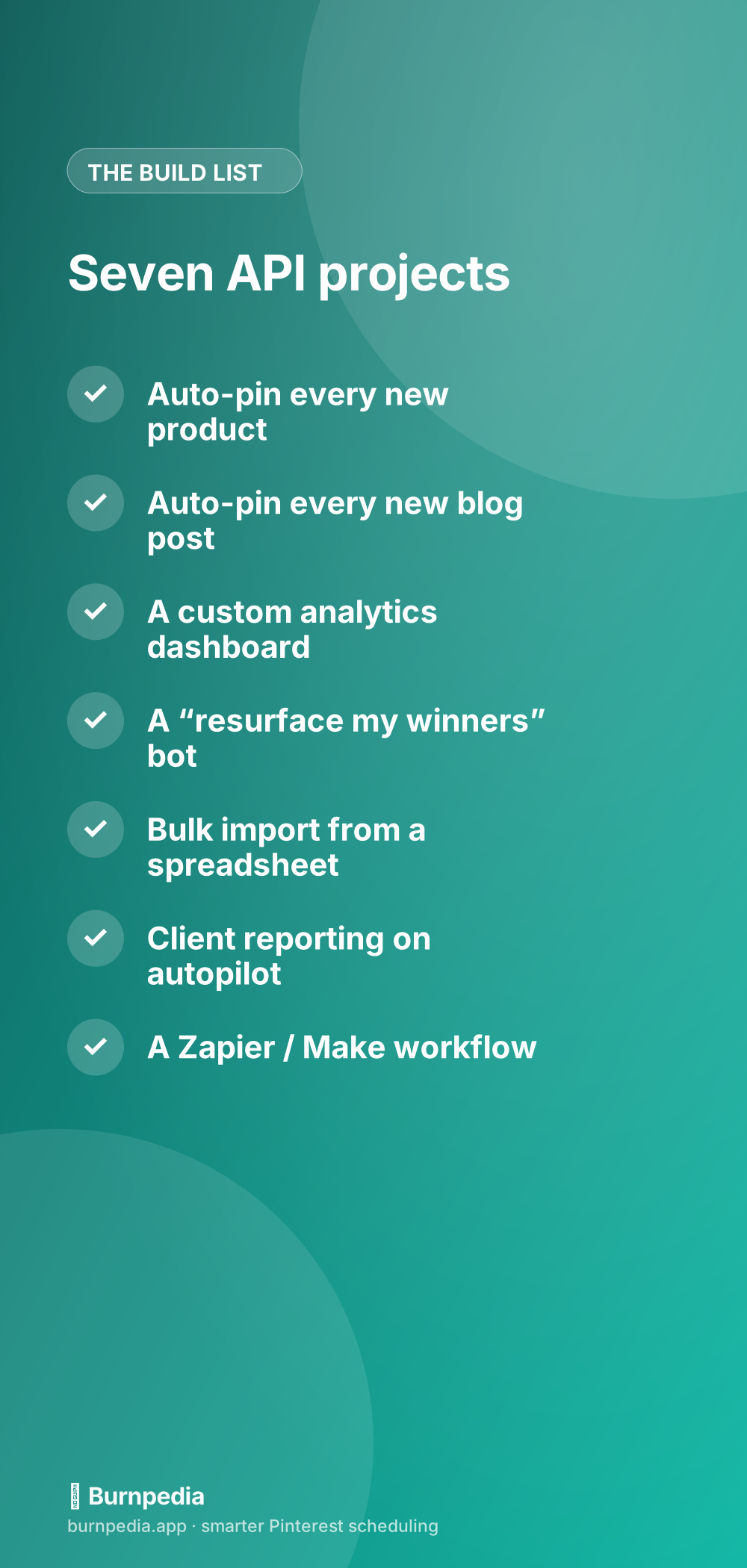
1. Draft a Pin for every new product
This is the killer one for anyone with a store. Every time you add a product — a new mug, a new printable, a new course — your store fires off a request that drafts a fresh Pin linking straight to that product, and you OK it with one tap. You never have to remember to make it. New product exists, Pin draft exists. It’s the single highest-leverage thing a shop owner can automate, because your catalog quietly becomes a growing library of traffic-driving Pins.
I go deeper on the store-specific version of this in my Pinterest-for-Shopify guide, but the concept works for any platform with webhooks or a way to run code when a product is created.
2. Draft a Pin for every new blog post
Bloggers, this one’s for you. When you hit publish on a new post, your site can generate a Pin draft — pulling the featured image, the title, and the link — for you to approve. No more “I published the post but forgot to pin it for three days.” The moment your content goes live, it’s already working on Pinterest. For content creators who live and die by traffic, closing that gap between “published” and “pinned” is pure upside.
The elegant part is you can even schedule it slightly into the future instead of instantly, so the Pin lands at your audience’s best time rather than whenever you happened to publish. Your CMS drafts each Pin for you, and you OK it in one tick.
3. A custom analytics dashboard
If you’ve ever wanted your Pinterest numbers to live in the same place as the rest of your business metrics — in a Google Sheet, a Notion page, a little internal dashboard — an API makes that trivial. You pull impressions, saves, pin clicks, and outbound clicks on a schedule and drop them wherever you want. No more logging into three places and screenshotting charts.
This is especially powerful when you combine it with knowing which metrics actually matter — because then your custom dashboard shows the numbers that drive decisions (saves, outbound clicks) instead of the vanity ones. You build the view once, and it refreshes itself forever.
4. A “resurface my winners” bot
Here’s a clever one. You write a little script that pulls your top-performing Pins from analytics, then drafts fresh versions of them on a healthy cadence for you to OK. It’s evergreen rotation, but customized exactly how you want it — maybe you only resurface Pins above a certain save count, or only from certain boards. The API gives you the raw ingredients (top pins + the ability to schedule) and you decide the recipe.
If you don’t want to build this yourself, good news — evergreen rotation is already built into the app. But the API version lets power users get surgical about it, which is the whole appeal of building on top of a platform. It’s the same spirit as repurposing your content, just automated to your exact taste.
5. Bulk import from a spreadsheet
Got a spreadsheet with 200 Pins — image URLs, titles, links, boards, dates — that you want scheduled? Instead of entering them one at a time, a tiny script reads each row and creates a Pin via the API. Twenty minutes of setup, and 200 Pins schedule themselves. This is the migration superpower: agencies onboarding a new client, or creators moving from another tool, can pour their whole plan in at once.
The API’s rate limits keep this safe — you can’t accidentally flood Pinterest, because the write limit paces your bulk import for you. So even a clumsy first script can’t get you in trouble. It just runs a little slower and finishes cleanly.
6. Client reporting that builds itself
If you’re an agency, this one pays for itself. Every Monday, a scheduled script pulls the last week of analytics for each client account and drops a clean summary into an email or a shared doc. No more spending Friday afternoon assembling reports by hand. The numbers gather themselves, formatted exactly how your clients like them, with your branding, without you lifting a finger.
Client reporting is one of those tasks that scales terribly by hand — five clients is annoying, fifteen is a part-time job. An API turns it into a solved problem that costs you zero minutes a week once it’s built. That’s the kind of leverage that lets a small agency punch way above its weight.
7. A Zapier or Make workflow (no code required)
Not a coder? No problem. Tools like Zapier and Make let you wire an API into visual workflows with zero code. “When a new row is added to this Google Sheet, create a Pin.” “When I star an item in my RSS reader, schedule a Pin for it.” “When a new YouTube video goes live, pin the thumbnail.” You drag boxes together, point one of them at the API, and you’ve built an automation without writing a single line.
This is my favorite category because it opens API-level automation to everyone, not just developers. If you can imagine an “if this, then pin that” rule, you can probably build it in an afternoon with a no-code tool.
The one rule that makes all seven safe
Every single one of these is safe for the same reason: they run through an official, rate-limited API, not a sketchy bot. That means Pinterest sees compliant, well-paced activity, and you get built-in guardrails so your own code can’t accidentally overdo it. If you want the deeper explanation of why that matters, I covered it in how to automate Pinterest safely. The TL;DR: official access + sensible pacing = automation Pinterest actually likes.
Which one should you build first?
If you run a store, build #1 — a Pin draft for every product — because the payoff is immediate and enormous. If you’re a blogger, build #2. If you’re an agency, build #6 and thank me later. And if you’re just curious and want a gentle first win, build #7 with a no-code tool so you can feel the magic without touching code at all.
An API is just a door, remember? But hopefully now you can see a few rooms worth walking into. Pick one idea, keep it small, ship it, and let it run. The best part of building on an API is that you do the work once and reap the benefit forever — which, when you think about it, is the whole reason we automate anything. Go build something boring and wonderful. — Sadie
Written by Sadie Brooks
Hey — I’m Sadie. I grew up in a small town outside Columbus, Ohio, moved to Austin for a job I quit within a year, and somewhere in between I started a scrappy little food blog to keep myself sane.
These days I help creators, bloggers, and small U.S. business owners grow on Pinterest without turning it into a second full-time job. I write the Burnpedia blog because I genuinely love this stuff, and because I wish someone had explained it to me in plain English years ago. Pour a coffee, pull up a chair.
Try Burnpedia freeWant Pinterest to run itself?
Every tip on this blog gets easier when your Pins publish on schedule. Burnpedia batches, times, and posts them for you — start free, no credit card.
Try Burnpedia free