How Many Pins Can You Schedule on Pinterest? The 10-Pin Limit and What It Means for Your Week
Pinterest lets you keep 10 scheduled Pins at once, up to 30 days out. Here is how long that lasts at one, three or five Pins a day, and the ways past it.
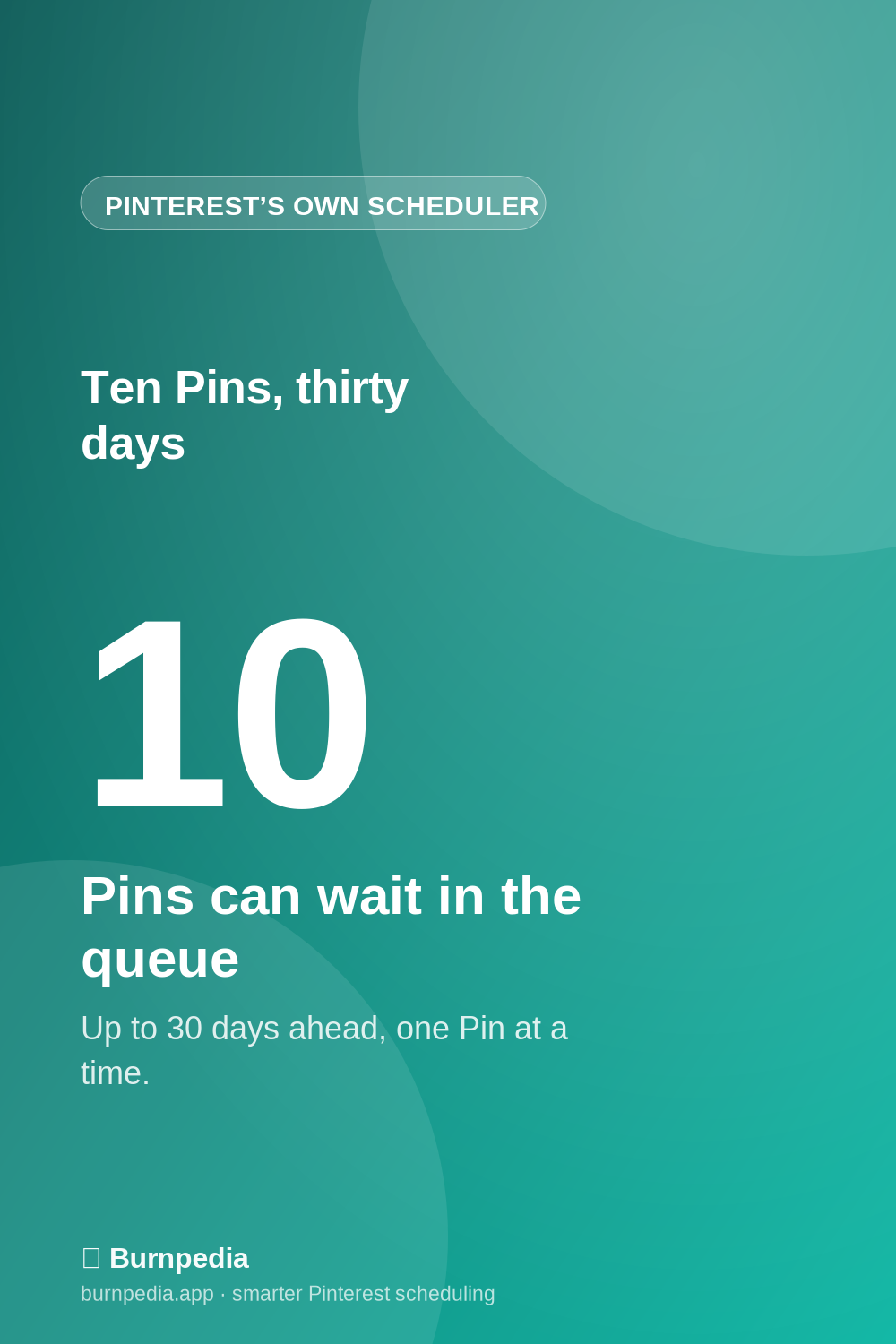
You can schedule up to 10 Pins on Pinterest at a time, each up to 30 days ahead, and you add them one at a time. That is the limit on a business account using Pinterest’s own scheduler. How far 10 Pins gets you depends on your pace: at one Pin a day they last 10 days, and at three a day they last just over three. If you pin more often than that, there are three ways past the limit, and the right one depends on how you build your Pins.
The short answer: 10 Pins waiting, 30 days out
Pinterest’s help page for scheduling gives the numbers. A business account can schedule standard Pins for future posting, up to 30 days in advance, and can have up to 10 Pins scheduled for the future at any one time.
The 10 counts Pins that are waiting, not Pins you are allowed to publish. A Pin that has gone out is no longer waiting, so every published Pin opens a slot again. The queue is a window that slides forward as Pins publish, and you can top it up whenever there is room, without waiting for it to empty.
- 10 Pins can wait in the queue.
- 30 days is the furthest date you can pick.
- One Pin is scheduled per trip through the form.
- The option is for business accounts.
Scheduling is a business-account feature, so if you cannot find the option, check the account type first. On the web, the upload step takes up to 10 images and each image becomes its own Pin, but Pinterest still describes scheduling as one Pin at a time. Count on one trip through the form for every Pin you want to queue.
How long 10 Pins actually last
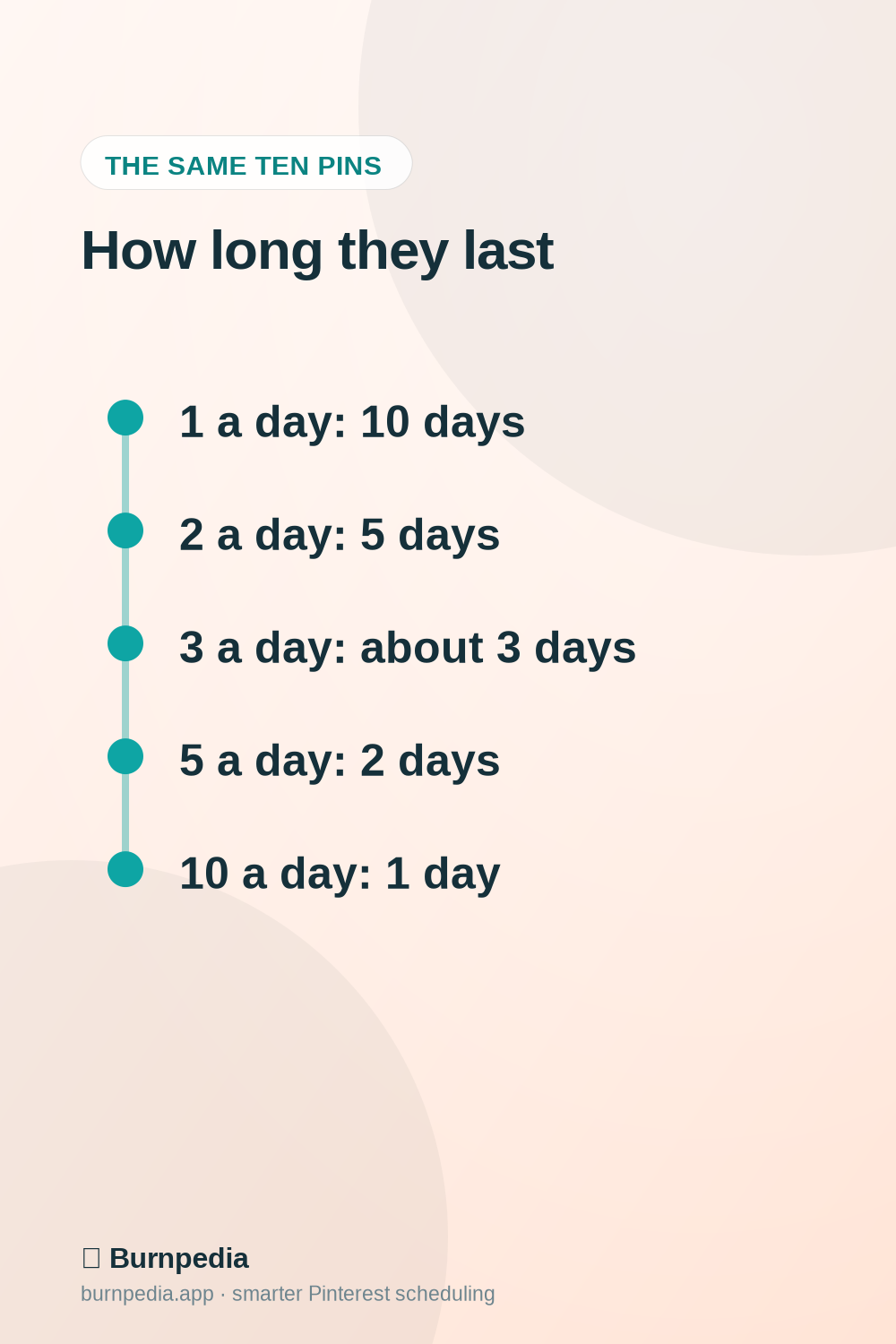
The queue holds a fixed number of Pins, so how long it lasts depends only on how many you publish a day. Divide 10 by your pace and you have the number of days you are covered.
| Pins a day | Days 10 Pins last | What it means for your week |
|---|---|---|
| 1 | 10 days | One top-up a week keeps you comfortably ahead |
| 2 | 5 days | A top-up every 4 days |
| 3 | About 3 days | A top-up every 3 days |
| 5 | 2 days | A trip to the form every other day |
| 10 | 1 day | The queue is one day of Pins |
At one Pin a day, the limit is hardly noticeable. You fill the queue on a Sunday or a Monday, add a few more midweek, and the week runs by itself. At two a day, the queue lasts five days, so a top-up every four days keeps it from running dry. At three a day it lasts just over three days, and at five a day it lasts two.
That last stretch is where the scheduler stops saving time. Each top-up means opening the form again for every Pin, and a busy week is when a top-up gets skipped. If you are still deciding on a pace, how often to pin covers what is worth aiming for.
Why 30 days is a number you will rarely reach
The two limits meet at one Pin every three days. Ten Pins spread over 30 days is a Pin on days 3, 6, 9 and so on to day 30. Pin more often than that and the 10 runs out long before the date limit comes into play. Pin less often and the 30 days is the one that stops you.
The 30 days matters most for seasonal Pins. The seasonal content guide recommends starting 45 to 60 days before the event, which is past what the native scheduler can reach. A Pin for a holiday seven weeks away cannot be queued yet and has to wait until its date is inside the window, unless a tool holds it for you.
What you can still change on a scheduled Pin
A queued Pin is not locked. Once it is scheduled, you can update the publish date, title, board, description and link. The image or video is the one part you cannot edit.
That sets the order of work. Proof the picture before you schedule the Pin, because a wrong image means deleting the Pin and making it again. Everything else can be fixed later, so a typo in a title or a link that needs updating costs a minute. Moving a Pin to another date does not change how many are waiting, so a date change never makes room for another Pin.
Your scheduled Pins sit on your profile above the published ones. To remove one, open the ellipsis at the bottom of the Pin and choose Delete. A deleted Pin is no longer waiting, so its slot is open again. The full walk-through of finding them is in how to see your scheduled Pins on Pinterest.
Three ways to get past 10
Top up often
The free way is to live with the limit and top up on a rhythm. Pick fixed days, check how many slots are open, and fill them. It works well up to about a Pin a day and gets tiring beyond it, because the cost is one trip through the form for each Pin.
Upload a CSV
Pinterest’s bulk creation tool is built for volume. A business account can upload up to 200 images or videos in one .csv file, and the file has a Publish date column. A date in the future schedules that Pin, and a blank date publishes it right away. It is a desktop feature, found under Settings and then Import content.
The file asks for care. Each row needs a title, a media URL that opens the file itself, and the name of a board. To publish at a set time, the date has to carry the time in UTC, like 2026-12-01T08:00:00. A date in the wrong format returns an error and the Pin will not be published. If a row in your file is failing, the CSV fix guide goes through the usual errors. The spreadsheet is free, and its price is the hour it takes to build one.
Use a scheduling tool
A scheduler that connects to Pinterest keeps its own queue, so it is not bound by the native numbers. OneUp lets you queue as many Pins as you like, as far ahead as you like, and Burnpedia is another, covered below. The trade is a tool to learn, sometimes a plan to pay for, and a calendar that shows the whole picture in return. For the full comparison of methods, see bulk scheduling by spreadsheet, bulk tool or API.
Which way fits how often you pin
The pace you keep and the way you make Pins decide this more than the price does.
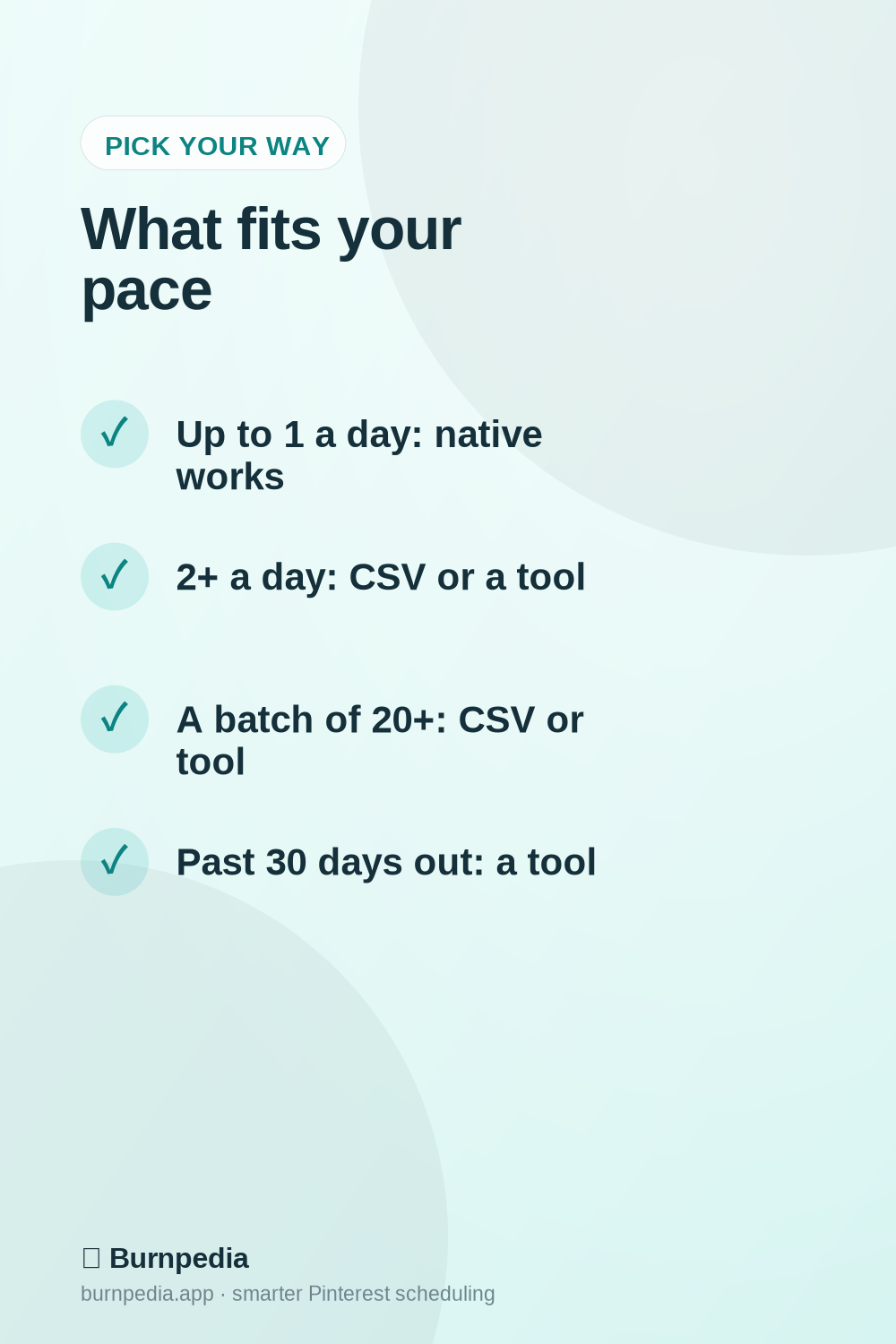
- Up to one Pin a day, made as you go: Pinterest’s own scheduler is enough. A top-up each week keeps the queue full.
- Two Pins a day or more: the queue empties in five days or less, so a CSV or a scheduling tool saves the daily trips.
- Pins made in batches of 20 or more: a CSV or a scheduling tool, because a batch is the thing the queue cannot hold.
- Dates more than 30 days out: a scheduling tool, since the native scheduler stops at 30.
If 10 Pins last you a week, the native scheduler fits. If they last you two days, you will spend the week topping it up.
What a scheduler changes, and what it does not
Here is how it looks in Burnpedia. The queue goes as far ahead as you like, the calendar shows one or two months at a time, and the queue lists everything upcoming. You can group it by board, filter it, or export the whole plan to a CSV.
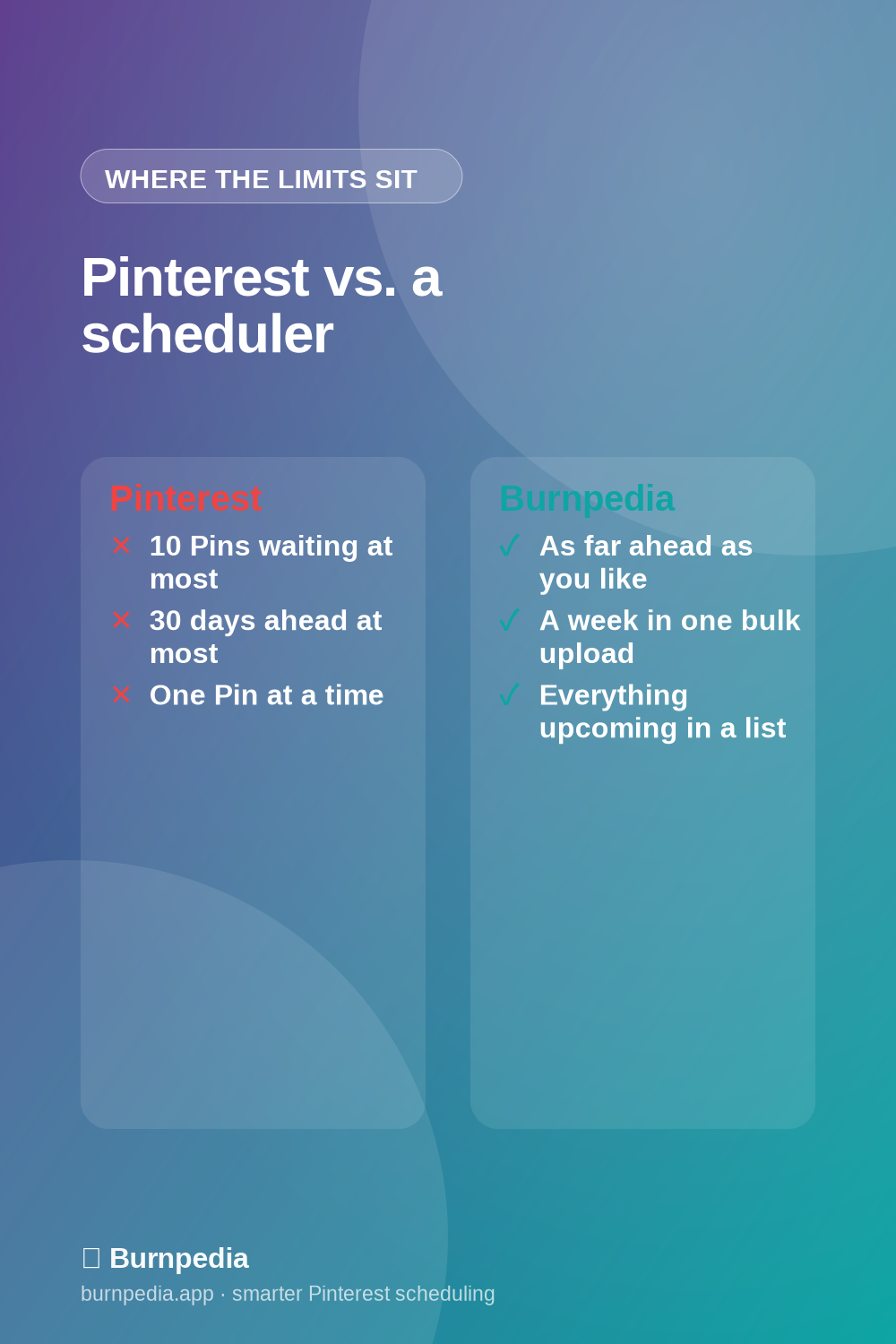
Building the week is one session. In Bulk upload you add all your images, then give each one its own title, description and board. You can set a start time and how many Pins a day, and the Pins are spread across your best-time slots with space between them, never all at once. Every Pin lands in the queue, where you can still edit or remove it before it publishes.
The limits that remain are about publishing per day, not about waiting. The free plan publishes 3 Pins a day, Basic 15, and Pro and Agency have no daily limit. On every plan, each connected Pinterest account publishes at most 25 Pins a day. A week of Pins at three a day is 21 Pins, which fits the free plan.
A scheduler does not change what a good Pin is. Each one still needs a title, a description, a board and a link that works, and a faster way to queue them is not a reason to publish more than your account suits. The routine that holds the whole thing together is in how to schedule Pins the smart way.
Does Pinterest have a limit on pins?
For scheduling, yes: up to 10 Pins waiting, up to 30 days ahead. That is the number most people are looking for when they search for this. The count is about how many Pins are queued, not how many you can publish in total.
Pins you publish right away do not go through the queue, so the queue limit does not touch them. If you use a scheduling tool, its own daily number applies, such as the 25 Pins a day that each connected account publishes in Burnpedia.
The short version
Pinterest schedules up to 10 Pins at a time, up to 30 days ahead, one Pin per trip through the form. At one Pin a day that is 10 days of cover, and at three a day it is just over three. Past one a day, a CSV of up to 200 Pins or a scheduling tool saves the daily top-ups.
Want to queue a week in one sitting? You can try Burnpedia’s free plan with no credit card.
Burnpedia is an independent scheduling tool. It is not affiliated with, endorsed by or sponsored by Pinterest, Inc. “Pinterest” is a trademark of Pinterest, Inc., named here only to say what the software works with.
Want Pinterest to run itself?
Every tip on this blog gets easier when your Pins publish on schedule. Burnpedia batches, times, and posts them for you — start free, no credit card.
Try Burnpedia free