How to Sell Digital Products on Pinterest (The Funnel That Works)
Digital products are the highest-margin thing you can sell on Pinterest — make once, sell forever. Here’s the exact pin-to-sale funnel, what to pin, and how to keep it running week after week.


If I could put just one income stream in front of every creator who asks me how to earn on Pinterest, it would be this one: sell your own digital products. Printables, templates, planners, presets, ebooks, Notion dashboards, mini-courses — you build the thing once, and then you sell it over and over with basically zero cost per copy. Pinterest happens to be the best free traffic source on the planet for exactly this, because it puts your product in front of people at the precise moment they’re searching for the solution you made. Let me give you the whole funnel, start to finish.
This is the natural next step up from affiliate income. With affiliates you earn a slice of someone else’s sale; with digital products you keep the whole thing, and you own the asset forever. If you want the wider business picture — pricing, positioning, product ideas — pair this with Pinterest for digital products. Here I’m going to focus on the mechanical funnel: how a stranger on Pinterest becomes a buyer, and how to make that happen on repeat.

Step 1: Make a product people already search for
The single biggest predictor of digital-product success on Pinterest is whether people are already searching for what you made. Don’t invent a product in a vacuum — start from demand. Type ideas into the Pinterest search bar and watch what auto-completes; those suggestions are real searches from real people. A “2026 budget planner,” a “meal-prep template,” a “wedding timeline printable,” a “Canva Instagram template pack” — if the search bar suggests it, there’s an audience waiting. Build for a search that already exists and you’ve won half the battle before you’ve made a single pin.
Keep your first product small and specific. One tight, genuinely useful printable that nails a common need will outsell a sprawling “everything bundle” that tries to please everyone. You can always expand later. The goal right now is one clean product aimed at one clear search.
Step 2: Put it on a storefront that handles checkout
You don’t need a fancy website — you need a storefront that takes payment and delivers the file automatically. Etsy is fantastic for discovery and trust; Gumroad, Payhip, and Stan are dead-simple for creators; Shopify works if you want a full store. Any of them gives you a hosted product page with a buy button, which becomes the destination your pins point to. Pick one, list your product with a clear title and keyword-rich description, and add a few attractive images. This page is where the sale actually happens, so make it clean and obvious.
Step 3: Design pins that sell the value, not just the product
Now the Pinterest part. Your pins shouldn’t just show the product — they should show the transformation. Instead of a flat image of a PDF, show the planner in use, the “before and after” of an organized week, the finished result someone gets. Vertical 2:3 images, bold readable text overlay, and a clear benefit (“Plan your whole month in 20 minutes”). Make several distinct pins per product so you can test angles and keep things fresh. If pin design isn’t your strength yet, pin design that gets clicks will get you there fast.
Write descriptions like a helpful human who also happens to be selling — describe what the product does, who it’s for, and why it helps, sprinkling in the keywords people actually search. Every pin links to your storefront product page. That’s the whole mechanism: helpful, keyworded pin → clear product page → sale.
Step 4: Pin consistently to keyword-named boards
One product might need dozens of fresh pins over time to find its audience — this is a numbers game as much as a design game. Pin steadily, not in one big dump, and organize pins onto keyword-named boards so Pinterest clearly understands your topic. Consistency is what lets the algorithm learn who to show your product to, and it’s exactly where most sellers quit too early. The people who win are the ones still calmly pinning in month four while everyone else gave up in week three.
Step 5: Capture emails so you can sell again
Here’s the upgrade that turns a trickle of sales into a real business: capture emails. Offer a small free version or a related freebie, collect the email, and now you can sell to that person again and again — new products, launches, bundles. A buyer who joins your list is worth many times a one-time visitor. I lay out the whole approach in growing your email list with Pinterest, and layering it onto your product funnel is what separates hobby income from dependable income.
Do this well and the whole thing starts to run itself. Old pins keep getting discovered, keep sending buyers, keep growing your list — that’s the compounding I talk about in Pinterest passive income. A product you launched months ago quietly keeps selling while you build the next one.
Not sure what to make? Start here
If the product itself is your sticking point, pick from the categories that reliably sell on Pinterest: planners and printables (budget, meal, cleaning, wedding), templates (Canva social graphics, resume, invoice, Notion setups), presets and filters for photographers, checklists and workbooks tied to a niche, and short how-to guides or ebooks. The winning formula is “a specific solution to a specific, searchable problem.” Not “a productivity bundle,” but “a 2026 debt-payoff tracker.” Not “design templates,” but “30 Canva Pinterest pin templates for food bloggers.” Specific beats broad every single time, both for sales and for Pinterest search.
And keep version one small. Your first product exists to prove the funnel works and to teach you what your audience actually wants — not to be your magnum opus. A tight $9 printable that sells is worth infinitely more than a $99 mega-course that sits in drafts for six months. Ship something small, watch which pins drive sales, then make the next thing better. Momentum beats perfection here, and Pinterest rewards the person who actually has a product to pin.
How to price your first product
Pricing paralyzes a lot of new sellers, so here’s a simple rule: for your first digital product, price it low enough that buying is an easy “yes” — often somewhere in the single digits to low tens of dollars. At that price the decision is impulse-easy, which is exactly what you want from cold Pinterest traffic that doesn’t know you yet. You’re optimizing for first sales and reviews, not maximum margin. Once you have proof, social proof, and an email list, you can add higher-priced products and bundles for the audience that already trusts you.
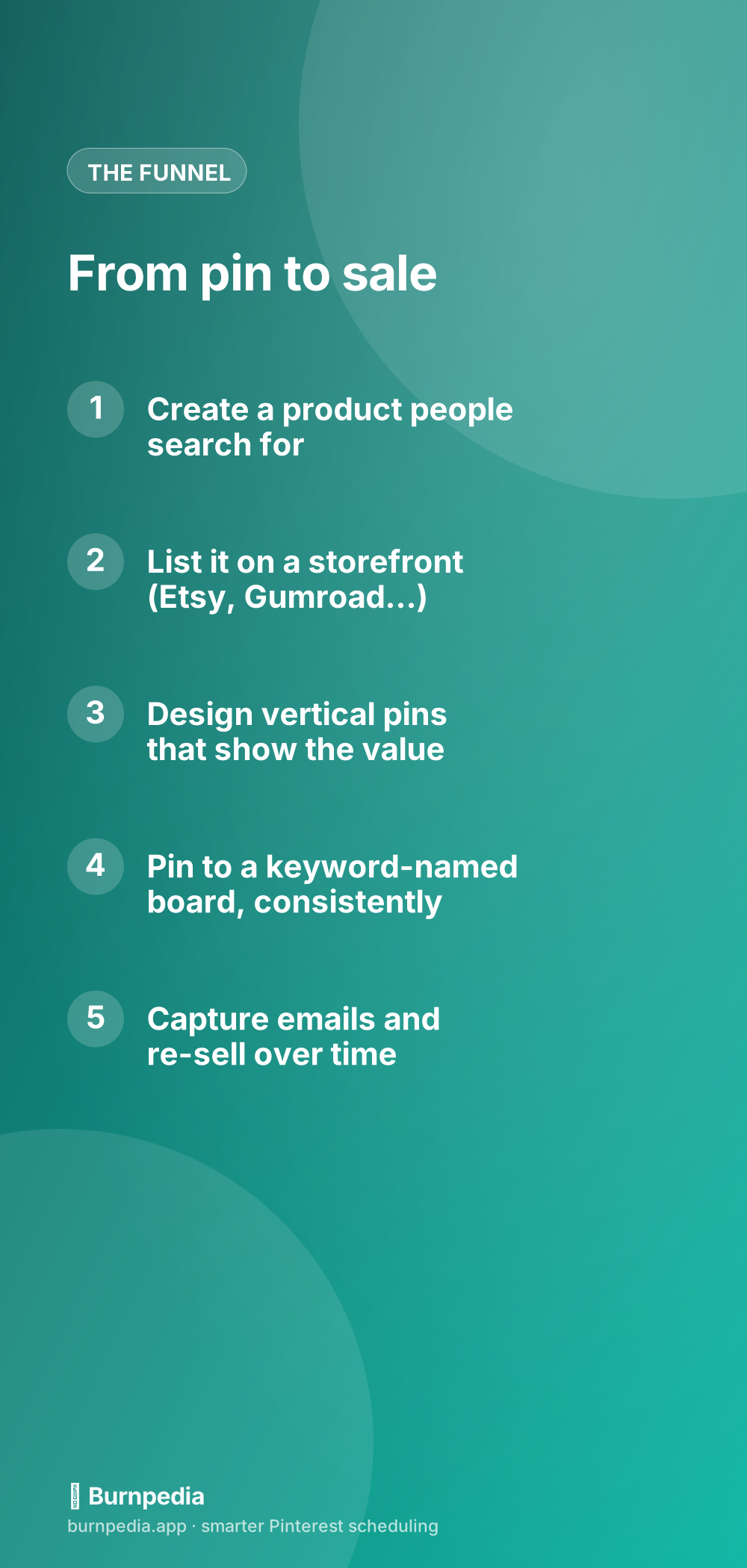
That’s the entire funnel: make one product people search for, list it somewhere that handles checkout, design pins that sell the transformation, pin consistently to keyword boards, and capture emails so you can sell again. It’s not complicated — it’s just steady. Digital products are the highest-leverage thing you can sell on Pinterest, and they slot right into the bigger picture I paint in how to make money on Pinterest. Build the product, point Pinterest at it, and let make-once-sell-forever do its quiet, wonderful thing. — Sadie
The income figures here are examples and ranges, not financial advice. What you earn depends on your niche, your traffic and what you sell.
Written by Sadie Brooks
Hey — I’m Sadie. I grew up in a small town outside Columbus, Ohio, moved to Austin for a job I quit within a year, and somewhere in between I started a scrappy little food blog to keep myself sane.
These days I help creators, bloggers, and small U.S. business owners grow on Pinterest without turning it into a second full-time job. I write the Burnpedia blog because I genuinely love this stuff, and because I wish someone had explained it to me in plain English years ago. Pour a coffee, pull up a chair.
Try Burnpedia freeWant Pinterest to run itself?
Every tip on this blog gets easier when your Pins publish on schedule. Burnpedia batches, times, and posts them for you — start free, no credit card.
Try Burnpedia free