Pinterest Scheduling for Agencies & Multiple Clients
Running Pinterest for one brand is simple; running it for ten clients is a logistics puzzle. Here’s how agencies and freelancers schedule at scale without losing their minds — workflows, tools, and reporting.


Managing Pinterest for a single brand is pretty simple. Managing it for ten clients at once is a completely different sport — one that’s less about Pinterest strategy and more about logistics, systems, and not losing your mind. If you’re an agency, a social media manager, or a freelancer juggling multiple client accounts, the daily reality is a blur of logging in and out of accounts, keeping everyone’s content straight, chasing approvals, and proving you’re delivering results. The good news: with the right workflow and the right tool, Pinterest at scale becomes genuinely manageable — even pleasant. Here’s how to run it without the chaos.
The foundational shift for agency work is going from “doing Pinterest” to “running a repeatable system for Pinterest.” When you have one account, you can wing it; with ten, winging it is how things get missed, deadlines slip, and a client’s account quietly goes dark for two weeks. Everything below is about building a system you run once per client, over and over. The core mechanics of handling several accounts are in managing multiple Pinterest accounts — this post is the agency-scale playbook on top of that.
Get every client into one dashboard
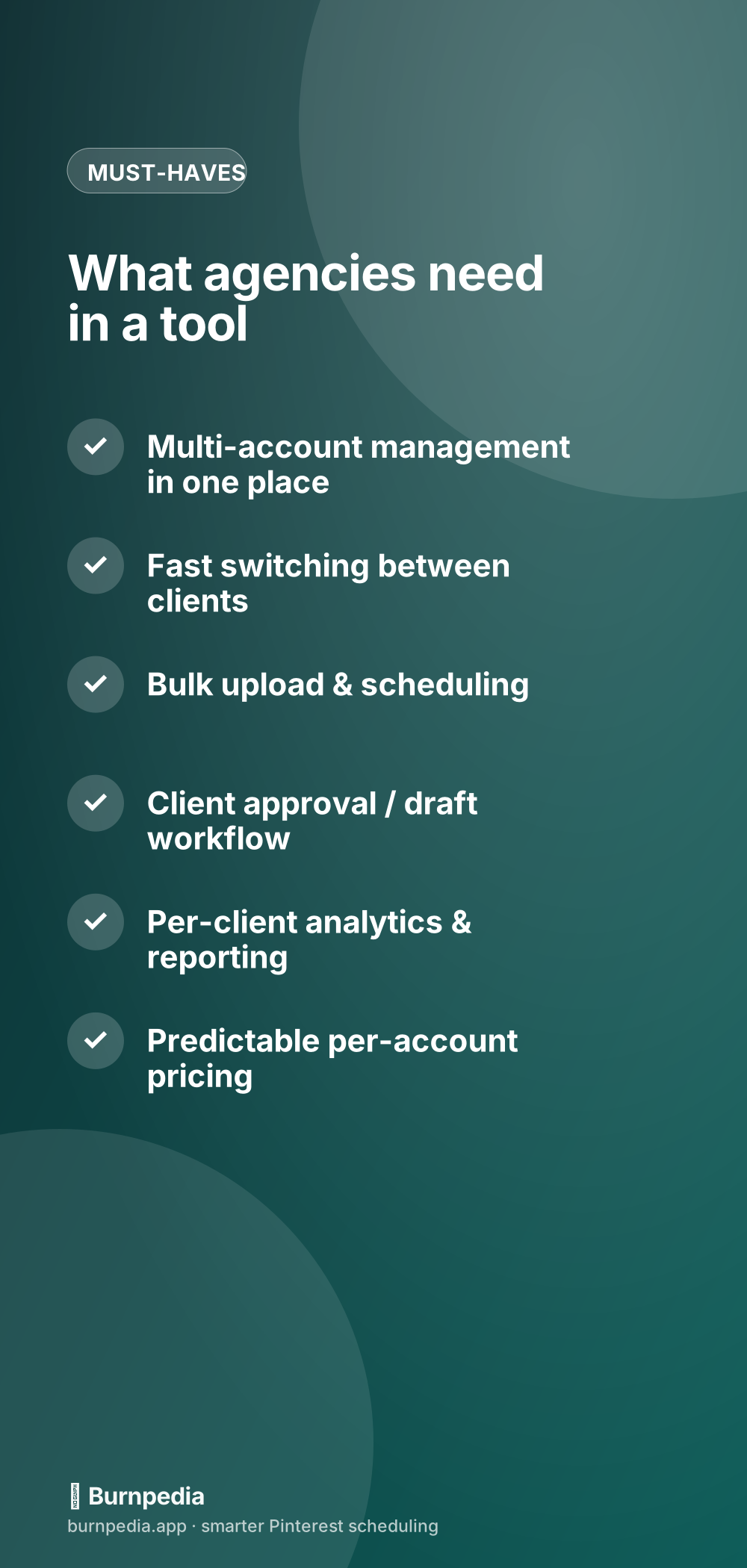
The single biggest time-sink in agency Pinterest work is the constant logging in and out of different accounts — it’s death by a thousand password prompts, and it’s where mistakes happen (posting Client A’s pin to Client B’s board is a nightmare you only make once). So the first move is to get every client account connected into one multi-account tool where you can switch between them in a click, without re-authenticating each time. This isn’t a nice-to-have for agencies; it’s the whole ballgame. A tool that makes you manage clients as separate logins will slowly bury you, no matter how good its other features are.
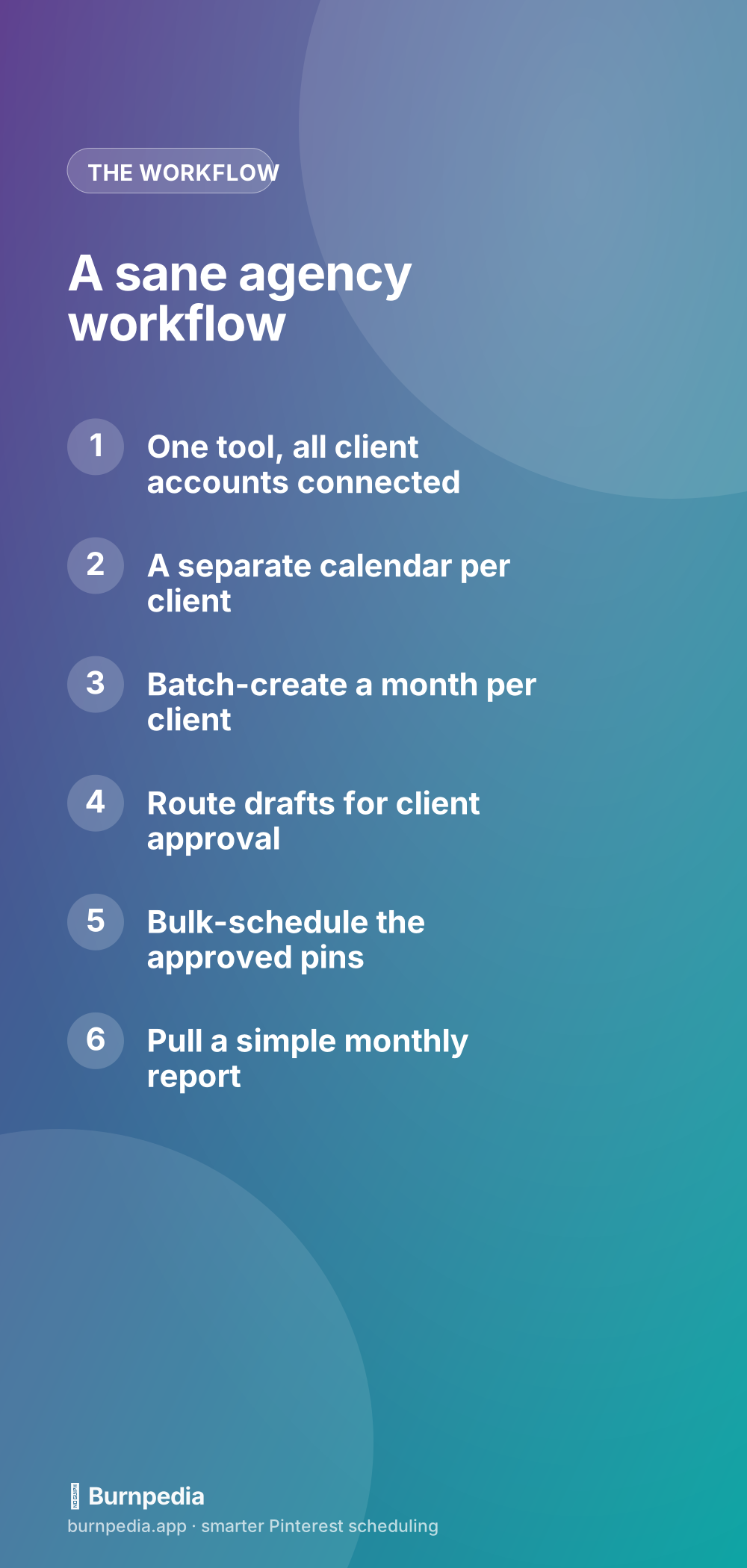
With everyone in one place, give each client their own separate calendar and boards view so their content never bleeds together. Clear visual separation — ideally with client names or color-coding — is what keeps you sane when you’re moving fast. You want to be able to glance at one client’s queue, see exactly what’s scheduled and where the gaps are, then jump to the next client without any mental gear-grinding or fear of cross-posting.
Batch everything, per client
Batching isn’t optional at agency scale — it’s the only way the math works. Instead of touching each client’s account every day, you set aside focused time to create and schedule a whole month of pins for one client at once, then move to the next. This is where bulk upload becomes non-negotiable: the ability to add many pins and spread them across the calendar in a few clicks turns a full day of manual work into an hour. I go deep on the technique in bulk scheduling Pinterest pins, and for agencies it’s the difference between profitable and drowning.
Systematize the creative side too. Build reusable pin templates per client (so their branding stays consistent and you’re not designing from scratch every time), keep a running idea bank for each account, and standardize your keyword research process. The goal is that “do a month of Pinterest for Client X” becomes a checklist you can run — or even hand to a team member — rather than a creative agonize-fest every single time. Repeatability is what lets you add clients without adding proportional hours.
Handle approvals without the chaos
Clients usually want to approve content before it goes live, and if you handle that over scattered emails and screenshots, it will eat you alive. The cleaner approach is a draft-and-approve flow: you schedule pins as drafts, share them with the client in an organized way, collect their yes/no in one place, then bulk-schedule the approved ones. Whether your tool has a built-in approval feature or you build a lightweight version with a shared doc, the principle is the same — make approval a single, batched step per client per month, not a constant trickle of one-off “can you just check this pin?” messages that shatter your focus.
Prove the results (or lose the client)
Here’s the uncomfortable truth of agency life: it doesn’t matter how good your work is if you can’t show the client it’s working. Reporting is how you keep clients, justify your retainer, and get renewals. So build a simple, repeatable monthly report per client — impressions, saves, outbound clicks, and traffic to their site, with a short plain-English note on what you did and what’s next. It doesn’t need to be fancy; it needs to be consistent and clear. A client who gets a tidy monthly “here’s what your Pinterest did and here’s the plan” email is a client who renews, even during the slow months Pinterest is famous for.
Pick a tool that gives you per-client analytics so pulling those numbers is a two-minute job, not an afternoon of screenshotting Pinterest’s native dashboard ten times. And set expectations early: Pinterest is a slow, compounding channel, so your reporting should tell a trend story over months, not chase week-to-week noise. When you evaluate tools for all of this, run them through the lens of how to choose a Pinterest scheduler, but weight the agency-specific features — multi-account, bulk, reporting — far more heavily than a solo user would.
The pricing angle
One practical note that hits agencies specifically: watch how a tool prices multiple accounts. Some charge per account in a way that gets punishing fast once you have several clients; others offer agency or multi-account plans with predictable, scalable pricing. Since your tool cost is a direct line item against your margin, this matters. Do the math at your actual client count, not at one account, before you commit — a tool that’s cheap for a solo user can be expensive for a ten-client shop, and vice versa.
Onboarding a new client cleanly
A smooth client onboarding is where a good agency system pays off fastest. When you take on a new Pinterest client, run the same repeatable intake every time: connect their account to your dashboard, audit what they already have (boards, existing pins, what’s actually working), agree on the keywords and content pillars you’ll target, set up their branded pin templates, and build the first month’s calendar as drafts for approval. Turning onboarding into a checklist means a new client goes from “signed” to “publishing” in days instead of weeks, and nothing important slips through the cracks in the excitement of a new account.
The takeaway
Pinterest for agencies is won on systems, not heroics: get every client into one multi-account dashboard so you’re not drowning in logins, batch a full month per client instead of touching accounts daily, run approvals as one clean step rather than a constant trickle, and deliver a simple, consistent monthly report that proves your value. Nail those four and you can add clients without adding chaos — which is the entire point of running an agency. Pinterest’s slow-and-steady nature is actually a gift here: once you’ve systematized a client’s account, it keeps compounding in the background with minimal upkeep, which is exactly the kind of leverage a healthy agency is built on. Build the system once, then just keep running it. — Sadie
Written by Sadie Brooks
Hey — I’m Sadie. I grew up in a small town outside Columbus, Ohio, moved to Austin for a job I quit within a year, and somewhere in between I started a scrappy little food blog to keep myself sane.
These days I help creators, bloggers, and small U.S. business owners grow on Pinterest without turning it into a second full-time job. I write the Burnpedia blog because I genuinely love this stuff, and because I wish someone had explained it to me in plain English years ago. Pour a coffee, pull up a chair.
Try Burnpedia freeWant Pinterest to run itself?
Every tip on this blog gets easier when your Pins publish on schedule. Burnpedia batches, times, and posts them for you — start free, no credit card.
Try Burnpedia free