Pinterest for Photographers: Get Discovered and Booked
Your work is already visual and gorgeous — which makes Pinterest almost unfair for photographers. Here’s how to turn your portfolio into a discovery engine that books clients while you shoot.


Photographers have an almost unfair advantage on Pinterest, and most of them don’t use it. Pinterest is a visual platform, and you make stunning visuals for a living — the raw material is already sitting in your galleries. Meanwhile, the exact clients you want are on Pinterest planning the very sessions you shoot: brides building wedding boards, business owners gathering branding inspiration, families dreaming up photo-session themes, seniors saving portrait ideas. They’re searching for the look you deliver, months before they book. Your job is simply to show up in those searches with your best work.
The general business foundation applies to you — business account, claimed site, keyworded boards, consistency — and it’s covered in how to use Pinterest for business. This post is the photographer-specific version: how to turn your portfolio into a discovery engine that quietly books clients while you’re out shooting.
Pin vertical — always
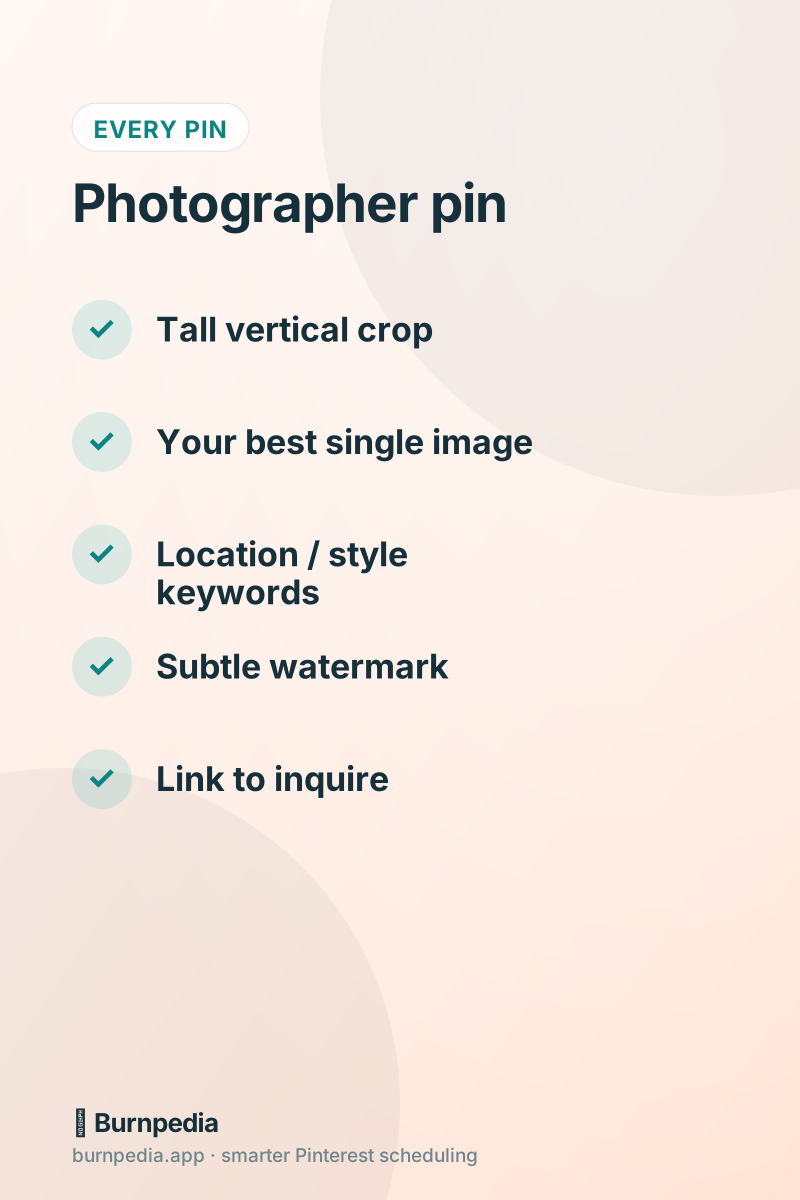
Photographers often shoot and share horizontally, but Pinterest heavily favors tall, vertical images. A landscape hero shot that looks glorious on your website shrinks to a tiny, ignorable square in the feed. So crop or shoot vertical (2:3) versions of your best frames specifically for Pinterest. A single striking vertical portrait or detail shot will out-perform a wide gallery image every time. This one adjustment — thinking vertical for Pinterest — instantly makes your work more discoverable.
Lead with your single strongest image per pin, not a collage of ten. Pinterest is a scroll of individual images competing for a half-second of attention; one breathtaking frame wins that half-second. Save the full-gallery experience for the click-through to your site. On the pin itself, let one gorgeous image do the seducing.
Target the clients who plan on Pinterest
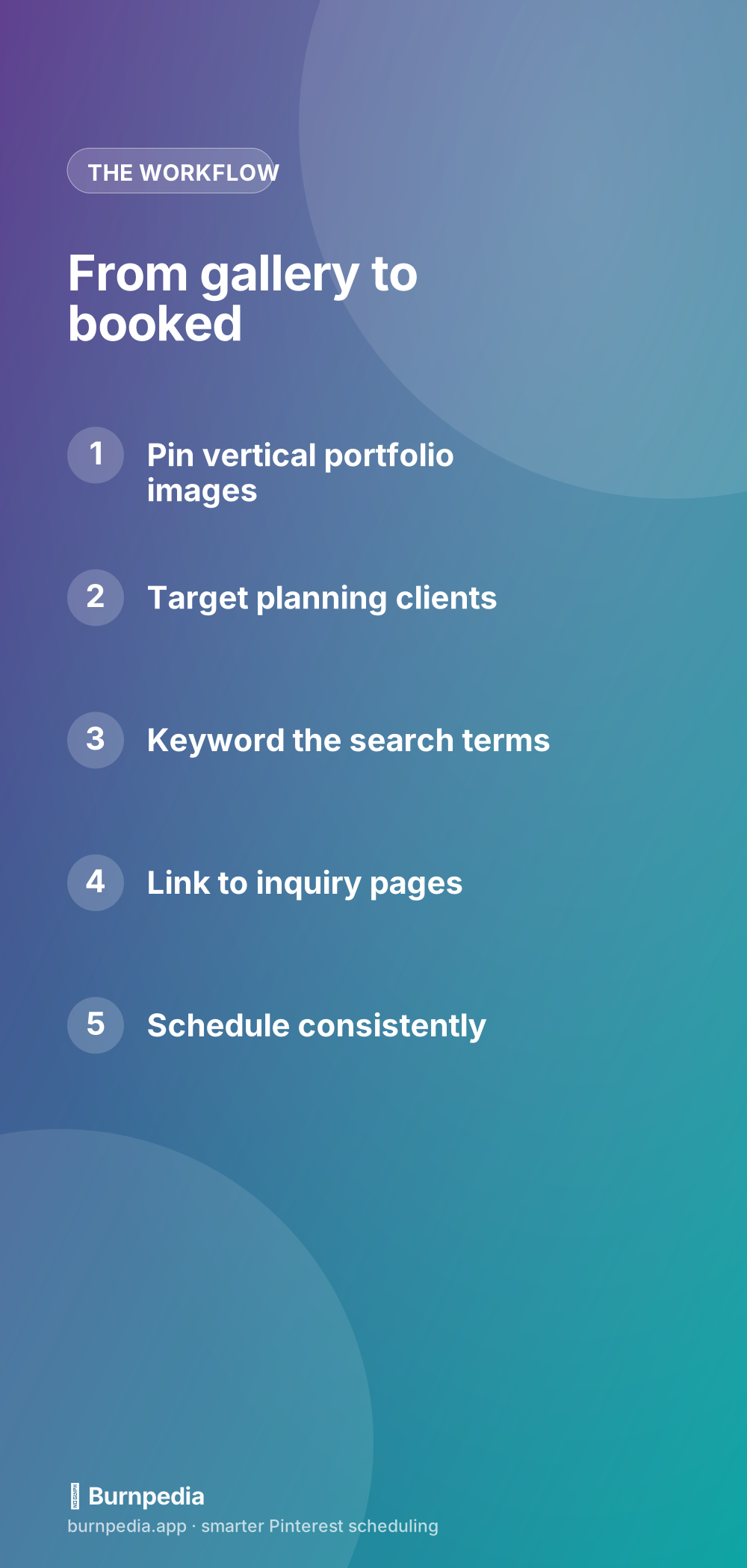
Not every photography niche lives on Pinterest equally, so aim where the planners are. Weddings are enormous — brides plan for a year and pin everything. Branding and personal-brand photography attracts business owners gathering inspiration. Family, newborn, and senior portraits draw parents and teens saving ideas. Boudoir, maternity, and lifestyle all have active planning audiences. Whatever your niche, think about who plans it on Pinterest and make pins that meet them there — “romantic garden wedding photos,” “moody brand photoshoot ideas,” “fall family session outfits.”
Keyword like a dreaming client
A gorgeous image with no keywords is a gorgeous image nobody finds. Pinterest is a search engine, so your pin titles and descriptions need the words your clients search: the location, the style, the session type, the season. “Sunset Beach Engagement Photos in San Diego” tells both Pinterest and a dreaming bride exactly what this is. Skip artsy, vague captions in favor of searchable phrases. If pinning down those words feels tricky, the Pinterest SEO keywords guide shows you how to find the exact language people use.
Local keywords are especially powerful for photographers, because most of your clients are in your area. Weaving your city and region into titles, descriptions, and board names helps you show up for exactly the local searches that can turn into real bookings — far less competitive than generic terms, and far more likely to fill your calendar.
Send pins somewhere that books
A beautiful pin that links nowhere useful is a missed booking. Point your pins to pages built to convert curiosity into an inquiry: a themed gallery that continues the inspiration, a session-info page with pricing and a clear “inquire” button, a blog post from a real session with a booking call-to-action. The pin earns the click by showing your best work; your page earns the inquiry by making the next step obvious and easy. Watermark subtly so your name travels with every save, and always make it dead simple to reach you.
Stay consistent while you’re behind the camera
Here’s the honest challenge: you’re busy shooting, editing, and running a business, and Pinterest quietly dies without consistency. The fix is scheduling. After you deliver a gallery, spend twenty minutes pulling your best vertical frames into a handful of keyworded pins, then load them into a scheduler to publish across the coming weeks. Your portfolio keeps getting discovered whether you’re on a shoot, in the editing cave, or off the grid. That steady presence is what builds the search authority that fills your calendar. Smart scheduling turns it into a five-minute habit.
Make every session multiply
One session should produce many pins, not one. Because Pinterest rewards fresh images, you can pull several distinct frames from a single shoot — a wide romantic moment, a tight ring detail, a candid laugh, a styled flat-lay — and turn each into its own keyworded pin. That’s five or six fresh pins from one edit, each a new chance to get found, all pointing back to your inquiry page. It’s the photographer’s version of making fresh pins — and your galleries are overflowing with fuel for it.
A simple photographer routine
Keep it light. After each delivered session, spend twenty minutes making four to six fresh vertical pins from your favorite frames, keyword them, and schedule them out. Once a month, check your analytics to see which styles and locations pull the most clicks, and lean your next pins in that direction. Over a season, you build a searchable, ever-growing portfolio that works while you sleep — attracting the exact dreaming clients who’ll one day fill out your contact form because your work kept showing up in their searches.
Pin ideas that turn browsers into inquiries
Not every pin has to be a hero portfolio shot. Some of your best-performing pins will be helpful, planning-stage content that positions you as the expert your dream clients want to hire. Think about the questions your clients ask before they book — what to wear, how to prepare, what a session is really like — and turn each into a pin that links to a helpful page on your site. You attract people early in their planning, demonstrate your expertise and taste, and gently guide them toward inquiring. Beautiful work gets the save; helpful content gets the booking conversation started.
- “What to wear” guides for each session type — brides, families, seniors, brand shoots.
- Location spotlights: your favorite spots to shoot in your city, with dreamy example frames.
- Behind-the-scenes and real session stories that show what working with you feels like.
- Seasonal prompts: “book your fall family photos now,” timed weeks before the rush.
- Style guides — “moody vs. bright,” “editorial vs. candid” — that pre-qualify your ideal client.
The throughline is simple: give people a reason to click, then a reason to reach out. A stunning frame stops the scroll, a helpful page earns their trust, and a clear “inquire” invitation turns that trust into a message in your inbox. When your Pinterest mixes gorgeous portfolio pins with genuinely useful planning content, you stop being just another pretty feed and become the photographer people feel they already know — which is exactly the photographer they book.
For photographers, Pinterest is almost too well suited — you already create the beautiful, vertical, search-worthy images it craves. Crop for tall, target the clients who plan here, keyword like a dreamer, send pins to pages that book, and let a scheduler keep it consistent. Do that, and your portfolio stops being a static gallery and becomes a quiet, gorgeous booking engine. Now go make something beautiful — and pin it. — Sadie
Written by Sadie Brooks
Hey — I’m Sadie. I grew up in a small town outside Columbus, Ohio, moved to Austin for a job I quit within a year, and somewhere in between I started a scrappy little food blog to keep myself sane.
These days I help creators, bloggers, and small U.S. business owners grow on Pinterest without turning it into a second full-time job. I write the Burnpedia blog because I genuinely love this stuff, and because I wish someone had explained it to me in plain English years ago. Pour a coffee, pull up a chair.
Try Burnpedia freeWant Pinterest to run itself?
Every tip on this blog gets easier when your Pins publish on schedule. Burnpedia batches, times, and posts them for you — start free, no credit card.
Try Burnpedia free