How to Set Up Pinterest Boards the Right Way (2026)
Boards are how Pinterest categorizes you — so naming and structuring them well is quiet SEO gold. Here’s how many to start with, how to name them, and how to organize them for growth.

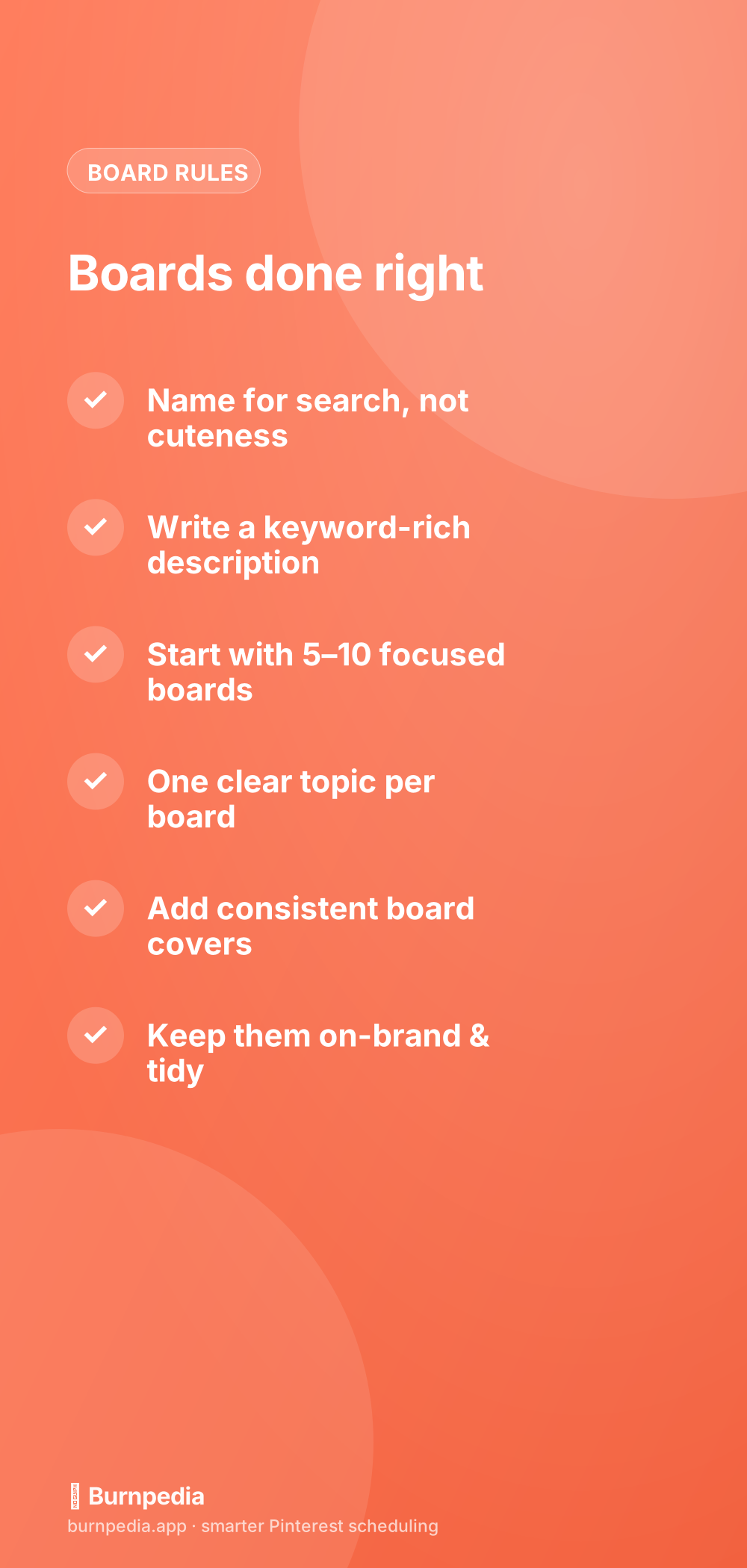
Boards feel like the throwaway part of Pinterest setup — just some folders to sort your Pins, right? Wrong, and this is one of the most useful things to understand early: boards are how Pinterest categorizes your entire account. Each board is a labeled bucket that tells the algorithm “this is a topic I cover,” and a well-named board with a keyword-rich description is quietly some of the best free SEO you can do. Set your boards up thoughtfully and every Pin you drop into them inherits that clarity; set them up as a cute, random grab-bag and you confuse the algorithm about what you’re even about. Let me show you how to do boards right.
This is a foundational piece of your Pinterest setup, and it connects directly to the bigger idea of board strategy as your account grows. Here I’ll focus on the setup essentials: how many boards to start with, how to name and describe them, and how to keep them organized so they actually help you.

Name boards for search, not for cuteness
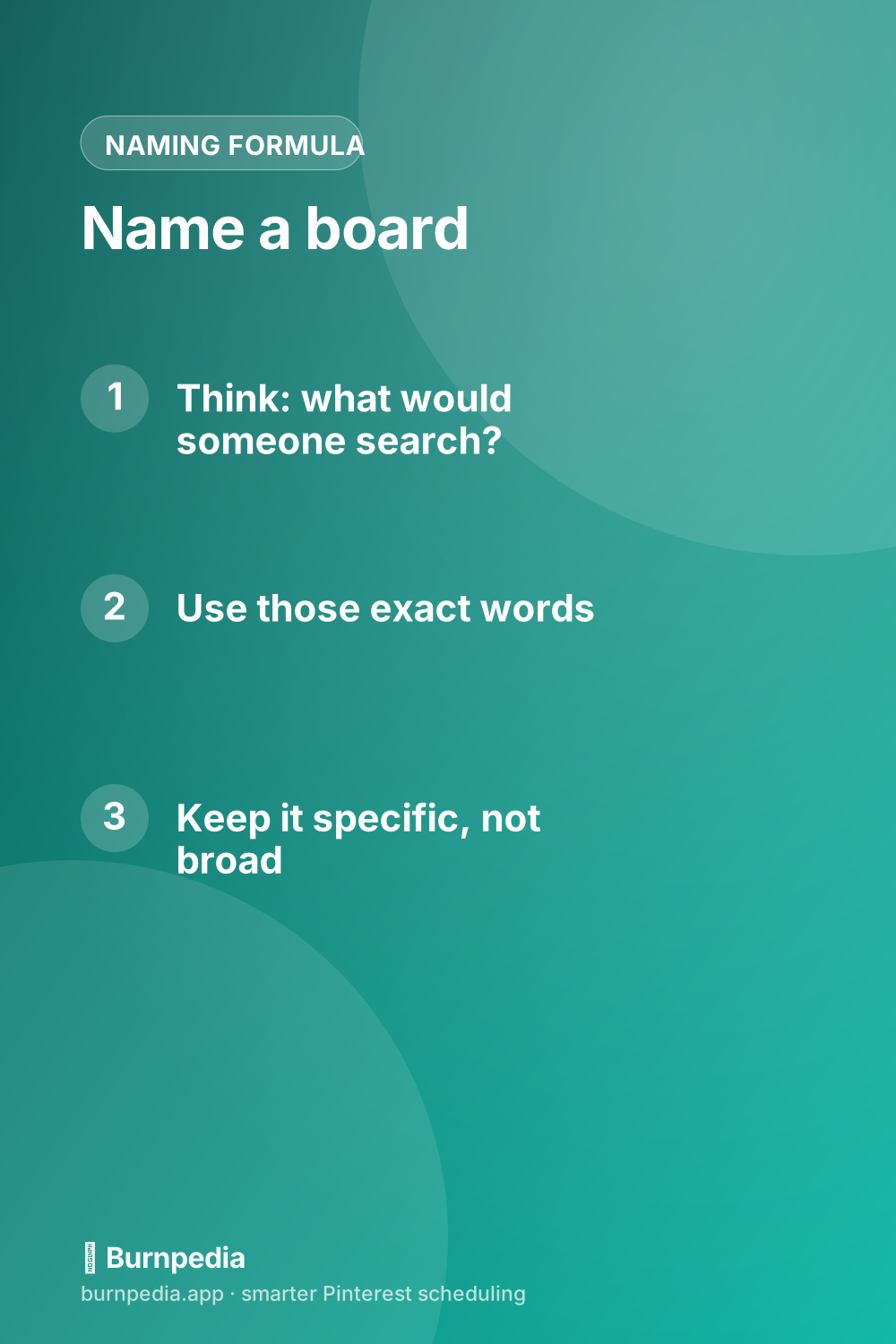
This is the single most important rule, so I’ll be blunt: stop naming boards cute things. “Yum!”, “Home sweet home,” and “Inspo” are adorable and completely useless to Pinterest, because nobody searches those words in relation to your content. Instead, name each board exactly what someone would type to find its contents: “Easy Weeknight Dinners,” “Small Living Room Ideas,” “Fall Outfit Inspiration.” The board name is a ranking signal, so use it to say precisely what the board is about, in the words real people search. This one habit separates findable accounts from invisible ones.
Then reinforce it with the description. Every board gets a keyword-rich description that expands on the topic in a natural, human way — a couple of sentences describing what someone will find and who it’s for, sprinkled with the relevant search terms. Pinterest reads these descriptions to understand the board, so an empty or vague one leaves value on the table. Name it for search, describe it for search, and the whole board pulls its weight.
How many boards to start with
Don’t open with fifty empty boards, and don’t open with just one. For a new account, five to ten focused boards is a healthy starting point — enough to show range within your niche, not so many that most sit empty. Each board should map to a clear sub-topic of what you do, which — not coincidentally — lines up beautifully with your content pillars. A food blogger might start with boards for quick dinners, meal prep, healthy desserts, and budget recipes; a home-decor brand with small-space ideas, organization, and seasonal decor. Start focused, and add more boards as your content genuinely expands.
The key is that every board earns its place by being a real topic you’ll actually fill with Pins. An empty or barely-used board does nothing for you and can make your account look neglected. It’s far better to have six active, well-fed boards than twenty ghost towns. Quality and focus beat quantity here, especially at the start.
One clear topic per board
Keep each board tightly about one thing. Resist the temptation to create a giant catch-all board where unrelated Pins pile up, because that muddies the signal you’re sending. If a board’s Pins start drifting into a distinct sub-topic, that’s a sign to split it into its own focused board. Tight, single-topic boards are easier for Pinterest to categorize and easier for visitors to browse — a win on both sides. Think of each board as answering one clear search, and keep it disciplined about staying on that topic.
Make them look good, too
Once the SEO bones are right, polish the presentation. Consistent, on-brand board covers turn a messy profile into a cohesive, professional-looking shopfront that invites follows — a small design touch with a real trust payoff. I cover how to make them in Pinterest board covers. Order your boards so your most important ones sit near the top where new visitors see them first, and hide or archive any old, off-brand boards that don’t fit your niche. Tidy and intentional beats sprawling and random.
A quick note on old personal boards if you converted an account: those “Dream Wedding 2015” and “Random Memes” boards can confuse Pinterest about your focus and clutter your profile. Either delete them or set them to secret, so your public profile only shows boards that reinforce what your business is about. A clean, on-topic set of boards sends a much stronger signal than a full but chaotic one.
Board order, sections, and group boards
A couple of structural touches make your boards work harder. First, order matters: Pinterest lets you rearrange boards, so put your most important, most on-brand ones at the top where new visitors and the algorithm notice them first. Don’t let a minor seasonal board sit above your flagship topic. Second, board sections let you subdivide a big board into tidy sub-categories — a “Recipes” board might have sections for breakfast, dinner, and dessert — which keeps a broad board browsable without splintering into a dozen tiny ones. Use sections to organize within a clear topic, not as an excuse to dump unrelated things together.
Group boards — boards multiple people pin to — are worth understanding but not worth chasing early. In Pinterest’s earlier days they were a growth hack; today their value is much more mixed, and a low-quality group board full of spammy, off-topic Pins can actually muddy your account’s signal. If you do join or run one, treat it like any other board: keep it tightly on-topic, populated with genuinely good Pins, and aligned with what you want to be known for. A single excellent, focused group board with engaged contributors can help; ten random ones you were added to will not.
The through-line for all of this is the same principle that governs good setup everywhere: send Pinterest a clear, consistent signal about what you’re about. Ordered boards, sensible sections, and disciplined group-board choices all serve that goal, while clutter and randomness work against it. You don’t need to obsess over board architecture — a handful of well-named, well-ordered, single-topic boards will carry you a long way. Just make each structural choice in service of clarity, and your boards will keep quietly telling the algorithm exactly who to show your Pins to.
If all of this feels like a lot, here’s the reassuring shortcut: you cannot really go wrong by asking one question for every board — “what would someone type into Pinterest to find this?” — and then using those exact words as the name and weaving them into the description. That single habit covers most of what makes boards work. Everything else — sections, order, covers, group boards — is polish on top of that foundation. Get the naming right, keep each board to one clear topic, and you’ll have boards that quietly earn their keep, no matter how simple or elaborate your overall setup ends up being.
So treat boards as the categorization system they really are. Name each one exactly what people search, write a keyword-rich description, start with five to ten focused boards, keep each to a single clear topic, dress them up with consistent covers, and tidy away anything off-brand. Do that, and your boards stop being cute clutter and start being a quiet, always-on SEO engine that tells Pinterest exactly what you’re about. Set them up right once, then just keep them fed. — Sadie
Written by Sadie Brooks
Hey — I’m Sadie. I grew up in a small town outside Columbus, Ohio, moved to Austin for a job I quit within a year, and somewhere in between I started a scrappy little food blog to keep myself sane.
These days I help creators, bloggers, and small U.S. business owners grow on Pinterest without turning it into a second full-time job. I write the Burnpedia blog because I genuinely love this stuff, and because I wish someone had explained it to me in plain English years ago. Pour a coffee, pull up a chair.
Try Burnpedia freeWant Pinterest to run itself?
Every tip on this blog gets easier when your Pins publish on schedule. Burnpedia batches, times, and posts them for you — start free, no credit card.
Try Burnpedia free