How to Do a Pinterest SEO Audit (A Step-by-Step Checklist)
If your Pins aren’t getting found, the problem usually isn’t effort — it’s optimization. A quick Pinterest SEO audit finds the gaps. Here’s the step-by-step checklist, top to bottom.

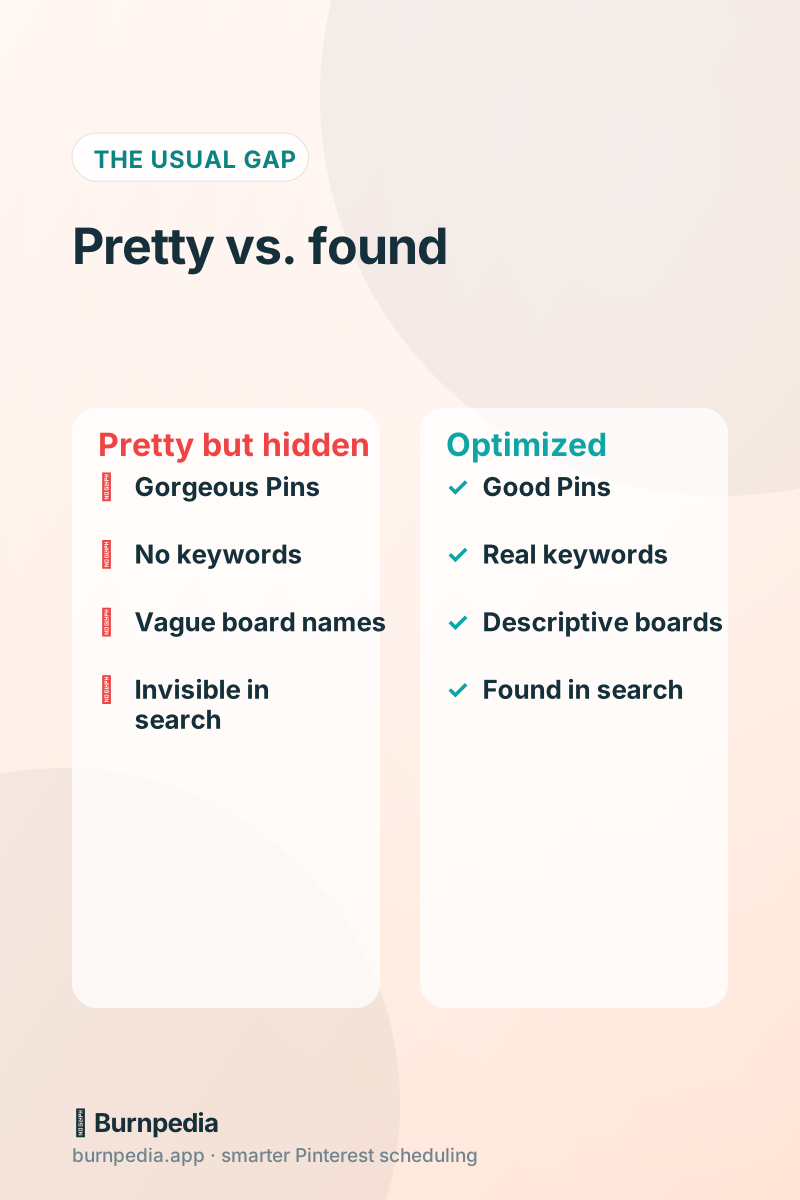
Here’s a scenario I see constantly: someone makes beautiful Pins, posts consistently, does everything they think they’re supposed to — and still gets almost no reach. They conclude Pinterest “doesn’t work” for them and start to give up. Nine times out of ten, the problem isn’t effort or quality. It’s optimization. Their gorgeous Pins are essentially invisible to Pinterest’s search engine because the account isn’t set up to be found. The fix isn’t making more Pins; it’s auditing what’s already there and plugging the gaps. That’s the beautiful thing about an SEO audit — it unlocks reach from content you’ve already made.
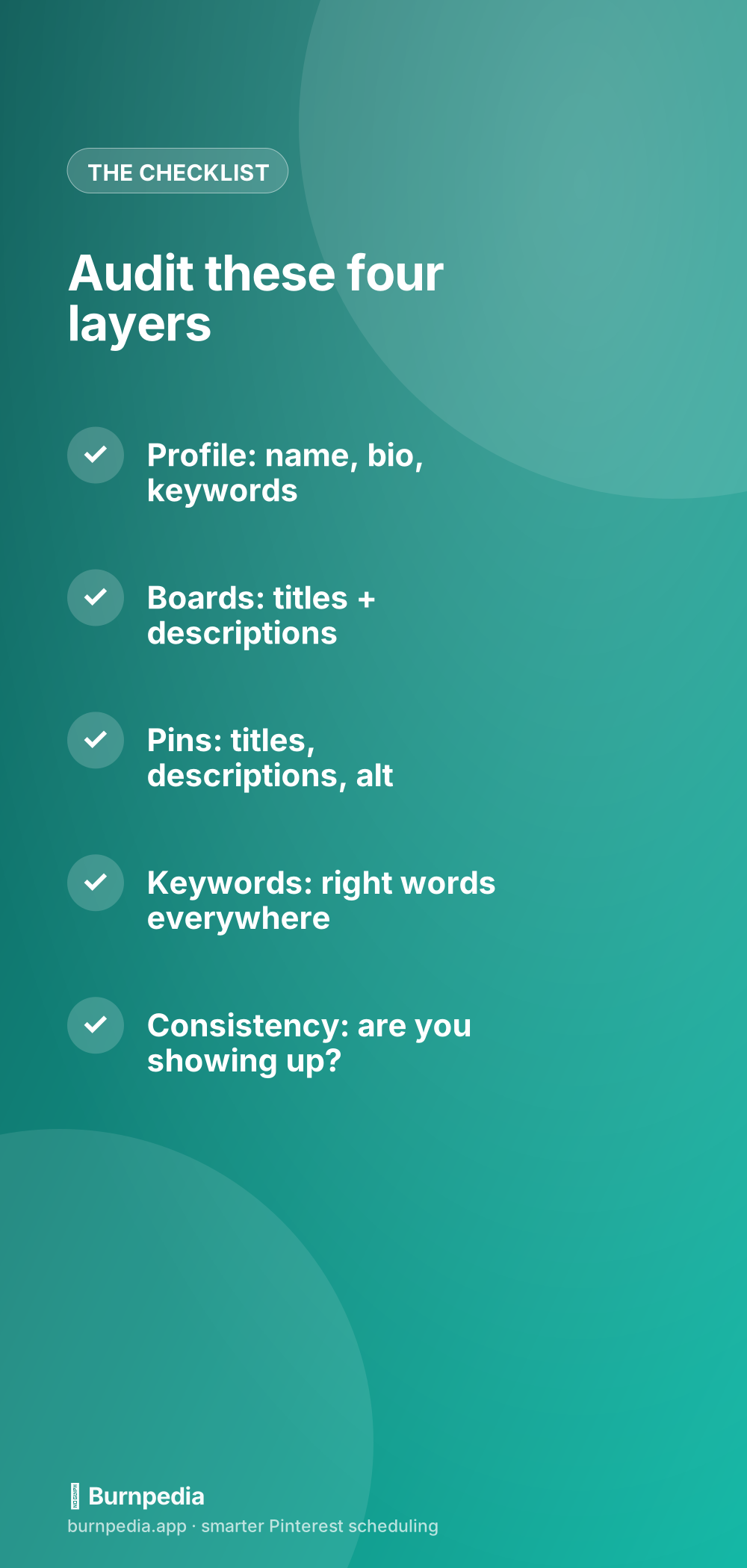
Pinterest is a search engine, which means it needs words to understand and rank your content. If those words are missing or wrong, even the most stunning Pin stays hidden. So we’re going to audit your account layer by layer — profile, boards, Pins, and keywords — like a friendly mechanic looking under the hood. Grab your account and follow along; you’ll almost certainly find a few quick wins.
Layer 1: your profile
Start at the top with your profile, because it sets the context for everything. Check three things. First, your display name: is it just your brand, or does it include a keyword? “Emma’s Kitchen | Easy Family Recipes” tells Pinterest what you’re about far better than “Emma’s Kitchen” alone. Second, your bio: does it naturally include the topics you cover and who you help? Third, are you on a business account with your website verified? Verification unlocks analytics and trust signals, and it’s free.
These profile-level tweaks are small but they color how Pinterest understands your whole account. A keyword-rich name and bio quietly tell the algorithm which searches you belong in. If you want to go deeper on the profile specifically, optimizing your Pinterest bio has the full treatment — but even a five-minute name-and-bio fix often moves the needle.
Layer 2: your boards
Boards are a hugely underrated SEO layer. Each board is like a category page, and Pinterest reads board titles and descriptions to understand what your Pins are about. Audit yours: are your board names clear and keyword-driven (“Healthy Weeknight Dinners”) or cute and cryptic (“Yum!”)? Cute board names are an SEO disaster — Pinterest can’t rank “Yum.” And do your boards have descriptions at all? Most people leave them blank, missing an easy chance to feed Pinterest more context and keywords.
Go through each board and rename the vague ones to describe exactly what’s inside, then write a sentence or two of keyword-rich description for each. While you’re there, make sure Pins are actually on relevant boards — a recipe Pin buried on a random board confuses the signal. For the full board playbook, Pinterest board strategy goes deep, but the audit version is simple: clear names, real descriptions, right Pins.
Layer 3: your Pins
Now the Pins themselves. For your recent and best-performing Pins, check the title and description. Is the title a real, searchable phrase, or something vague and clever? Pinterest weights Pin titles heavily, so “15-Minute Garlic Butter Shrimp” beats “Dinner Goals ✨.” Is the description a couple of natural sentences that include your keywords, or is it blank or stuffed with random hashtags? And are you adding alt text where you can, describing the image in plain, keyword-aware language? These fields are how Pinterest reads a Pin it can’t actually “see.”
You don’t need to rewrite every Pin you’ve ever made — focus on your best performers and everything going forward. A strong, keyword-rich title is genuinely one of the highest-leverage things on Pinterest; writing Pin titles that rank is worth a read if this is your gap. Fix your titles and descriptions, and previously-hidden Pins can start surfacing in search.
Layer 4: your keywords
This layer runs through all the others: are you actually using the right words? An audit isn’t complete until you’ve checked that the keywords woven through your profile, boards, and Pins are the terms people really search — not just the words you happen to use. It’s common to discover you’ve been optimizing for your own internal language instead of your audience’s. Maybe you say “home organization” but your audience searches “declutter tips.” Same idea, very different search volume.
So do a quick keyword pass: type your main topics into the Pinterest search bar and watch the autocomplete suggestions — those are real, popular searches handed to you for free. Note the phrases that match your content, then make sure they actually appear across your account. Finding Pinterest keywords and Pinterest SEO keywords both cover the research; the audit step is simply confirming those words are present where they matter.
Layer 5: consistency (the sneaky one)
The final thing to audit isn’t on any single Pin — it’s your pattern. Pull up your analytics and ask honestly: have you been showing up consistently, or in sporadic bursts? A perfectly optimized account that only posts once a month will still underperform, because Pinterest rewards steady, ongoing activity. Sometimes the “SEO problem” is really a consistency problem wearing a disguise. If your reach is flat despite good optimization, the fix might simply be pinning more regularly.
This is where checking your Pinterest analytics closes the loop — the numbers tell you whether your reach is trending up (optimization working) or flat (consistency lacking). An audit gets your account found; consistency keeps it found. You need both, and analytics is how you tell which one is missing.
Track your progress after the audit
An audit is only worth doing if you can tell whether it worked, so note where you’re starting before you make changes. Jot down your current impressions and outbound clicks, then watch them over the following weeks. Because Pinterest takes time to re-crawl and re-rank, don’t expect overnight change — give your fixes three or four weeks to show up. If reach starts climbing, your optimization is doing its job. If it stays flat, revisit the audit and dig into whichever layer you rushed. Measuring before and after turns the audit from a hopeful chore into a clear cause-and-effect experiment you can actually learn from.
This is also a great reminder that SEO and analytics are two halves of the same loop. The audit adjusts the inputs — your keywords, titles, boards — and your analytics reveal the outputs. Run that loop a few times and you’ll develop an instinct for what your specific audience searches and responds to, which is worth more than any generic checklist. You stop guessing and start knowing, because your own numbers are teaching you.
Turn your audit into a habit
A one-time audit is great, but the real win is making it a light quarterly habit. Every few months, spend an hour running down this checklist — profile, boards, Pins, keywords, consistency — and fix whatever’s slipped. Pinterest changes, your niche’s search terms shift, and your own content grows, so a periodic tune-up keeps everything sharp. It’s far less work than making endless new Pins, and it compounds, because each fix helps all your existing content, not just what you make next.
If your Pinterest feels stuck, resist the urge to just make more and instead look under the hood. A quick audit almost always surfaces a few gaps — a cryptic board name, a keyword-less title, a blank description — that were quietly capping your reach. Fix those, keep showing up consistently, and you unlock the audience your existing content already deserved. Same effort, far more reach. That’s the magic of optimization. — Sadie
Written by Sadie Brooks
Hey — I’m Sadie. I grew up in a small town outside Columbus, Ohio, moved to Austin for a job I quit within a year, and somewhere in between I started a scrappy little food blog to keep myself sane.
These days I help creators, bloggers, and small U.S. business owners grow on Pinterest without turning it into a second full-time job. I write the Burnpedia blog because I genuinely love this stuff, and because I wish someone had explained it to me in plain English years ago. Pour a coffee, pull up a chair.
Try Burnpedia freeWant Pinterest to run itself?
Every tip on this blog gets easier when your Pins publish on schedule. Burnpedia batches, times, and posts them for you — start free, no credit card.
Try Burnpedia free