Every Pinterest Pin Format, Explained (and When to Use Each)
Pinterest gives you a whole menu of pin formats, and each one is a different tool. Here is a plain-English tour of every format, what it is best at, and how to pick the right one for your goal.


When most people picture a Pinterest pin, they picture one thing: a tall image with a link. And that is the workhorse, but it is only one item on a whole menu. Pinterest actually gives you a handful of distinct formats, and each is a different tool built for a different job — some are pure traffic machines, some are reach and awareness plays, some are for shopping. The mistake I see constantly is people using the wrong format for their goal, then wondering why it is not working. So let me give you the full tour: every format, what it is genuinely good at, and how to pick the right one for what you are trying to accomplish.
Before we start, hold one organizing idea in your head, because it makes every choice easy: formats split roughly into link-first (built to send people to your website) and reach-first (built to get seen and saved on Pinterest itself). Neither is better — they are answers to different questions. If your goal is website traffic, you lean one way; if your goal is awareness and audience-building, you lean the other. Keep that split in mind as we go.
The standard pin: your reliable workhorse
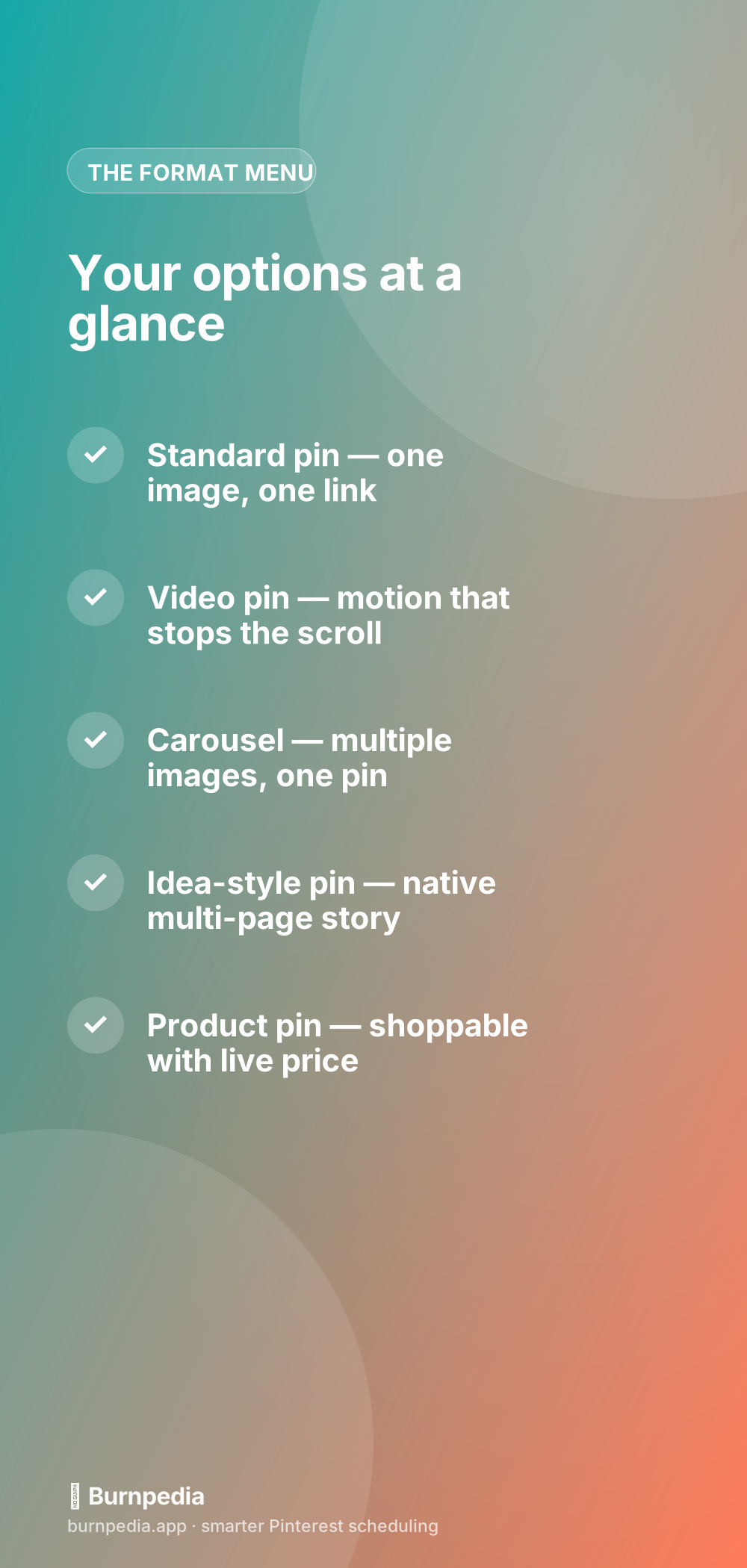
The standard pin is a single vertical image with a title, description, and — crucially — a link back to your site. This is the backbone of Pinterest marketing and it should be the majority of what you publish, because it is the best format for driving traffic. Someone taps it, and they land on your page. Simple, proven, and the format the whole platform was built around. If you are choosing where to spend your effort, spend most of it here. I put the standard pin head to head with the native story format in idea pins vs. standard pins, and for traffic, the standard pin wins nearly every time.
Video pins: motion that stops the scroll
A video pin is exactly what it sounds like — a short vertical video instead of a static image — and its superpower is stopping the scroll. Motion catches the eye in a feed full of still images, so video pins often earn outsized impressions and engagement. Even better, a video pin can carry a link, which means you get the attention-grabbing power of motion and the traffic potential of a standard pin in one package. They shine for anything that is better shown than described: a recipe coming together, a product in use, a before-and-after. I go deep on making them work in the video pins guide.
Carousels: multiple images, one pin
A carousel pin lets you put several swipeable images inside a single pin. It is great for step-by-step content, showing multiple products or angles, or telling a little visual sequence, and because carousels can carry a link, they keep your traffic goal intact. They tend to earn strong engagement because the swipe invites interaction, and they let you pack more value into one pin without cluttering a single image. The full playbook for these — when they beat a standard pin and how to structure them — is in the carousel pins guide.

How much of each format should you make?
A fair question once you know the menu: what is the right mix? There is no universal ratio, but for most bloggers and businesses whose goal is website traffic, I suggest anchoring heavily on standard pins — they should be the clear majority of your output, because they are your reliable traffic workhorse. From there, sprinkle in video and carousel pins for the ideas that genuinely benefit from motion or a swipe sequence, and treat the native story format as an occasional audience-building play rather than a daily obligation. A rough starting point is a strong majority standard pins, a healthy minority video and carousel, and a smaller slice of native story content — then let your own analytics adjust it.
That last part is the real answer: the correct mix is whatever your data tells you works for your specific audience. Some niches eat up video and reward it with huge reach; others quietly convert best on plain standard pins and barely respond to anything fancy. So do not lock in a ratio from a blog post — including this one — and never revisit it. Start with a traffic-first mix, watch which formats actually earn you saves and, more importantly, clicks, and shift your effort toward whatever is performing. The whole point of understanding the formats is to choose deliberately instead of defaulting, and the deliberate choice is always partly informed by what your particular corner of Pinterest responds to. Pick a sensible starting mix, then let evidence steer it.
Idea-style pins: reach, not traffic
Then there is the native multi-page story format — the one Pinterest has heavily promoted and repeatedly reshuffled over the years. These are engaging, full-screen, multi-page pins made to be consumed inside the app, and Pinterest tends to give them a reach boost. The catch has always been links: historically these formats have been weak or inconsistent at sending people off Pinterest to your website, which makes them a reach-and-awareness play more than a traffic play. If you have wondered why this format keeps changing and what it is even called now, I untangled the whole saga in what happened to idea pins.
The honest guidance: use these to build audience, get in front of new people, and show personality — not as your primary traffic driver. If you have the time, a mix works well, where the native story format grows your reach and standard pins convert that reach into clicks. But if you are time-strapped and traffic is the goal, do not let this format distract you from the workhorse.
Product pins and rich pins: extra context for free
Finally, there are the enhanced formats that pull live information from your site. Product pins show current pricing and availability and are built for shopping — essential if you sell things. More broadly, rich pins automatically sync metadata from your website (like an article headline or a recipe ingredient list) onto the pin, giving readers more context and you more credibility, all for free once set up. These are less a separate format than an upgrade you apply, and they are worth turning on because they make your pins more informative and trustworthy without extra design work.
How to actually choose
So here is the decision, boiled all the way down. If your goal is website traffic — which for most bloggers and businesses it is — make standard pins the majority of your output, sprinkle in video and carousel pins for the ideas that benefit from motion or sequence, and turn on rich or product pins for the context. If your goal is reach and audience growth, add the native story format to the mix and accept that it is for awareness, not clicks. Match the format to the job and every pin starts pulling its weight.
The takeaway is not that one format rules them all — it is that formats are tools, and a good craftsperson picks the tool for the job. Stop defaulting to whatever Pinterest is currently promoting, and start choosing based on whether you want a click or a save, a visit or a follow. Get that match right and you stop fighting the platform and start using each format for exactly what it is good at. That is when your whole Pinterest presence starts to feel intentional instead of scattered. — Sadie
Written by Sadie Brooks
Hey — I’m Sadie. I grew up in a small town outside Columbus, Ohio, moved to Austin for a job I quit within a year, and somewhere in between I started a scrappy little food blog to keep myself sane.
These days I help creators, bloggers, and small U.S. business owners grow on Pinterest without turning it into a second full-time job. I write the Burnpedia blog because I genuinely love this stuff, and because I wish someone had explained it to me in plain English years ago. Pour a coffee, pull up a chair.
Try Burnpedia freeWant Pinterest to run itself?
Every tip on this blog gets easier when your Pins publish on schedule. Burnpedia batches, times, and posts them for you — start free, no credit card.
Try Burnpedia free