Pinterest for Podcasters: How to Grow Your Show With Pins
Podcasts are audio; Pinterest is visual. That mismatch is exactly why most podcasters ignore Pinterest — and exactly why the ones who crack it get discovered by a whole new audience. Here’s how.

Let’s address the obvious tension first: podcasts are audio, and Pinterest is aggressively visual. On the surface, they seem like a terrible match — how do you pin a sound? That mismatch is exactly why most podcasters completely ignore Pinterest, and it’s exactly why the handful who figure it out get a wonderful, unfair advantage. Because Pinterest can send you listeners who would never have found your show scrolling through a podcast app. They weren’t looking for a podcast at all — they were looking for the answer to a problem, and your episode turned out to be it.
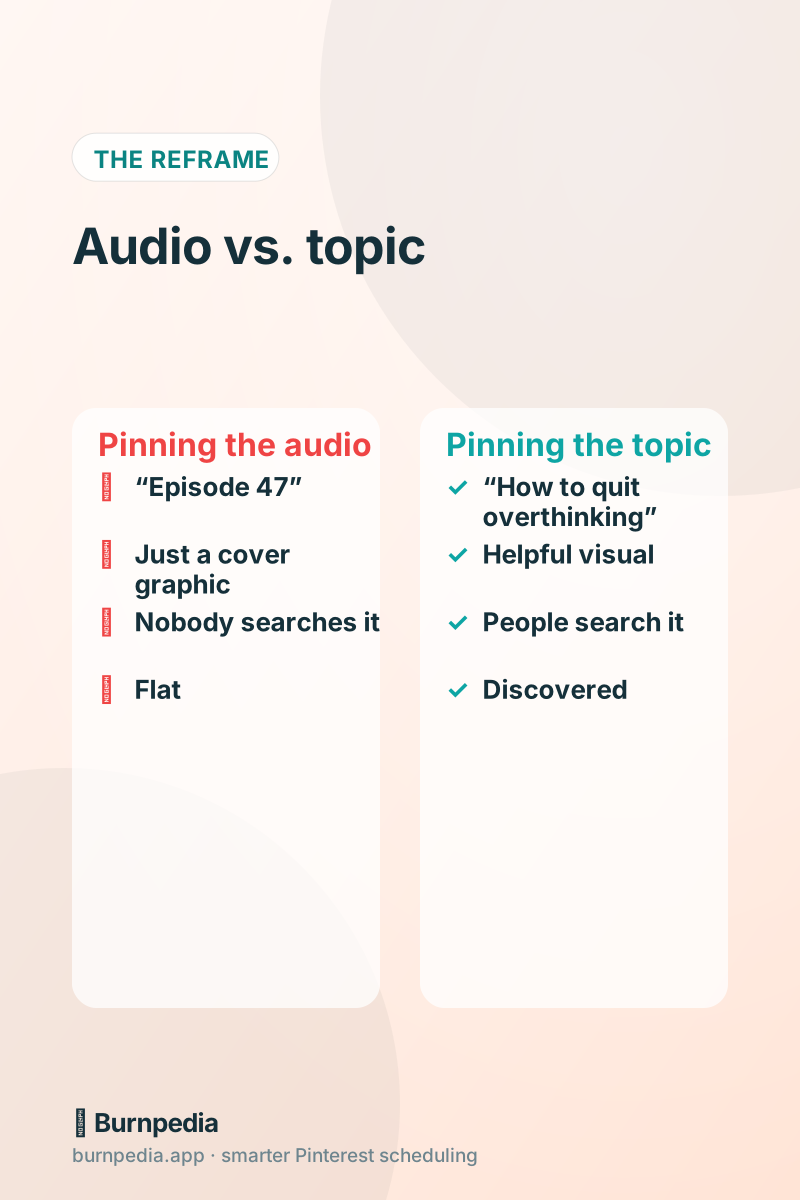
The key insight that unlocks everything: on Pinterest, you don’t promote your podcast — you promote the topics your podcast covers. Nobody is searching for “Episode 47.” But plenty of people are searching for “how to stop overthinking,” “small business marketing tips,” or “true crime stories,” and if your episode is about that, Pinterest can put you in front of them. Let me show you how to turn your audio into visual content that gets found.
Step one: give every episode a visual home
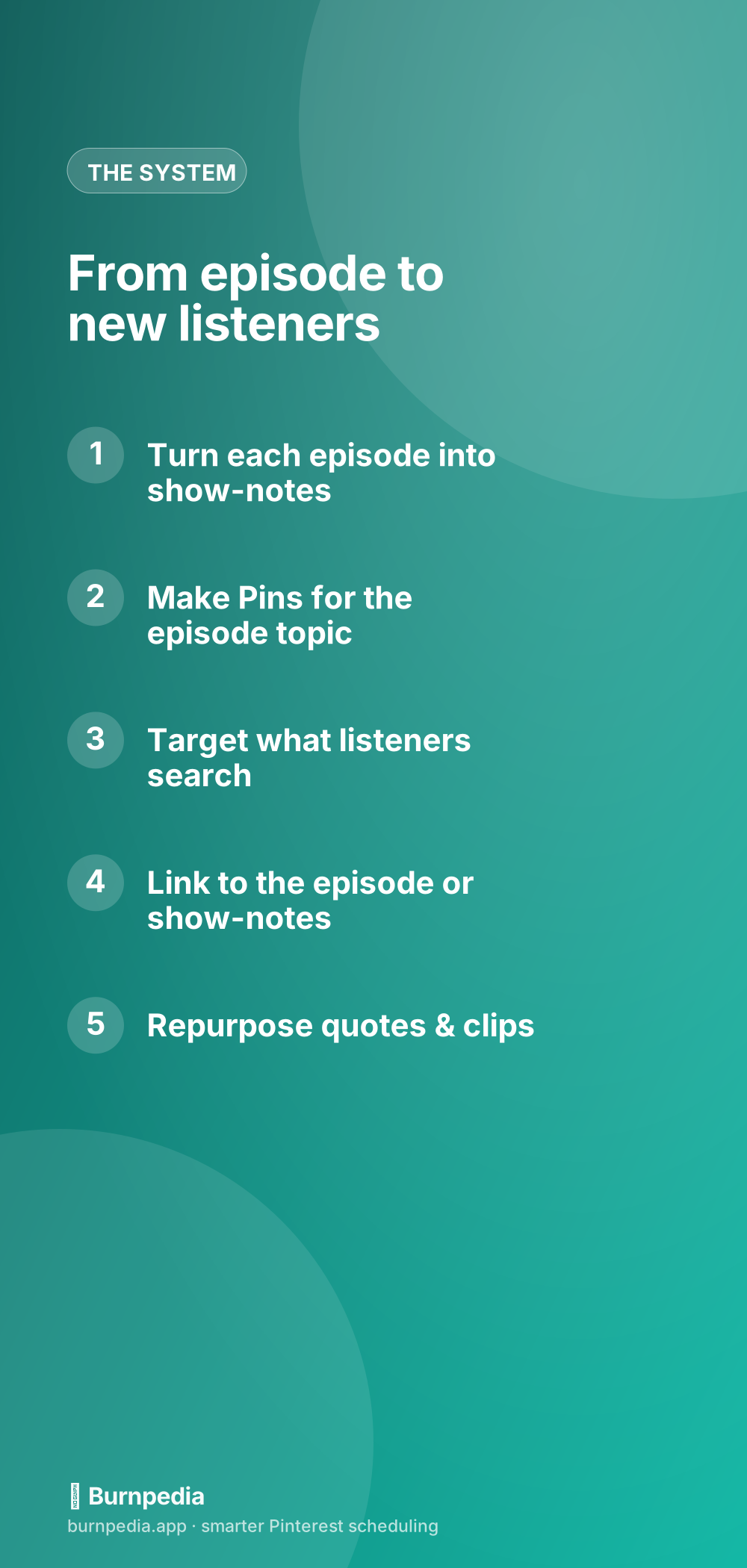
You can’t pin audio directly in a way that grows you, so every episode needs a visual, text-based home — ideally a show-notes page or blog post on your own website. This page holds the episode player, a summary, key takeaways, maybe a transcript, and links. This does two huge things: it gives you something real to link your Pins to, and it drives people to your own site instead of straight to a podcast app, so you own the relationship. If you don’t have a website yet, this is your sign to build a simple one.
Those show-notes pages are pure gold for Pinterest, because now each episode is a searchable, linkable piece of content — basically a blog post. Everything I say about Pinterest for bloggers now applies to you, podcaster: you’re a blogger who also happens to have a great audio version. That reframe changes the whole game.
Step two: pin the topic, not the episode
Here’s where podcasters usually go wrong: they make one Pin per episode, slap on their cover art and “Episode 47,” and wonder why nothing happens. Instead, make Pins about the topic, designed like helpful content. If your episode is about beating burnout, make a Pin titled “5 signs you’re heading for burnout” with a clean, readable design — the kind of Pin someone searching “burnout” would actually click and save. The podcast is how you deliver the value; the Pin is about the value itself.
This means designing real Pins, not just reformatting your cover art. Use bold text overlays with the episode’s core hook, a benefit-driven title, and a vertical, clickable design. You can absolutely include a subtle “Podcast” badge or your show’s branding, but the star of the Pin is the topic and the promise, because that’s what gets searched, clicked, and saved.
Step three: think like a searcher
Pinterest is a search engine, so your Pins need the words people type. For each episode, brainstorm what someone would search to stumble onto your topic. An episode on productivity might target “morning routine ideas,” “how to focus,” “time-blocking tips.” Put those phrases in your Pin titles, descriptions, and even your board names. You’re building bridges between what people search and the episode that answers it — and the more specific and helpful the phrase, the warmer the listener who arrives.
Organize boards around your podcast’s recurring themes, too. A parenting podcast might have boards for “Toddler Tips,” “Working Parent Life,” and “Family Routines.” Each board becomes a topic hub that collects your relevant episodes, giving Pinterest clear context and giving new listeners a whole vein of your content to fall into once they find one Pin they like.
Step four: squeeze many Pins from one episode
A single podcast episode is a goldmine of content — usually 30 to 60 minutes of ideas, quotes, and stories. Don’t let it become one Pin. Pull out several angles: a big-idea Pin, a memorable-quote Pin, a “3 takeaways” list Pin, a question your episode answers. Each becomes a fresh Pin targeting a slightly different search and mood. One episode can easily fuel five or ten Pins, which is exactly the volume and freshness Pinterest rewards.
This is repurposing at its finest, and podcasters have more raw material than almost anyone. If you want the full system for squeezing maximum Pins out of one piece of content, repurposing content for Pinterest lays it out. The mindset shift is treating each episode not as one thing to promote once, but as a well of visual content to draw from for weeks.
Step five: convert browsers into loyal listeners
Getting the click is only half the battle; turning a curious Pinterest visitor into a subscribed listener is the other half. On your show-notes page, make it dead simple to listen right there and to subscribe — clear play button, obvious “follow on your favorite app” links, and ideally an invitation to join your email list so you can reach them again. Pinterest is brilliant at the top of the funnel; your job is to catch those visitors and give them an easy next step deeper into your world.
An email list is especially powerful for podcasters, because a new episode is a perfect reason to email people and pull them back. Pinterest fills the top of the funnel; email keeps them coming back. If growing a list sounds useful, growing your newsletter with Pinterest pairs perfectly with this — it’s the same visitor, just captured instead of lost.
Be patient — podcast growth on Pinterest is a slow burn
A quick reality check so you don’t give up too early: Pinterest is a slow, compounding platform, not an overnight one. A Pin you publish today might not hit its stride for weeks, and the listeners it brings often arrive as a steady trickle rather than a flood. That’s actually good news for podcasters, because it means your Pins keep working long after you’ve moved on to the next episode. But it does require patience. Judge Pinterest over months, not days, and resist the urge to conclude “it’s not working” after two weeks. The creators who win here are simply the ones who kept showing up while everyone else quit early.
Consistency without the extra workload
The honest challenge is time. You’re already recording, editing, and publishing episodes — adding “make and schedule a pile of Pins” can feel like too much. The fix is to fold it into your existing episode workflow and batch it. When you publish an episode, create your handful of Pins for it in one sitting, then schedule them to roll out over the following weeks. That way each episode keeps working on Pinterest long after it drops, without you touching it again.
Podcasting is a crowded space, and discovery inside the podcast apps is genuinely hard. Pinterest is a side door — a way to reach people who’d never scroll past your show otherwise, by meeting them at the exact topic they’re searching for. Turn your episodes into visual, searchable content, pin the topic instead of the episode number, and give new visitors an easy path to hit follow. Do that, and Pinterest becomes a quiet, steady engine bringing fresh ears to your show. — Sadie
Written by Sadie Brooks
Hey — I’m Sadie. I grew up in a small town outside Columbus, Ohio, moved to Austin for a job I quit within a year, and somewhere in between I started a scrappy little food blog to keep myself sane.
These days I help creators, bloggers, and small U.S. business owners grow on Pinterest without turning it into a second full-time job. I write the Burnpedia blog because I genuinely love this stuff, and because I wish someone had explained it to me in plain English years ago. Pour a coffee, pull up a chair.
Try Burnpedia freeWant Pinterest to run itself?
Every tip on this blog gets easier when your Pins publish on schedule. Burnpedia batches, times, and posts them for you — start free, no credit card.
Try Burnpedia free