Pinterest Marketing for Beginners: The Complete Starter Guide
Everything a total beginner needs to start winning on Pinterest, in one place — how the platform really works, how to set up right, what to pin, and the simple weekly routine that makes it grow.


If you are completely new to Pinterest marketing and every guide you have found assumes you already know what a “fresh pin” or a “rich pin” is, this one is for you. I am going to start from zero and walk you through everything a beginner actually needs: how Pinterest really works (it is not what most people think), how to set your account up the right way, what to actually pin, and the simple weekly routine that turns all of it into steady growth. No jargon dumps, no overwhelm — just the path I wish someone had handed me when I was staring at a blank Pinterest account with no idea what I was doing.
Here is the one idea that unlocks everything, so let it really sink in: Pinterest is not social media. It looks like a social feed, but it behaves like a search engine — closer to Google than to Instagram. People come to Pinterest to search for ideas and plan things they want to do or buy, and the pins that win are the ones that answer those searches. Once you stop thinking “post and get likes” and start thinking “publish content people will find when they search,” Pinterest suddenly makes sense. Everything else in this guide flows from that single reframe.
How Pinterest actually works
Because Pinterest is a search-and-discovery engine, it constantly tries to match pins to what people are looking for and to what it thinks they will like. It reads your pins to understand what they are about, watches how people respond to them, and shows the good ones to more people over time. Unlike a social post that dies in two days, a pin can keep getting discovered for months or years, which is what makes Pinterest such a powerful long-term traffic source. If you want the friendly deep-dive on the machinery, how the Pinterest algorithm works explains it without the jargon — but the beginner version is just: be clearly about something, and make pins people engage with.
Setting up your account the right way
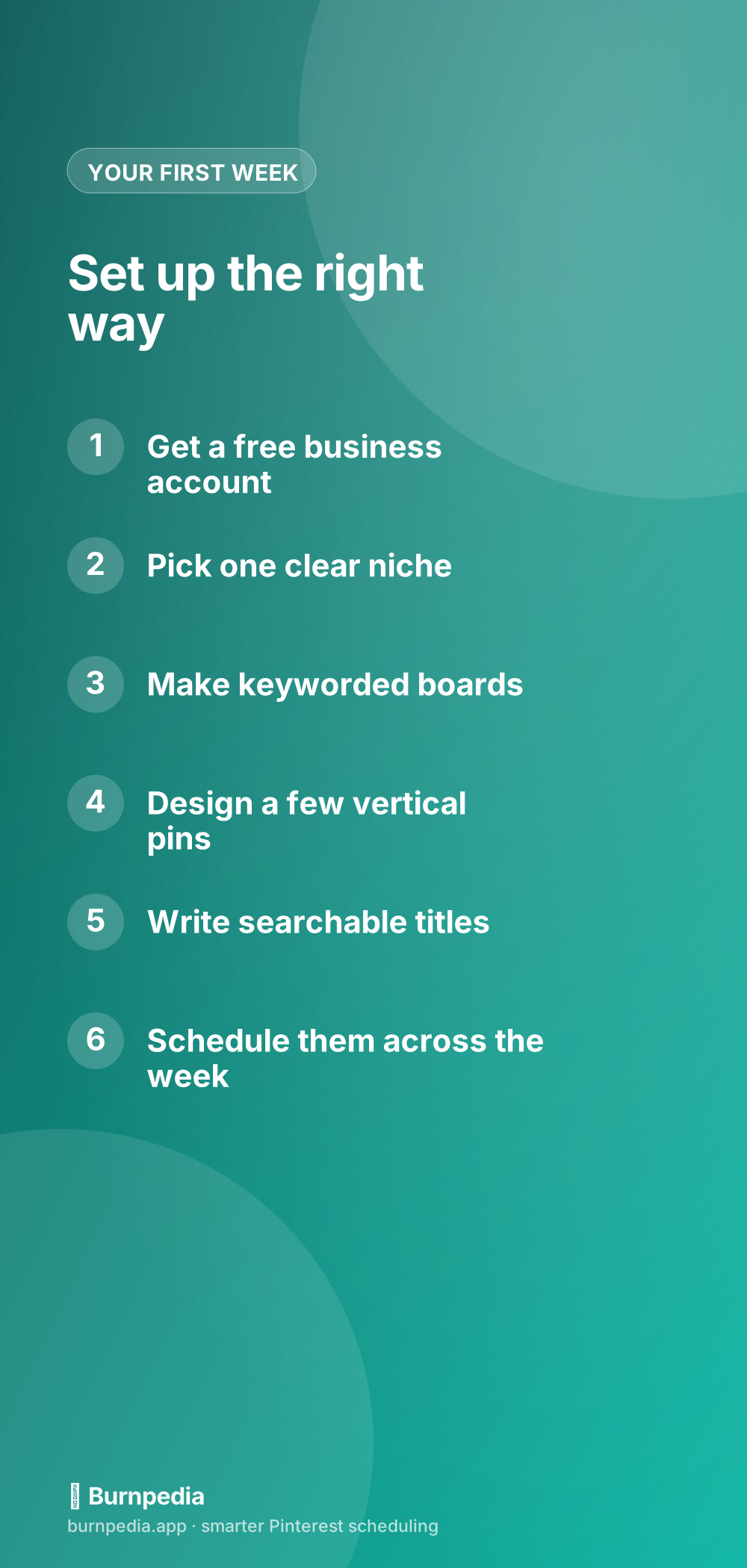
Start with a free Pinterest business account — not a personal one — because it unlocks analytics and other tools you will want, and it is free. Then make the most important early decision: pick one clear niche. Beginners love to pin about everything, but a focused account grows far faster because Pinterest can understand and confidently distribute it. Choose the lane you actually want to be known for and commit to it. From there, set up a handful of boards named with real keywords — not cute names like “Yummy Things” but searchable ones like “Easy Weeknight Dinners” — because your boards are categories Pinterest reads.
- Create a free Pinterest business account for the analytics
- Fill out your profile and bio with what you help people with
- Pick one clear niche and resist the urge to pin everything
- Make 5–10 boards with keyword-rich, searchable names
- Confirm your website so you can link pins back to it
If your goal is to grow a business or blog specifically, the companion piece how to use Pinterest for business layers the business-focused setup on top of these basics. But even for a personal project, this foundation is the same: business account, one niche, keyworded boards, linked website.
What to actually pin
Now the fun part — creating pins. The winning format is a tall, vertical image (a 2:3 ratio is the sweet spot) that is bold, readable at thumbnail size, and clearly about one thing. Add a short text overlay so someone scrolling instantly knows what they will get. Then give it a plain, searchable title with your keyword in it — this is where beginners most often go wrong, writing clever, vague titles that rank for nothing. “Dreamy Cozy Vibes” helps no one; “15-minute cozy fall soup recipe” gets found. The whole keyword approach that makes your pins discoverable is in the Pinterest SEO keywords guide, and it is the highest-leverage skill a beginner can learn.

Your very first pin, from blank to published
Let me make this concrete so you can act today instead of just nodding along. Here is your literal first pin, start to finish. Pick one thing you already have — a blog post, a product, a free download, anything with a link. Open the Pinterest search bar and type your topic to see what people actually search, and grab one plain phrase from the suggestions. Make a tall vertical image (a free design tool with a 2:3 template is perfect), put a short, benefit-driven text overlay on it, and keep it bold and readable. Give the pin a plain title with your keyword in it, write a natural one-or-two-sentence description that includes the phrase, choose the right keyworded board, add your link, and schedule it to publish. That is it — you just did the entire Pinterest process in miniature. Now do it four more times this week, and you have officially started. Everything else in this guide is just repeating and refining those same steps.
The simple weekly routine that grows it
Here is where beginners either win or quietly give up. Pinterest rewards consistency above almost everything — a steady drip of fresh pins beats a huge burst followed by silence. So the routine is simple: once a week, block an hour, make a small batch of fresh pins for content you already have, write each a searchable title, and schedule them to publish across the coming week rather than all at once. That is the entire engine. Batching and scheduling is exactly what I teach in how to schedule pins the smart way, because doing it by hand every day is what burns beginners out and makes them quit.
Set your expectations (this is the make-or-break part)
I have to be honest with you about timing, because it is the number-one reason beginners fail: Pinterest is slow to start. Your first month will feel like nothing is happening, and that is completely normal — new accounts take time to earn trust and distribution. The people who succeed are simply the ones who keep publishing through the quiet early weeks until the compounding kicks in. I laid out the realistic month-by-month arc in how long Pinterest takes to work, and I beg you to read it before you judge your results, because knowing the timeline is what keeps you from quitting right before it works.
A couple more beginner pointers to round you out. Learn to glance at your analytics after the first month or two so you can make more of what works — the metrics that matter shows you which numbers to actually care about. Do not worry about fancy formats yet; if you are curious what all the pin types are, idea pins vs. standard pins explains the main choice, but a beginner should just focus on solid standard pins first. And steer around the classic rookie errors catalogued in the mistakes to avoid — mostly they come down to vague titles, no niche, and inconsistency, all of which you now know to skip.
So that is the complete beginner path, start to finish. Understand that Pinterest is a search engine, set up a business account in one clear niche with keyworded boards, make tall and bold pins with searchable titles, and run a simple weekly batch-and-schedule routine — then give it a real three-to-six-month runway before you judge it. That is genuinely all it takes to start winning, and it is far simpler than the overwhelming firehose of tips out there makes it seem. Pick your niche this week, make your first five pins, schedule them out, and come back to the deeper guides as you go. You are not behind, and you do not need to be an expert to begin. You just need to start — and then keep showing up. — Sadie
Written by Sadie Brooks
Hey — I’m Sadie. I grew up in a small town outside Columbus, Ohio, moved to Austin for a job I quit within a year, and somewhere in between I started a scrappy little food blog to keep myself sane.
These days I help creators, bloggers, and small U.S. business owners grow on Pinterest without turning it into a second full-time job. I write the Burnpedia blog because I genuinely love this stuff, and because I wish someone had explained it to me in plain English years ago. Pour a coffee, pull up a chair.
Try Burnpedia freeWant Pinterest to run itself?
Every tip on this blog gets easier when your Pins publish on schedule. Burnpedia batches, times, and posts them for you — start free, no credit card.
Try Burnpedia free