Do Pinterest Hashtags Work in 2026? (An Honest Answer)
Hashtags built Instagram, so people assume they matter on Pinterest too. The honest answer is more nuanced — and knowing it will save you time you’re probably wasting.

This is one of the most common questions I get, and I understand exactly why. Most of us learned social media on Instagram, where hashtags were basically the whole discovery system — stack thirty of them and pray. So it’s natural to arrive on Pinterest, see a caption field, and start reflexively adding #cozy #fall #decor #homedecor #inspo. But Pinterest is a fundamentally different animal, and pouring your energy into hashtags is mostly a misplaced habit. Let me give you the honest, non-hand-wavy answer.
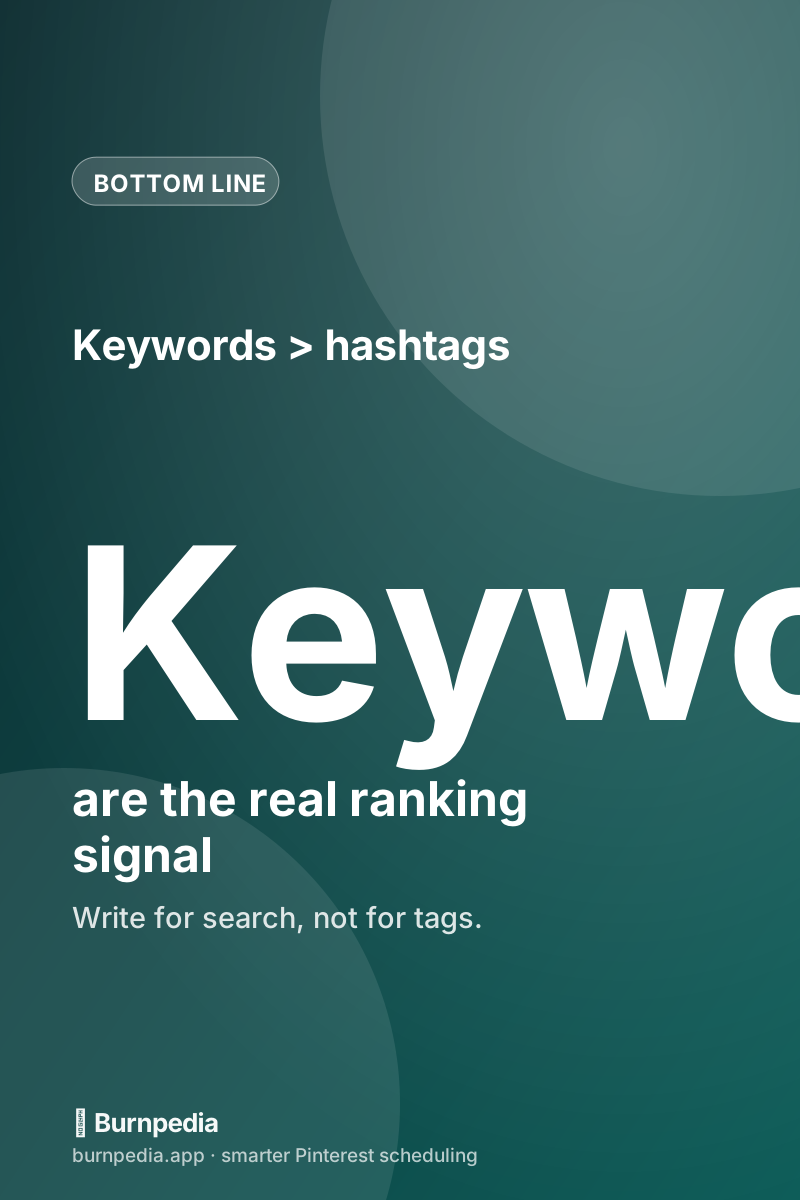
The short version: Pinterest is a search engine, and it ranks pins primarily on keywords, not hashtags. Hashtags do very little heavy lifting here. They’re not going to hurt you in small doses, but they’re nowhere near as important as the words you write naturally in your titles, descriptions, and board names. If you’ve been treating hashtags as your discovery strategy, you’ve been focusing on the wrong lever.
Why hashtags matter so much less here
On a social feed, content is organized largely by tags and recency — hashtags are a primary way people find posts. Pinterest works like Google instead: people type what they want into a search bar, and Pinterest matches those words to the text on your pins. That means the important signal isn’t a pound sign followed by a word; it’s whether the actual language of your pin matches what someone searched. A pin titled “easy weeknight dinners” will get found for that search whether or not you tacked on #dinner. The keyword did the work.
This is the same reason keywords are the beating heart of Pinterest strategy. If you want the full picture of how discovery really works here, the Pinterest SEO keywords guide lays it out — and it barely mentions hashtags, because they barely matter.
So should you use any hashtags at all?
A light touch is fine. If a couple of natural, relevant hashtags feel right at the end of a description, they won’t hurt, and occasionally a niche one might catch a browse. But there are two rules. First, keep it minimal — two or three at most, not a wall of thirty. A pile of hashtags looks cluttered and screams “I learned this on another platform.” Second, never let hashtags crowd out real keyword-rich sentences. Your description’s job is to read like a helpful human explaining the pin, packed naturally with searchable words. If hashtags are eating that space, they’re actively costing you.
Where your effort actually pays off
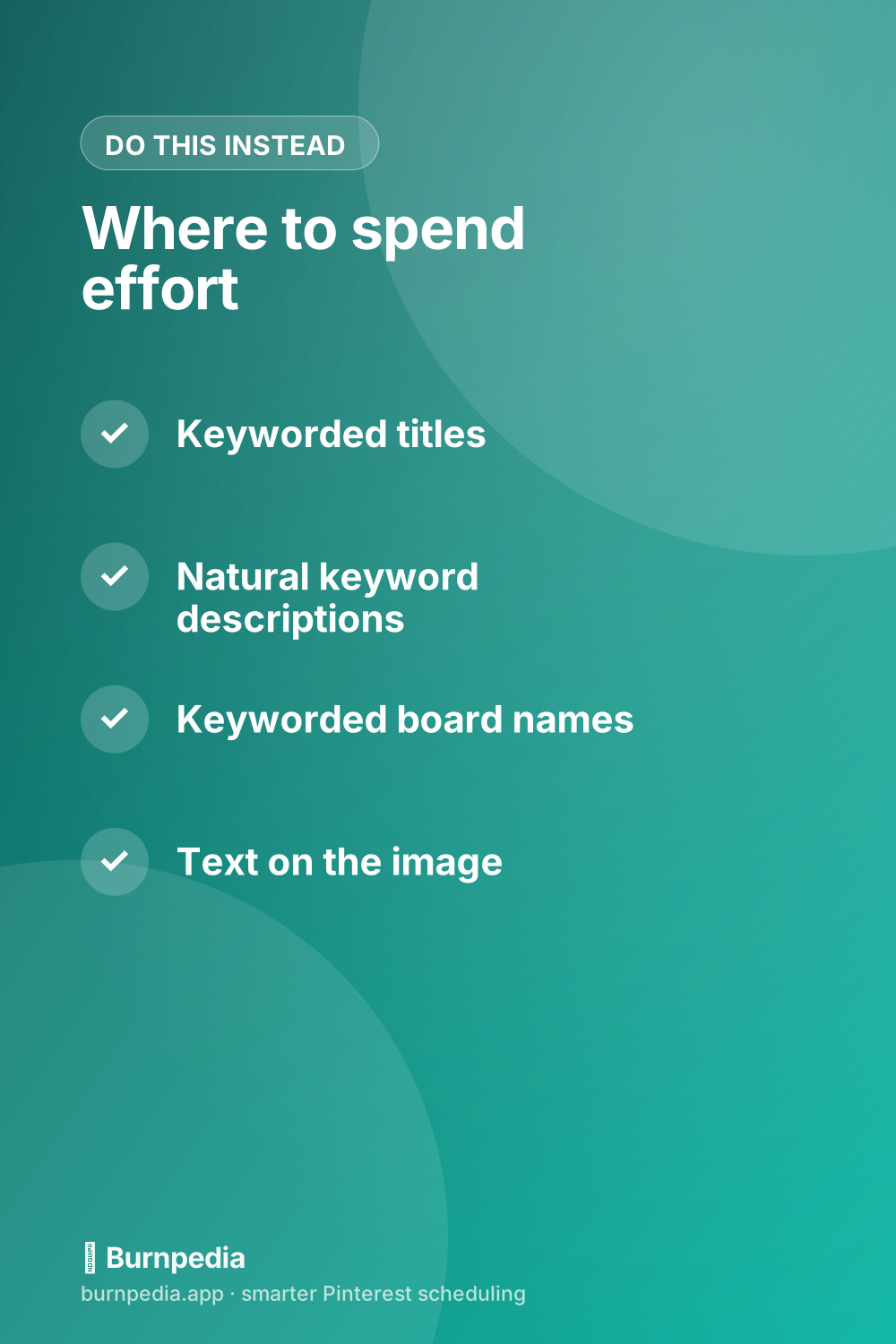
Instead of curating hashtag lists, put that same energy into the four places Pinterest genuinely reads. Your pin title, front-loaded with your most important keyword. Your description, written as natural, keyword-rich sentences that describe the pin and tempt the click. Your board name and description, keyworded so the whole board reinforces the topic. And the text baked onto the image itself, which Pinterest can read and which humans scan first. Nail those four and you’ve done real SEO — the kind that keeps working for months.
If writing those keyword-rich descriptions feels like a chore, you’re not alone, and there are shortcuts. The description examples guide gives you fill-in-the-blank templates, and the keyword-finding guide shows you how to gather the exact words to drop into them. That’s where a spare fifteen minutes actually moves your numbers — not on hashtags.
The one time tags-ish thinking helps
There’s a nuance worth knowing. When you create a pin, Pinterest sometimes lets you add “tags” or interests during the upload flow, and it uses everything it can — image content, your text, related pins — to understand and categorize your pin. So thinking in terms of “what is this pin about, in the words people use?” is genuinely useful. Just channel that instinct into descriptive keywords rather than a string of hashtags. The goal is the same (help Pinterest understand your pin); the effective method is plain, searchable language.
A quick before-and-after
Picture a pin for a cozy soup recipe. The hashtag-brain version has a thin description — “Yum! 🍲” — followed by #soup #cozy #fall #recipe #dinner #comfortfood #foodie #homemade. The keyword-brain version has no hashtags and a description like: “A cozy 30-minute creamy tomato soup — the easy weeknight comfort-food dinner your family will ask for all fall. Simple ingredients, one pot, ready fast.” Read them back to back and it’s obvious which one Pinterest can match to real searches and which one a hungry human would rather click. The words did everything; the hashtags did nothing.
The follow-up questions everyone asks
Whenever I explain this, a few honest questions come right back, so let me answer them plainly. “Should I just turn my keywords into hashtags?” No — a keyword works best as a natural word inside a real sentence, not chopped into a #hashtag. Pinterest reads the sentence beautifully; the hashtag adds nothing and looks cluttered. “Do niche hashtags ever help?” Occasionally a very specific one might catch a browse, but it’s a rounding error next to good keywords, so don’t build a strategy on it. “What about a branded hashtag for a contest or campaign?” That’s a legitimate niche use — a unique tag you ask people to use so you can find entries — but that’s tracking, not discovery, and it’s the exception, not the rule.
The deeper reason all of this matters is opportunity cost. Every minute you spend curating hashtag lists is a minute you didn’t spend finding better keywords, writing a stronger description, or making another fresh pin — all of which actually move your numbers. Hashtags feel productive because they’re a familiar habit from other platforms, but on Pinterest they’re mostly busywork dressed up as strategy. Redirect that energy and you’ll feel the difference within a few weeks.
So here’s a simple rule of thumb to carry with you: write for a smart human searching, and let the keywords fall naturally into place. If you ever catch yourself adding a fifth or sixth hashtag, stop and ask whether a keyword-rich sentence would serve you better. It almost always will — that’s where the lasting, searchable discovery lives, and it’s exactly what a wall of tags can never buy you.
- Skip the reflex to add 20 hashtags — it’s an Instagram habit that does nothing here.
- Front-load your main keyword in the pin title, where Pinterest weighs it most.
- Write the description as natural, keyword-rich sentences a helpful human would say.
- Give boards keyworded names and descriptions so the whole board reinforces the topic.
- Bake readable, keyworded text onto the image itself — Pinterest reads it and people scan it.
If you take just one thing from all of this, let it be the mental swap from “tag brain” to “search brain.” Every time you’re about to reach for a hashtag, pause and ask, “what would a real person type into Pinterest to find this pin?” Then put that phrase in your title and description as plain, natural language. That single reframe quietly fixes the most common Pinterest copywriting mistake and points your effort at the words that actually get you found. Old platform habit, meet the search engine you’re actually on.
So, do Pinterest hashtags work? Barely — and definitely not enough to be your strategy. Pinterest is a search engine, and it runs on keywords. A handful of natural hashtags won’t hurt, but the real wins live in your titles, descriptions, board names, and on-image text. Move your energy there, and you’ll get the lasting, searchable discovery that a stack of hashtags was never going to give you. Old habit, meet better plan. — Sadie
Written by Sadie Brooks
Hey — I’m Sadie. I grew up in a small town outside Columbus, Ohio, moved to Austin for a job I quit within a year, and somewhere in between I started a scrappy little food blog to keep myself sane.
These days I help creators, bloggers, and small U.S. business owners grow on Pinterest without turning it into a second full-time job. I write the Burnpedia blog because I genuinely love this stuff, and because I wish someone had explained it to me in plain English years ago. Pour a coffee, pull up a chair.
Try Burnpedia freeWant Pinterest to run itself?
Every tip on this blog gets easier when your Pins publish on schedule. Burnpedia batches, times, and posts them for you — start free, no credit card.
Try Burnpedia free